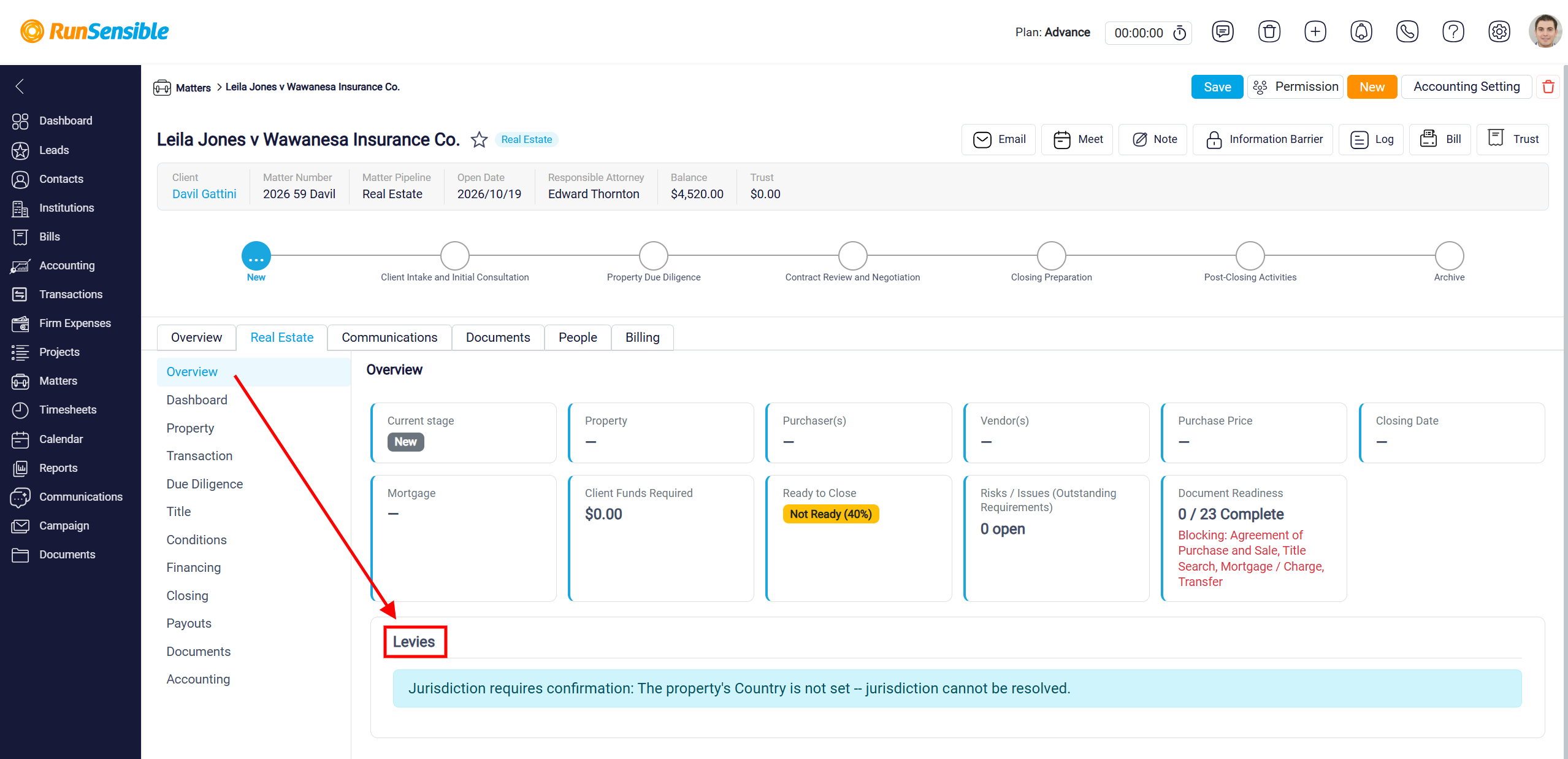
Managing Real Estate Matter Tabs
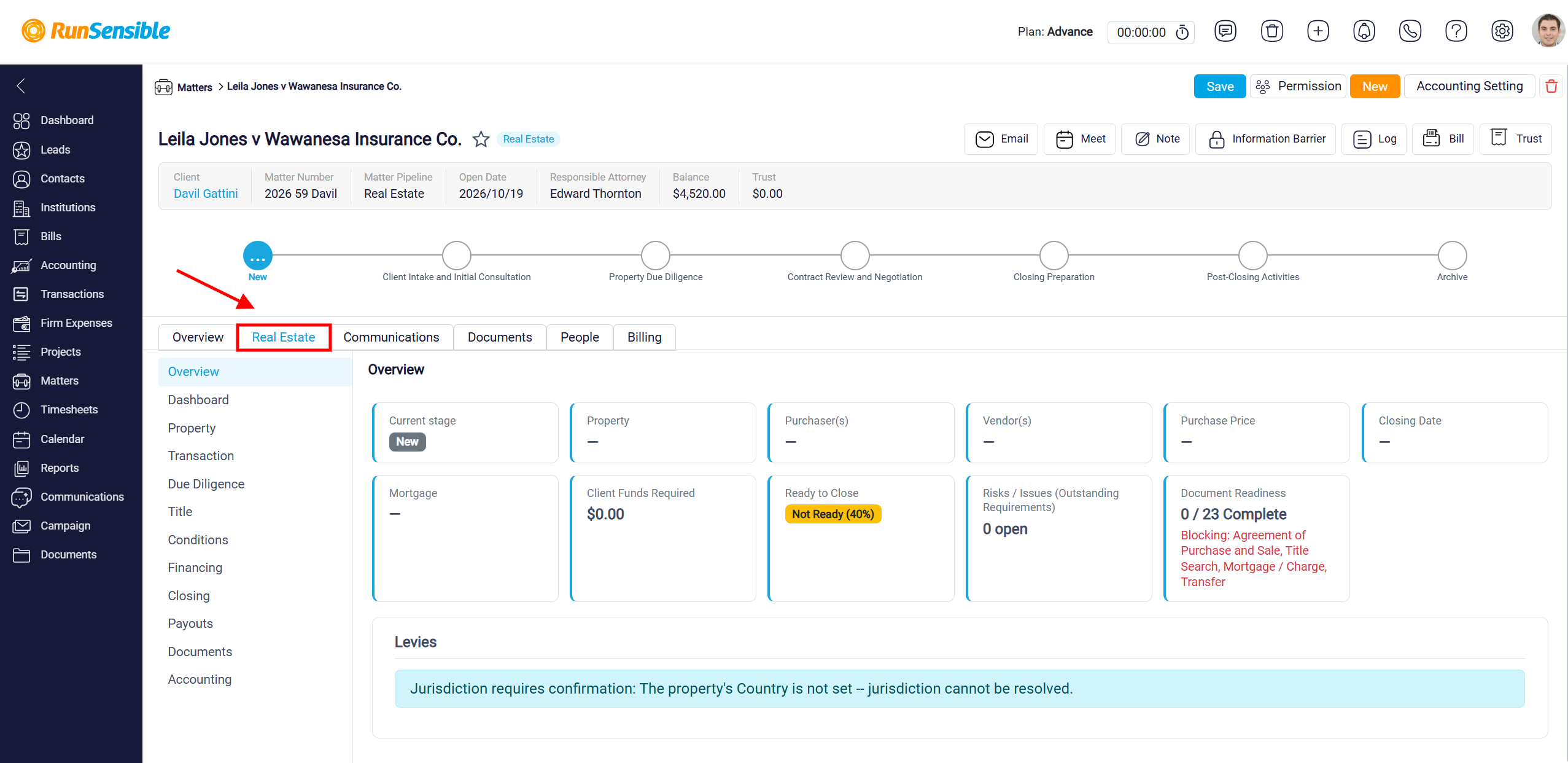
In the matter, click the Real Estate tab.
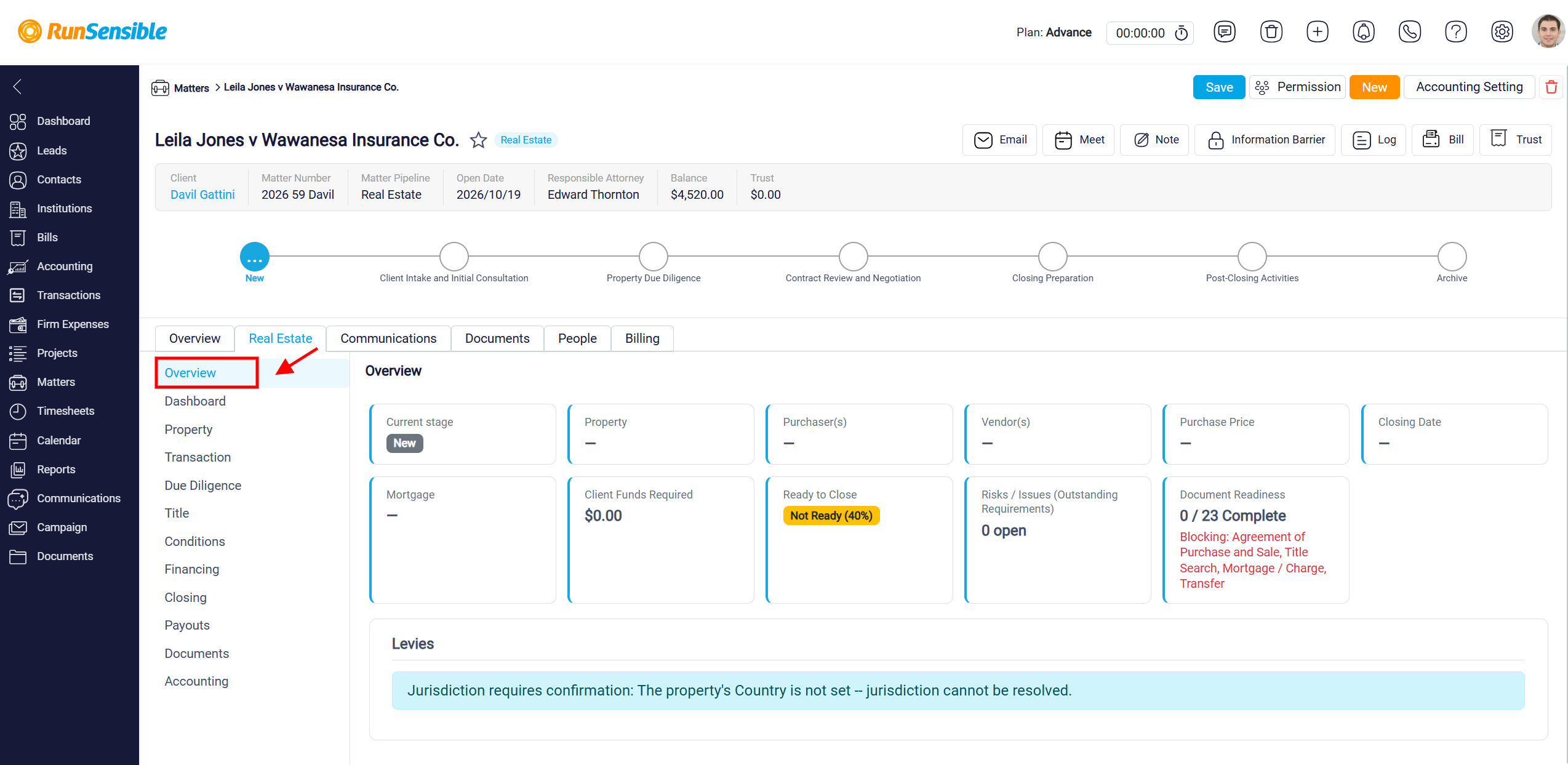
Click Overview under the Real Estate tab to access a summary of your real estate matter. This section provides key information, including the current matter stage, property details, purchasers and vendors, purchase price, closing date, mortgage information, and required client funds.
The Levies section displays applicable transaction levy information based on the property’s jurisdiction. Before a property is added, it shows a message that the property’s Country is not set.