
Integrated Web Intake Form for Lead Collection
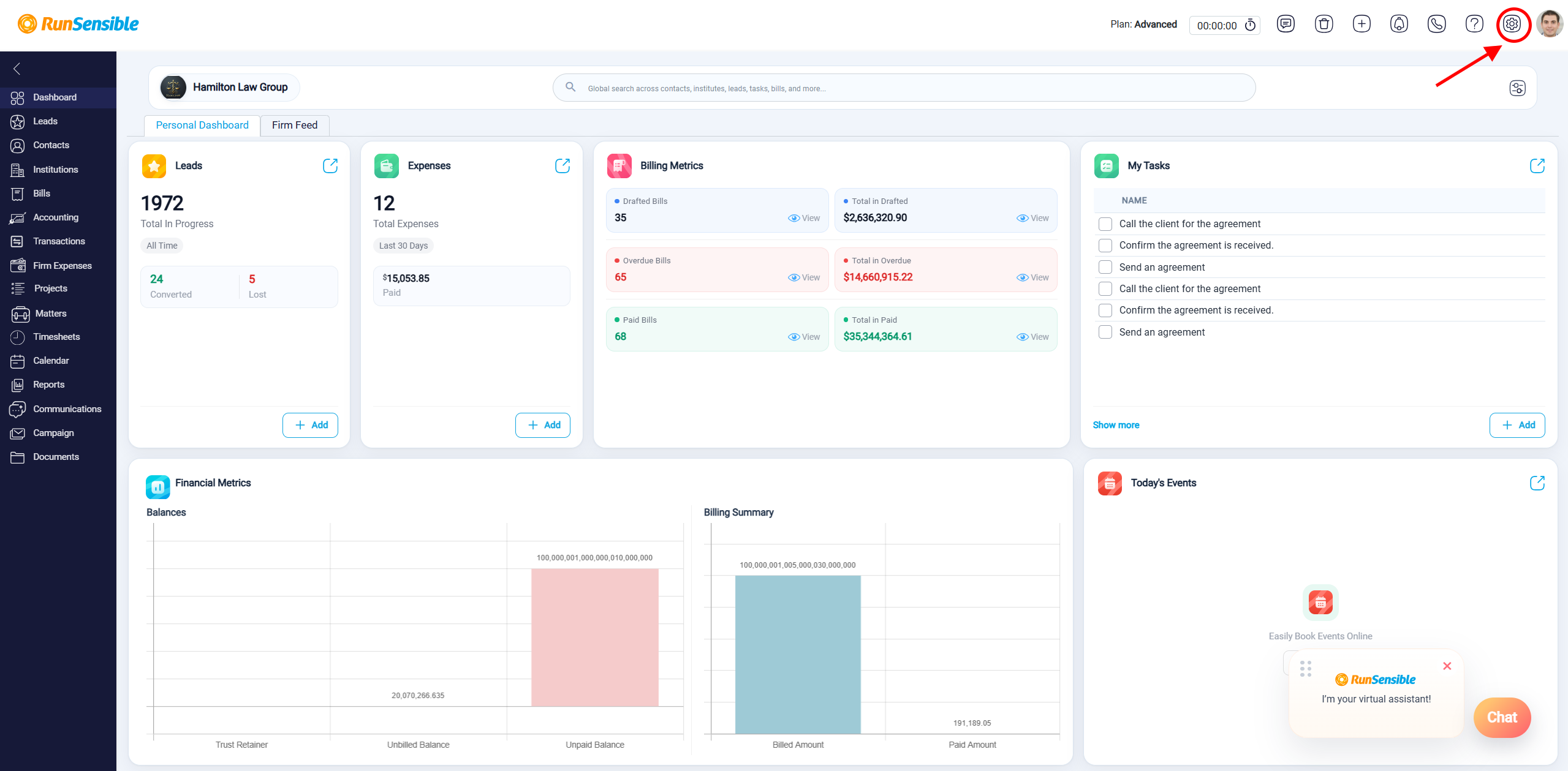
When you embed your website’s intake form into RunSensible, every time a client completes the form, a new lead is automatically created within your RunSensible account. This seamless integration ensures that no potential client inquiry is missed. To do this, first navigate to Settings.
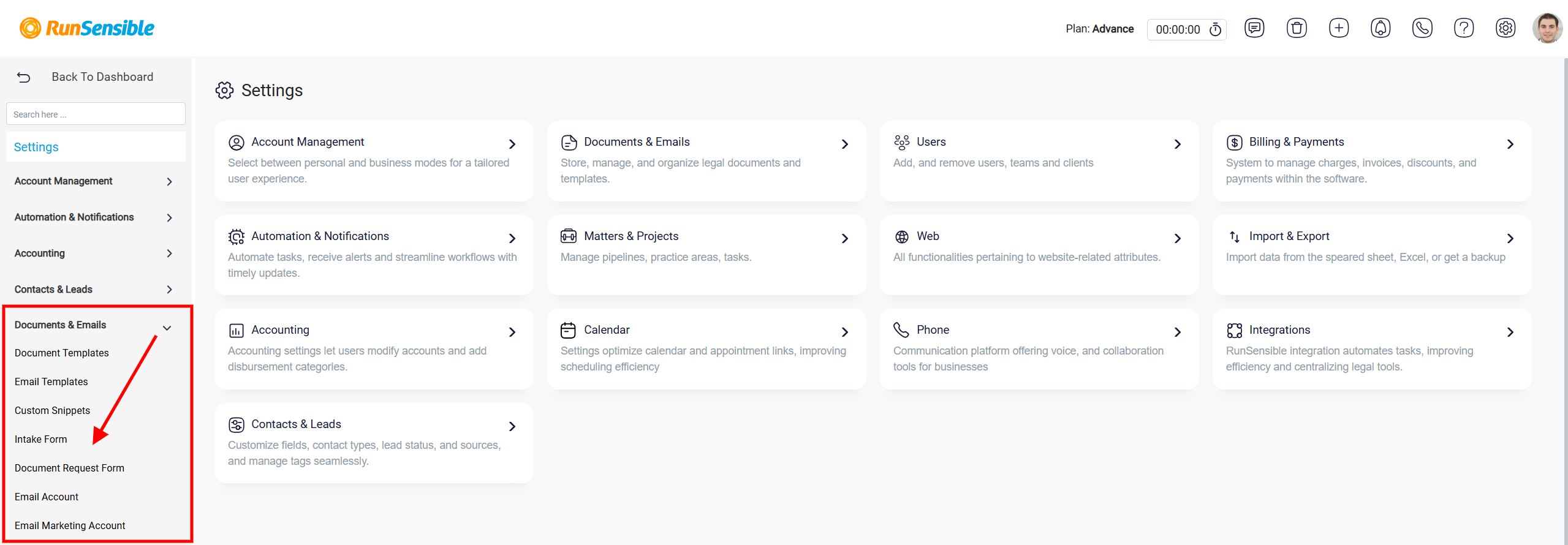
Next, locate Documents & Emails, then select Intake Form.
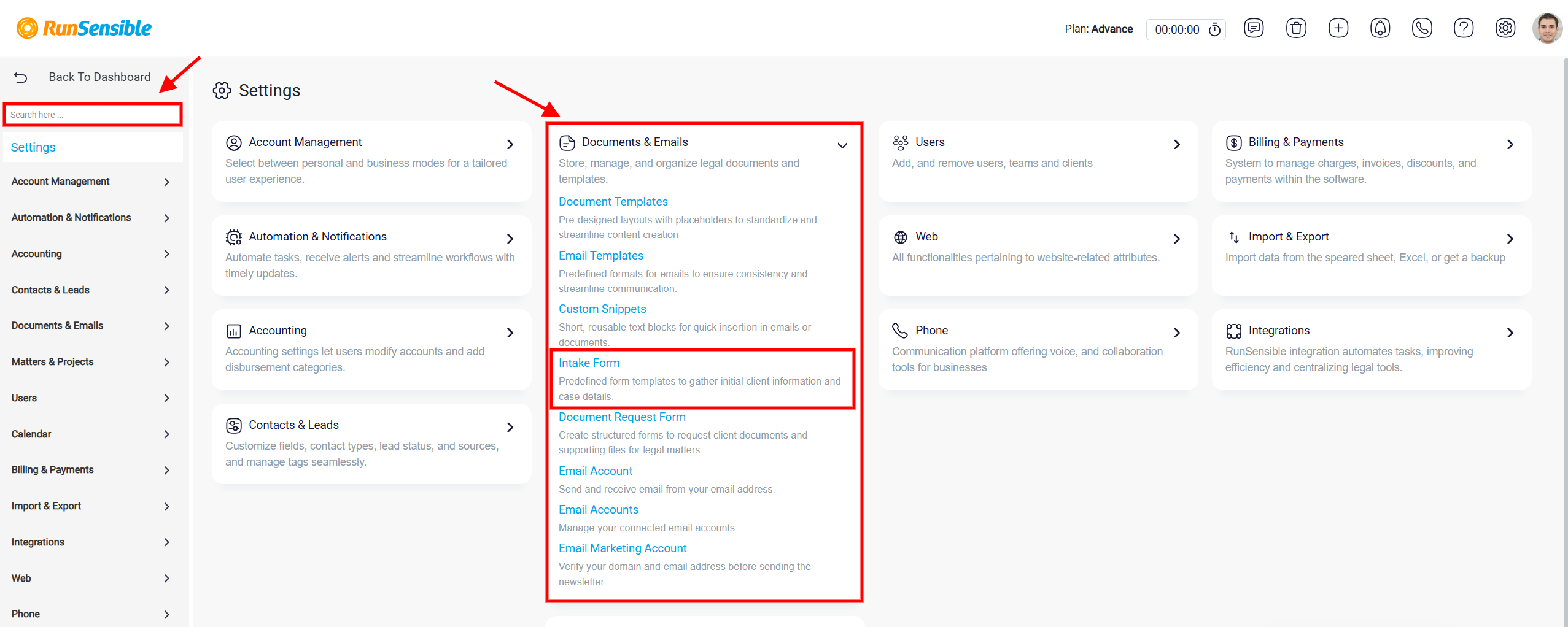
Alternatively, you can use the Search box on the left or select Intake Form from the Documents & Emails section in the center of the page.
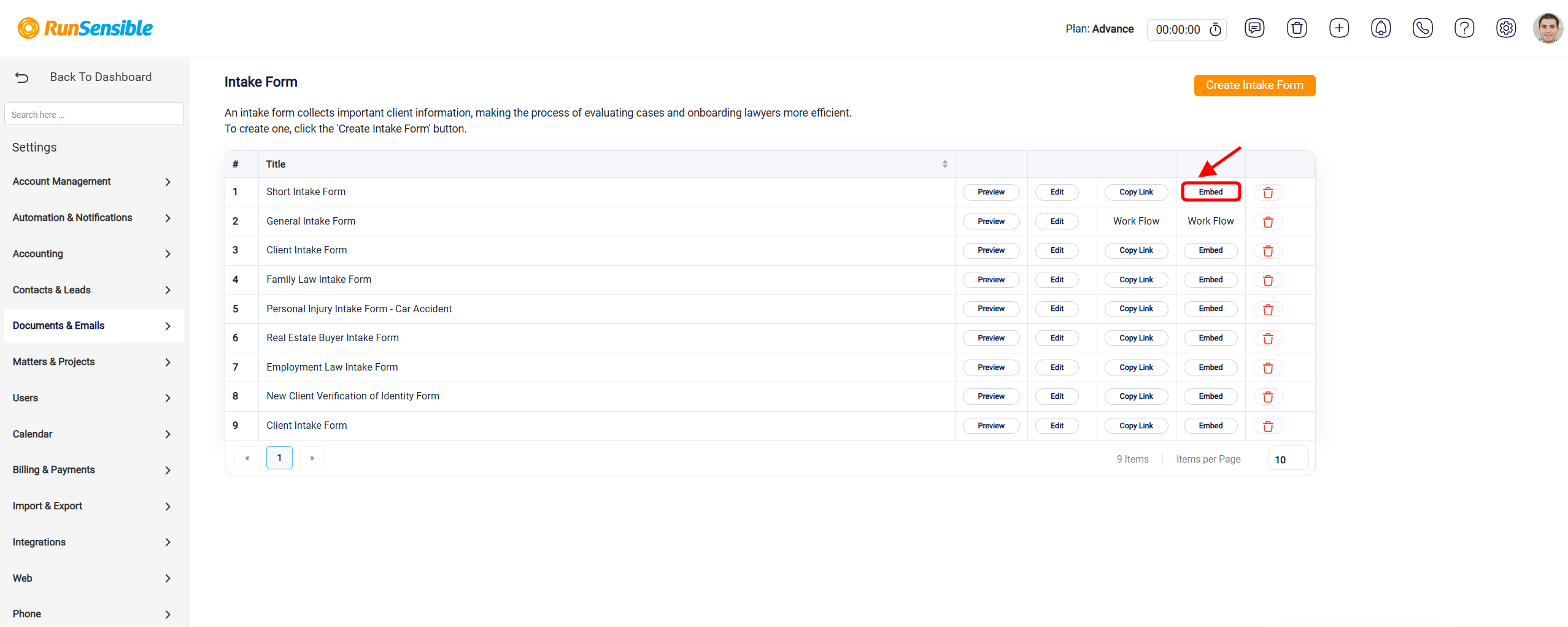
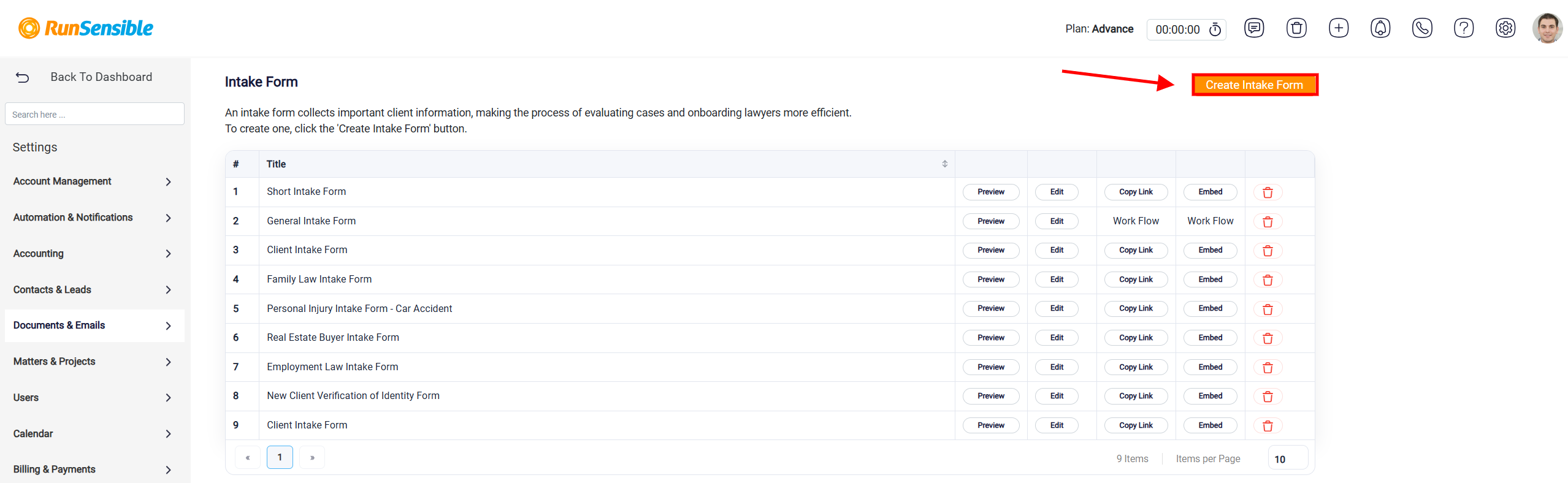
You can embed an existing intake form by clicking the Embed button next to the form you want to use.
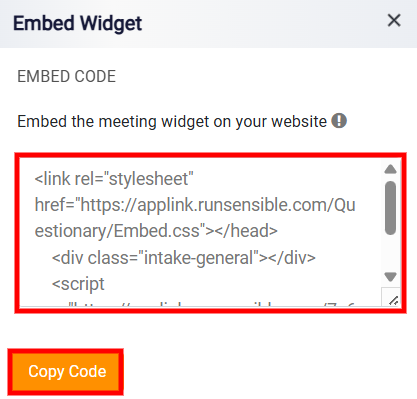
A new window will open displaying the embed code. Click Copy Code, then paste the code into the appropriate section of your website.
If you want to create a new intake form, click Create Intake Form.
To learn how to create a new intake form, please see Create Intake Form and Intake Form Question Fields.
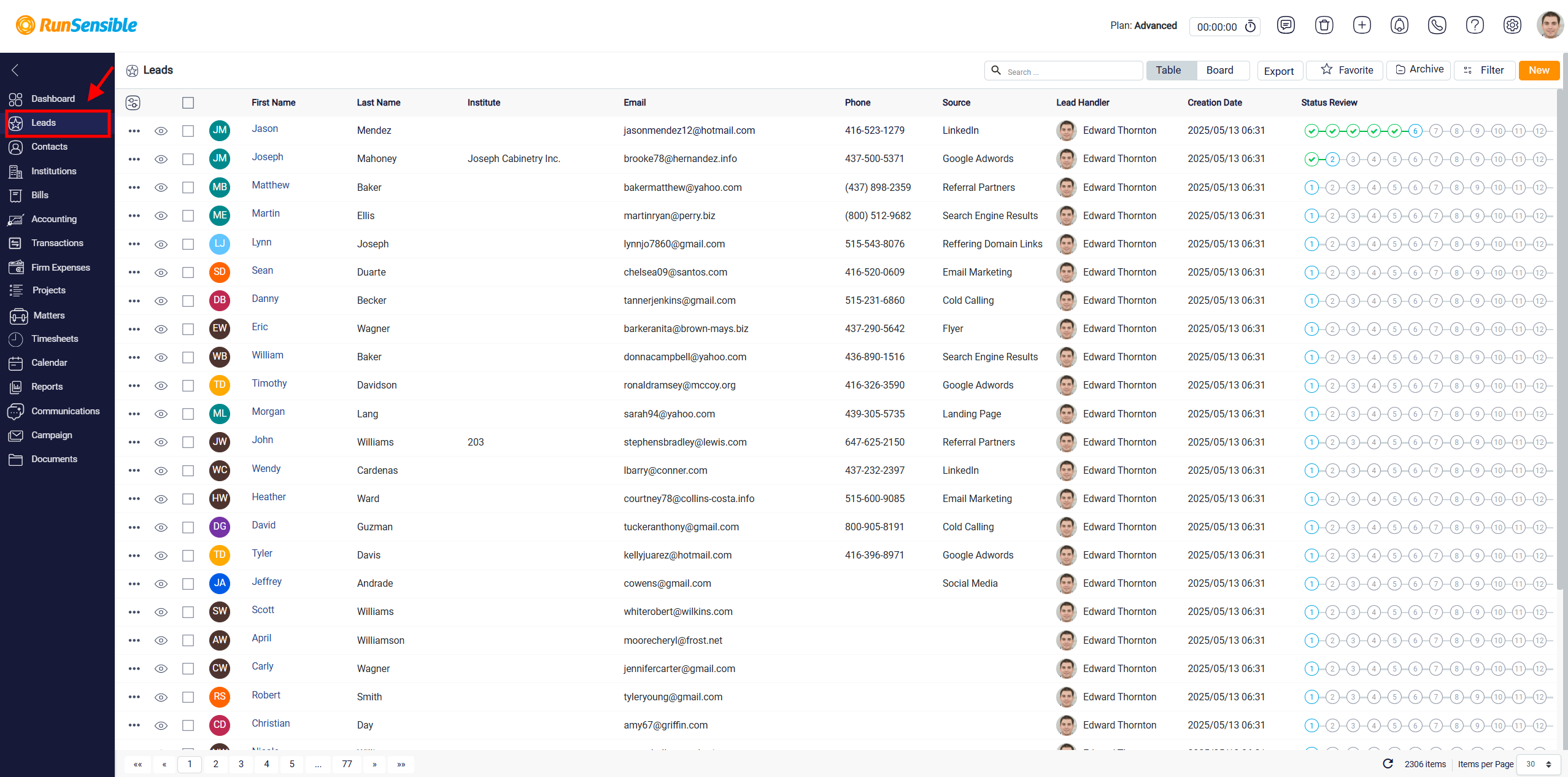
Once the intake form is submitted, the lead will appear in the Leads section.
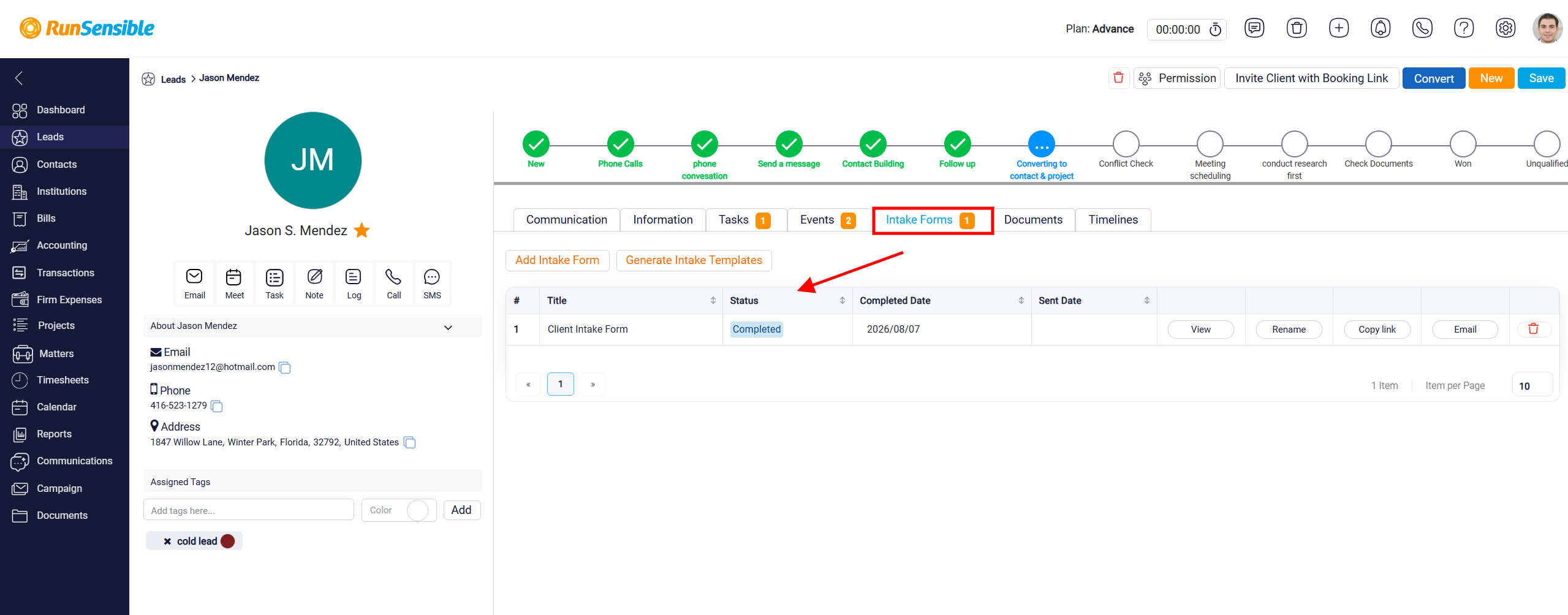
To view the submitted form for any particular lead, simply open that lead and navigate to the Intake Form tab. Here, you’ll find all the details the client provided during submission, neatly organized and easily accessible for follow-up or further action.
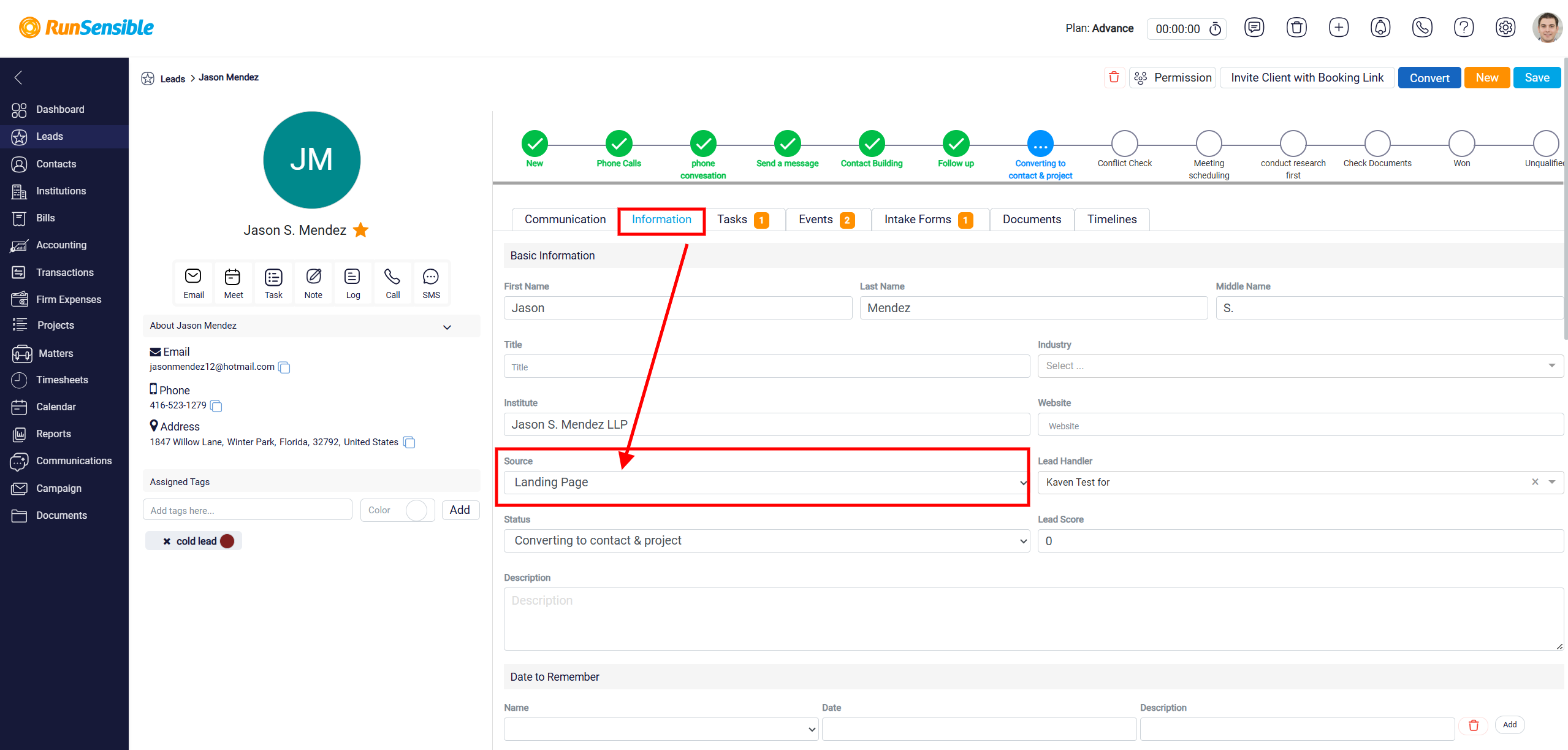
In addition, you can view the Lead Source under the Information tab, giving you insights into how each lead found your business.
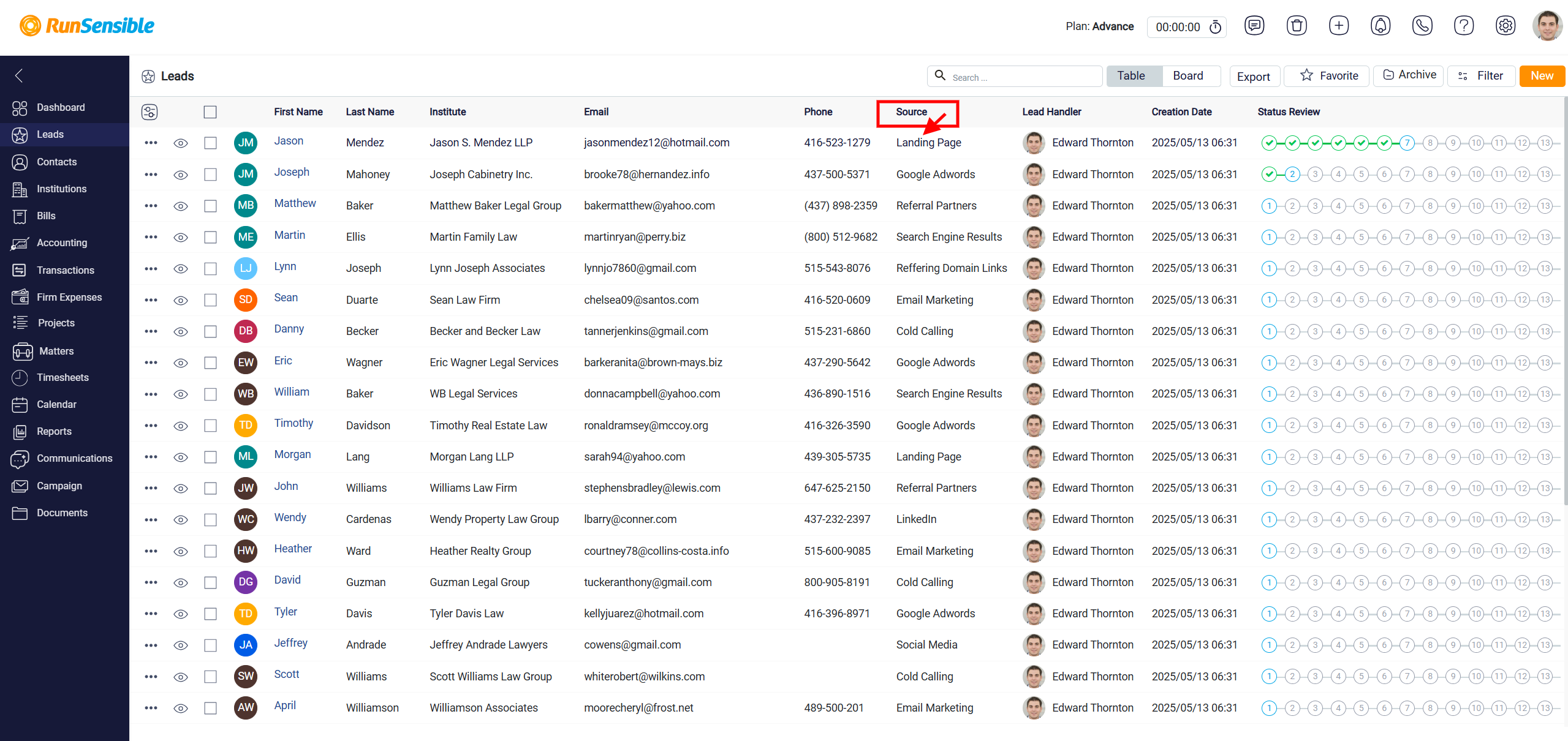
For added convenience, the Lead Source is also visible directly in the main interface of the Leads section, allowing for quick reference at a glance.
This integration streamlines your lead management process, helping you respond faster and stay organized without the need for manual data entry.