Making Calls in RunSensible
The Call button is used to call the lead, contact, and institution directly from the system. When the user clicks this button, the Call panel opens if the lead, contact, or institution has a phone number saved in the system. If the lead, contact, and institution does not have a saved phone number, the system will show an error message because there is no number available to call.
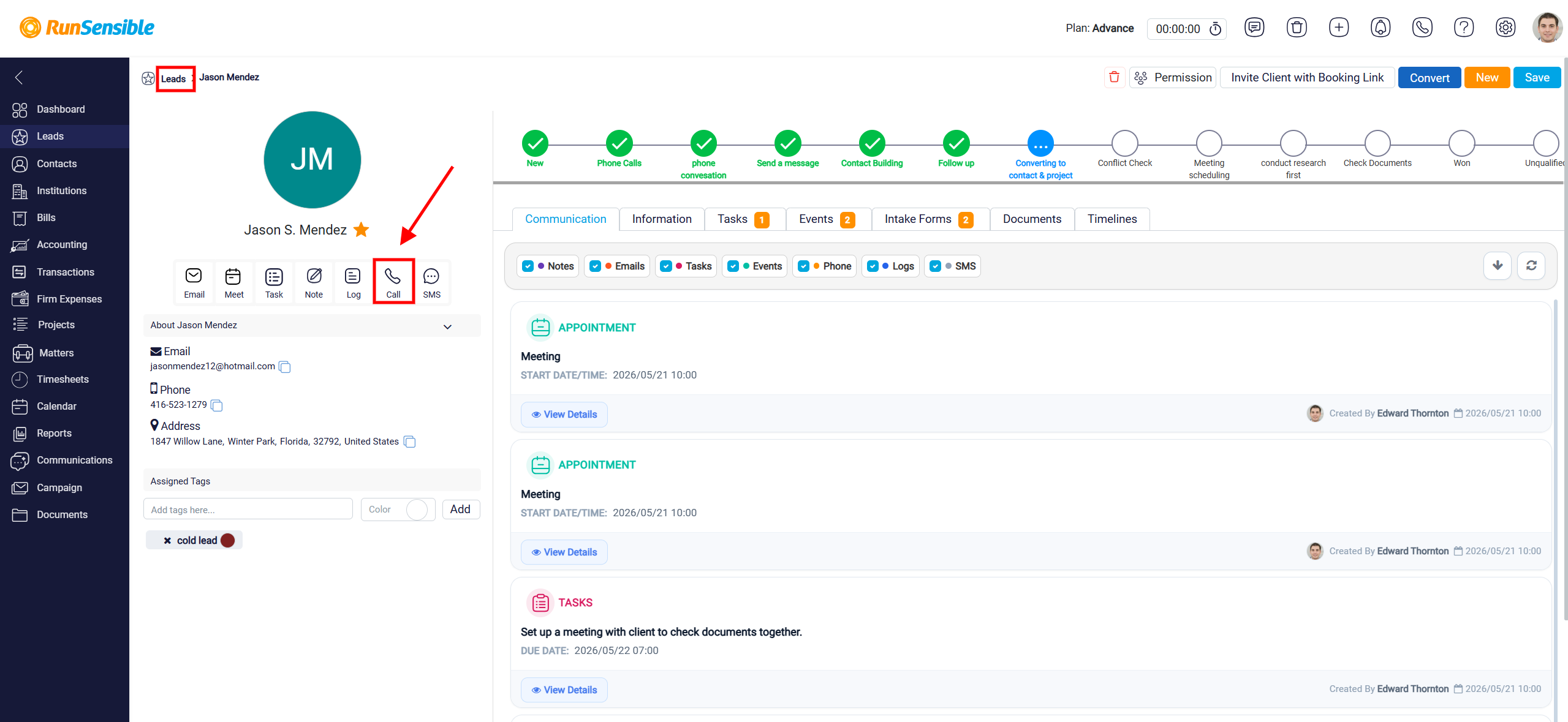
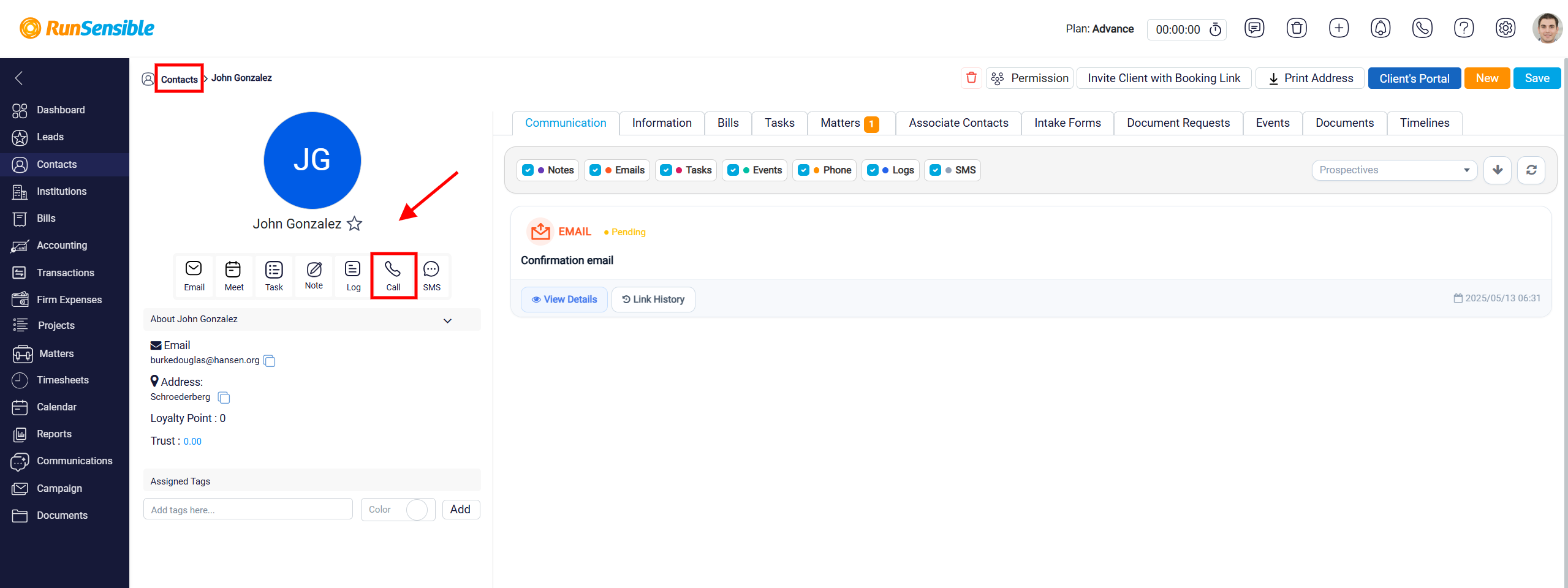
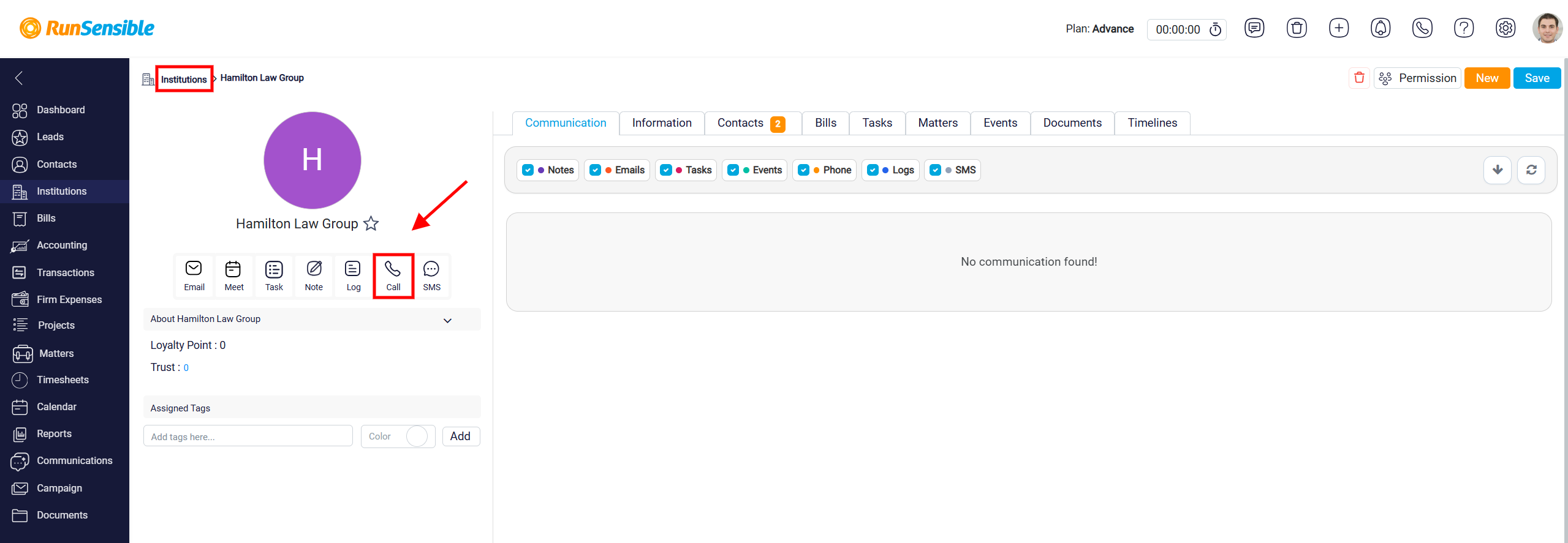
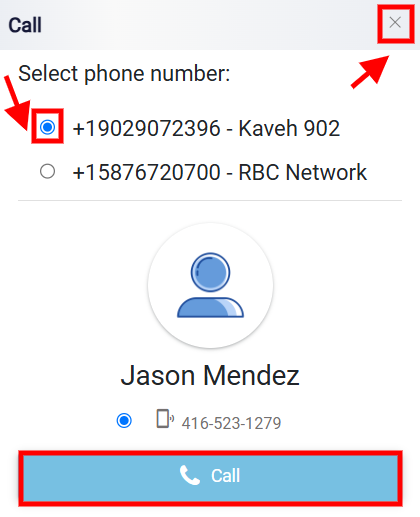
In the Call panel, the user first selects the phone number they want to call from. These are the outgoing phone numbers registered in the system and available for calls. The system also shows the lead’s information in the panel, including the phone number that will be called.
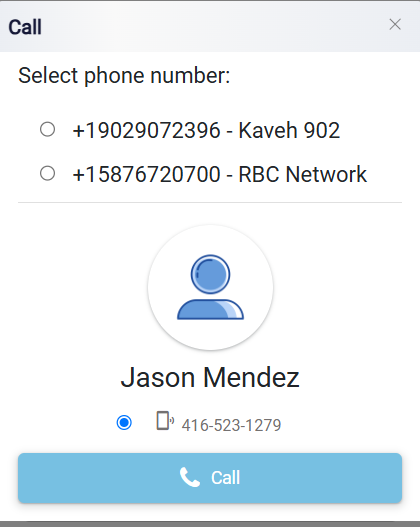
Before starting the call, the user should confirm that the correct outgoing number is selected. After that, the user can click the Call button at the bottom of the panel to begin the call. The X button at the top right can be used to close the panel without making a call.