
Accessing the Transactions Section in RunSensible
To begin managing your transactions in RunSensible, start by clicking on the Transaction option located in the left-side menu.
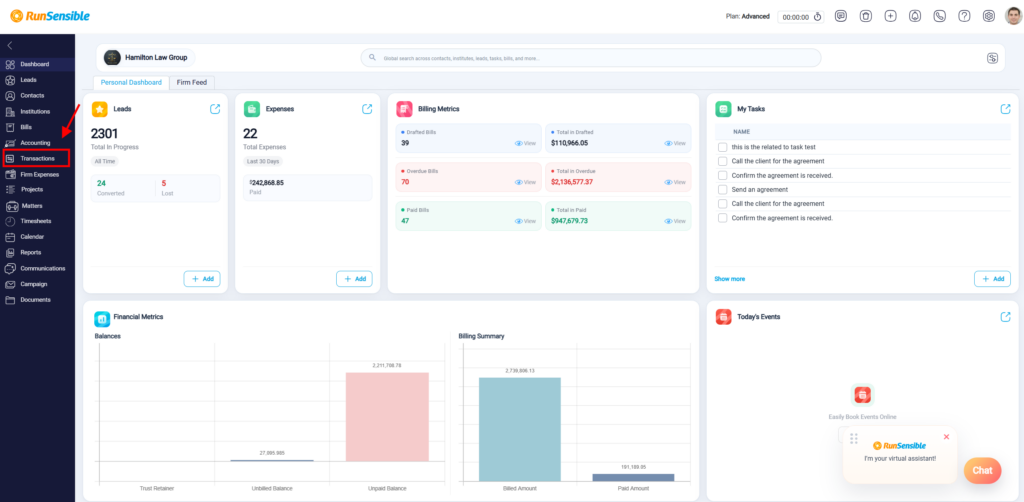
This will take you to the main Transactions page.
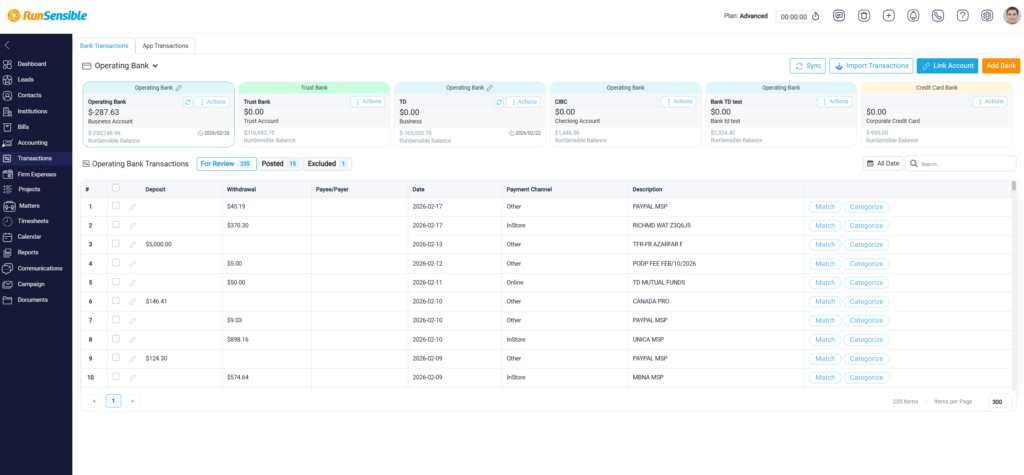
This section displays a complete overview of all internal bank accounts created within RunSensible. It serves as the central location for reviewing, organizing, and maintaining bank transaction records within the platform.