Creating an Internal Bank Account
Before connecting a real bank account to RunSensible, it is important to confirm that a corresponding internal bank account already exists in the system. The internal account represents the bank account within RunSensible and serves as the location where imported transactions will be recorded. The internal bank account must be added to RunSensible before any integration or transaction import can take place.
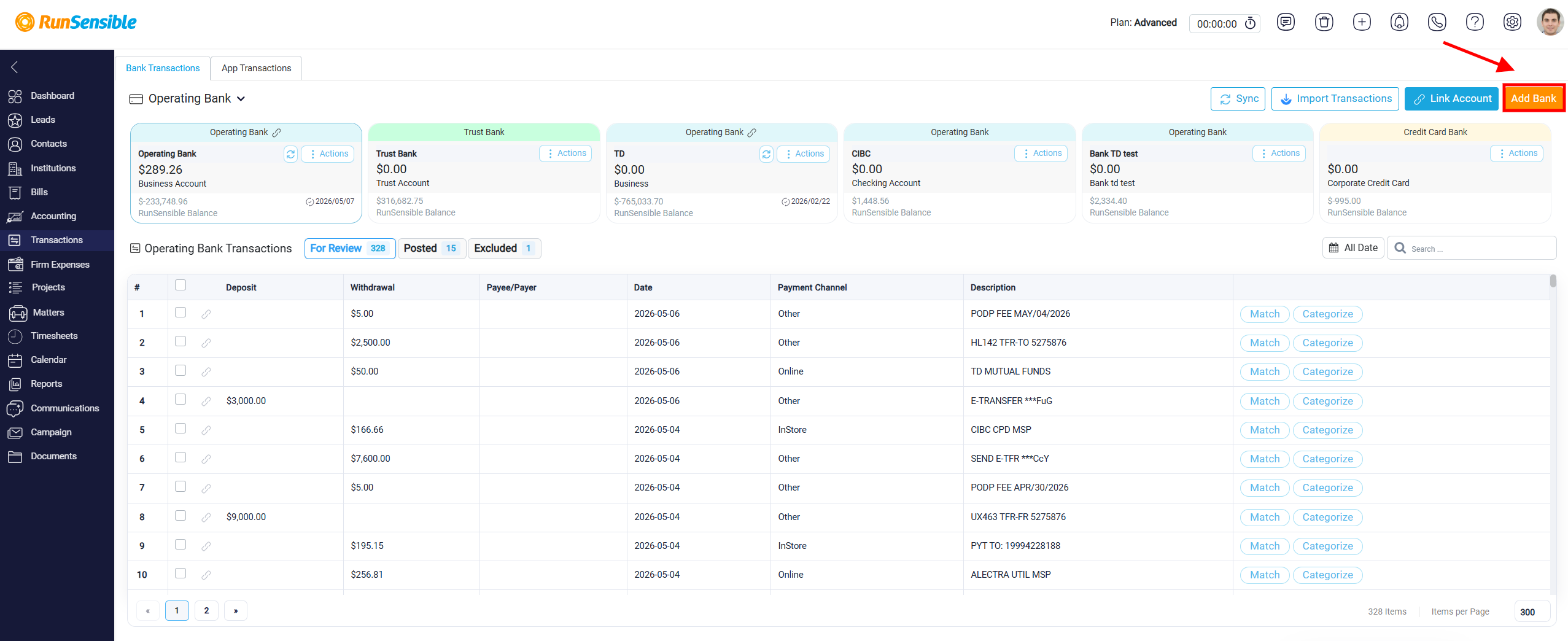
To create a new internal bank account, click the Add Bank button located at the top right corner of the screen.
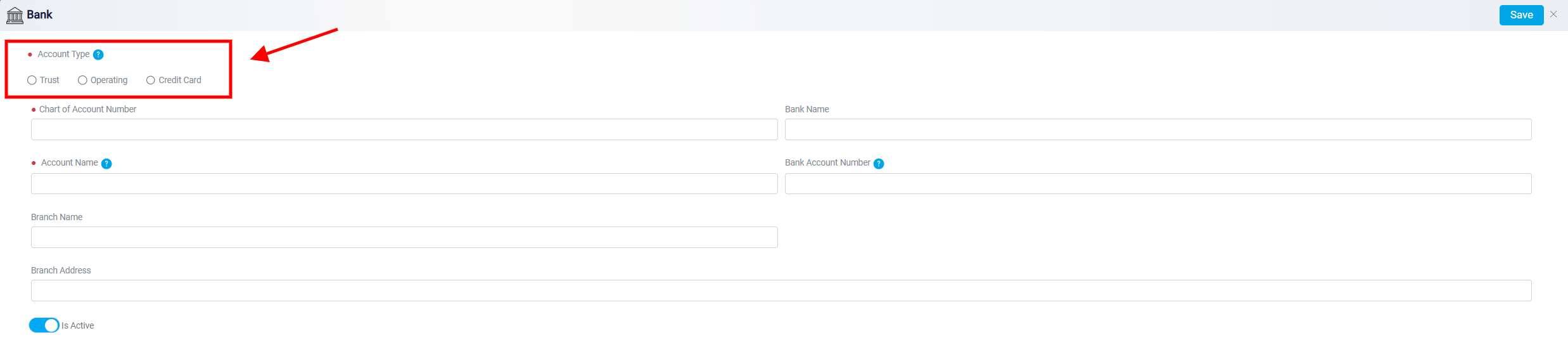
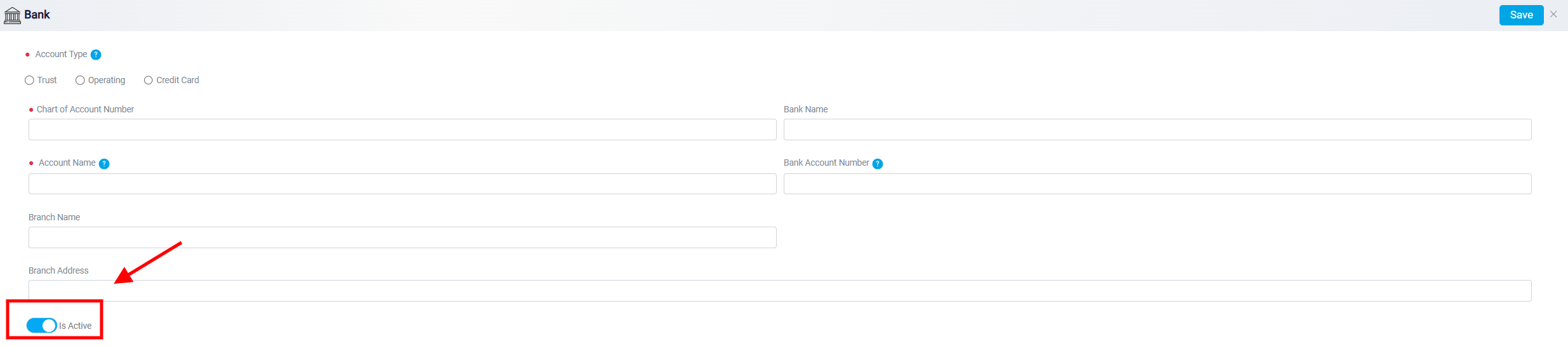
This action opens a form where you can enter the information required to define the account within the system. At the beginning of the form, you must select the Account Type. The available options typically include Trust, Business, and Credit Card. Selecting the correct type is important because it determines how transactions related to that account will be handled and organized within the system. Select your account type carefully because once it’s set it cannot be altered.
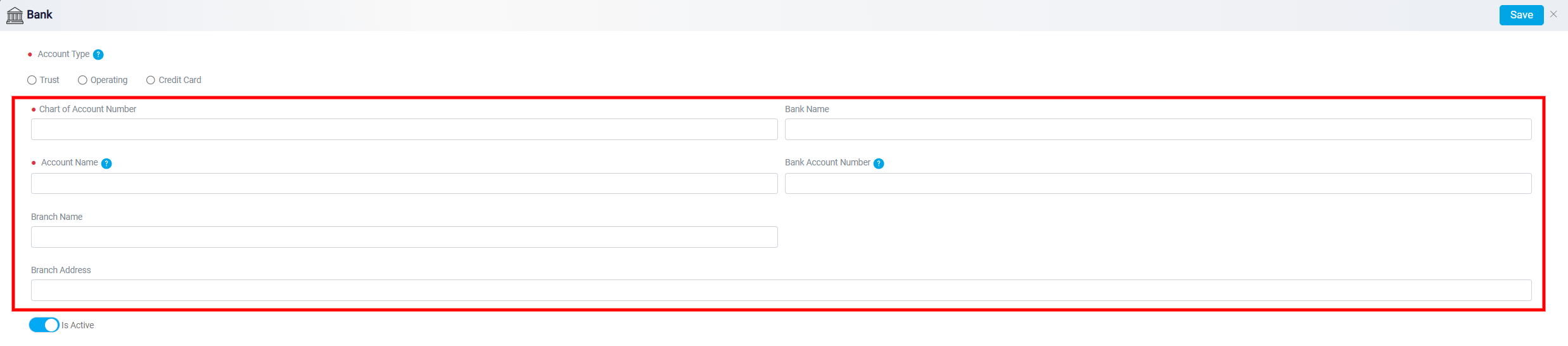
After choosing the account type, you can complete the remaining fields that define the account. These fields usually include the Chart of Account number, Bank Name, Account Name, and Bank Account Number (which is typically an internal code used for bookkeeping). Additional optional fields may also be available, such as Branch Name and Branch Address, which allow you to store more detailed information about the bank if needed.
Inside this interface, you will also see the Is Active toggle. This setting allows you to activate or deactivate the account. If an account is no longer being used but you want to keep its historical records for reporting or audit purposes, you can deactivate it instead of deleting it. Deactivating the account stops it from being used for new transactions while keeping all past data intact.
The account type cannot be changed after the bank account has been created. For example, if the account was originally set up as a Business account, it cannot later be changed to a Trust or Credit Card account. If you need a different account type, you must create a new internal bank account and select the correct type during setup. This rule ensures that transactions remain properly categorized and financial reports stay accurate.
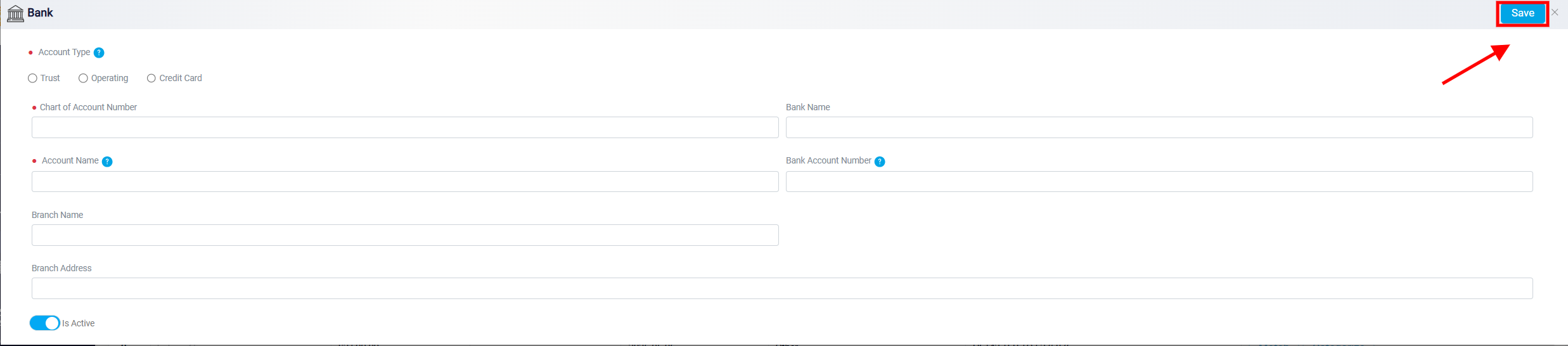
Once all necessary details have been entered, click the Save button at the top right corner of the form. The internal bank account will then be created and will be available for linking to a real bank account or for importing transaction data.