
Managing Bank Accounts Through the Actions Menu
Each bank account card includes an Actions menu located in the top-right corner.
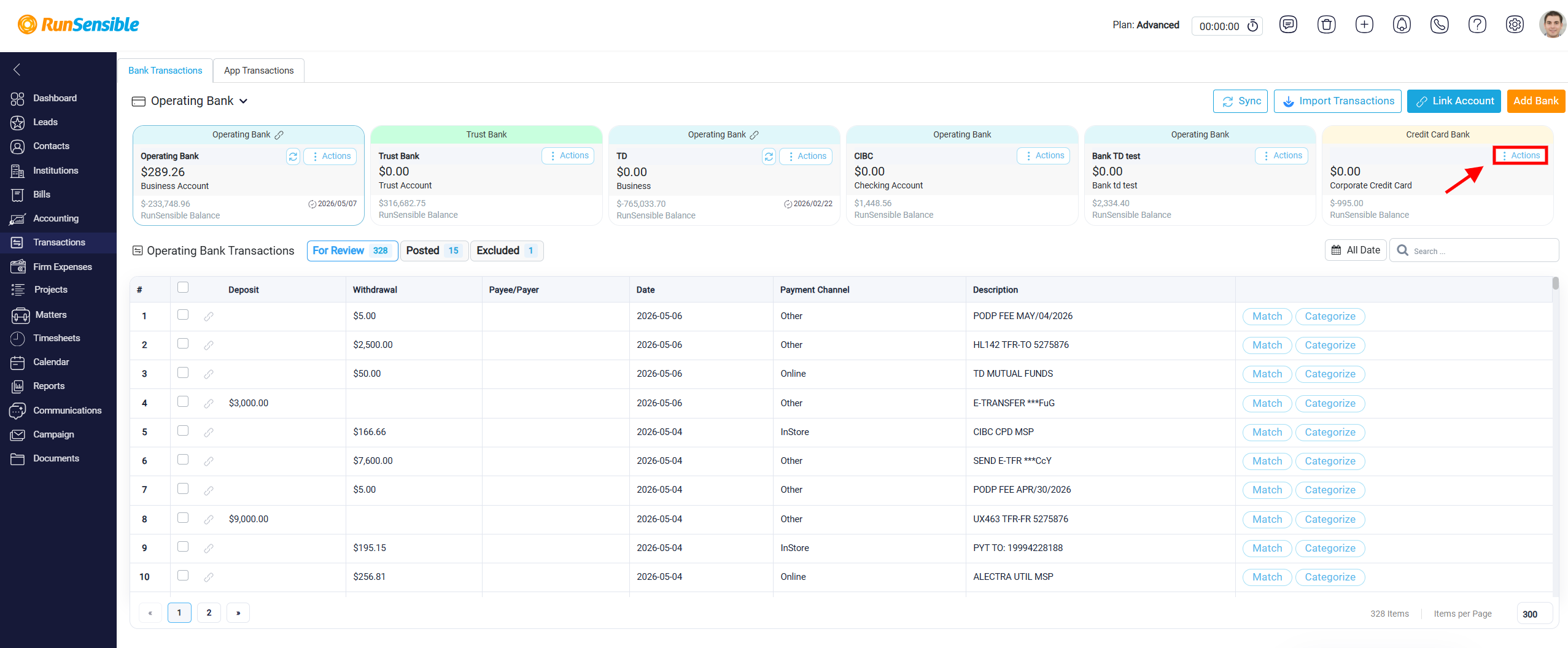
When you click this menu, two options appear: View/Edit Bank and Delete Bank. These options allow you to manage the selected internal bank account directly from the Transactions section.
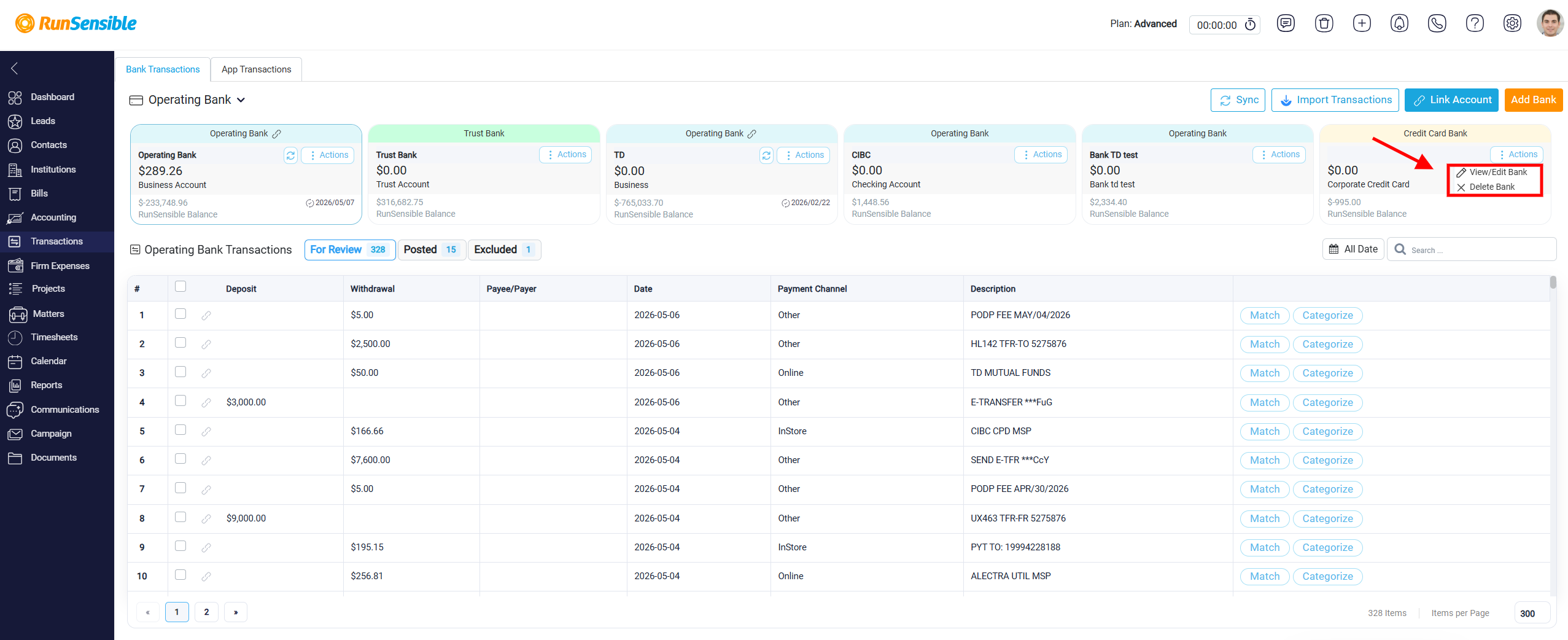
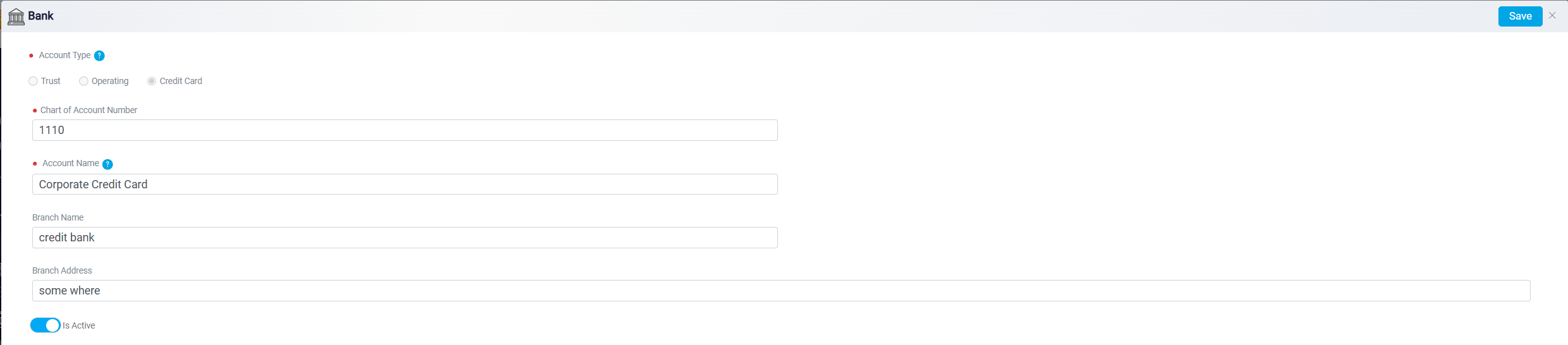
When you select View/Edit Bank, the system opens the Bank Account Edit Interface. This page allows you to update the main details of the account. You can modify fields such as the Account Type, Chart of Accounts Number, Account Name, and Bank Number. There are also optional fields for Branch Name and Branch Address if you need to store more detailed banking information.
The Delete Bank option within the Actions menu allows users to permanently remove an internal bank account from the system. This action should only be taken when the account is no longer needed, and its removal will not interfere with financial records or reporting requirements. Once deleted, the internal bank account and its configuration cannot be restored. Users should carefully confirm that the account is inactive and no longer required before proceeding with deletion to avoid unintended loss of account structure or historical references within the system.