Connecting a Bank Account Using Plaid via Settings
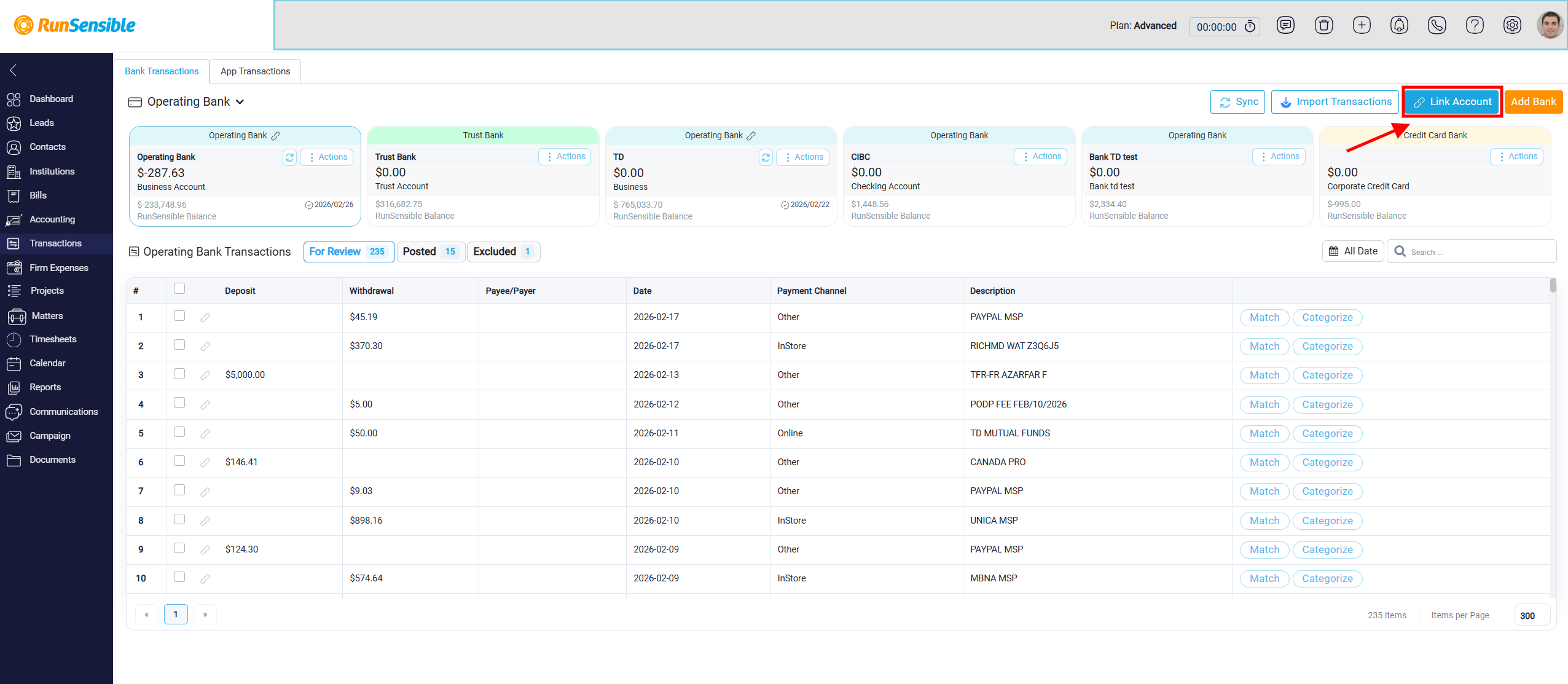
Users can also connect a real bank account to an existing internal bank account. To do this, click the Link Account button located in the top-right corner of the screen.
A secure pop-up window provided by Plaid will open within RunSensible. Inside this window, click Continue to move to the bank selection screen. Use the search bar to find the financial institution where the account is held, then select the correct bank and click Continue to Login.
A secure authentication page for the selected bank will then open in your browser. The appearance of this page may vary depending on the bank, as each institution has its own login interface. Enter your online banking credentials, such as your username and password, directly on this secure page. The login process takes place within Plaid’s encrypted environment, and your credentials are not stored in RunSensible.