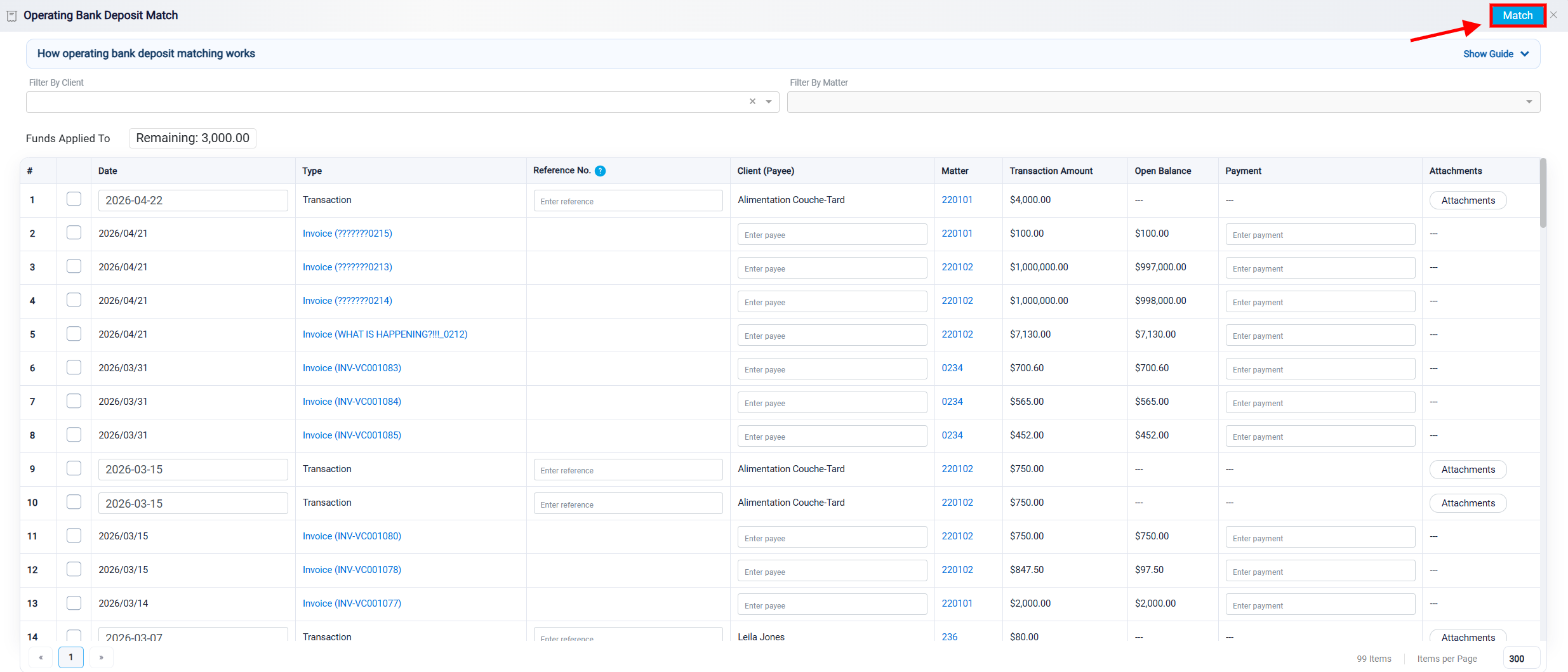
Filtering Matching Records
Each Match panel includes filters that help users find the correct internal record more easily. The Filter By Client dropdown allows the user to narrow the list to records related to a specific client.
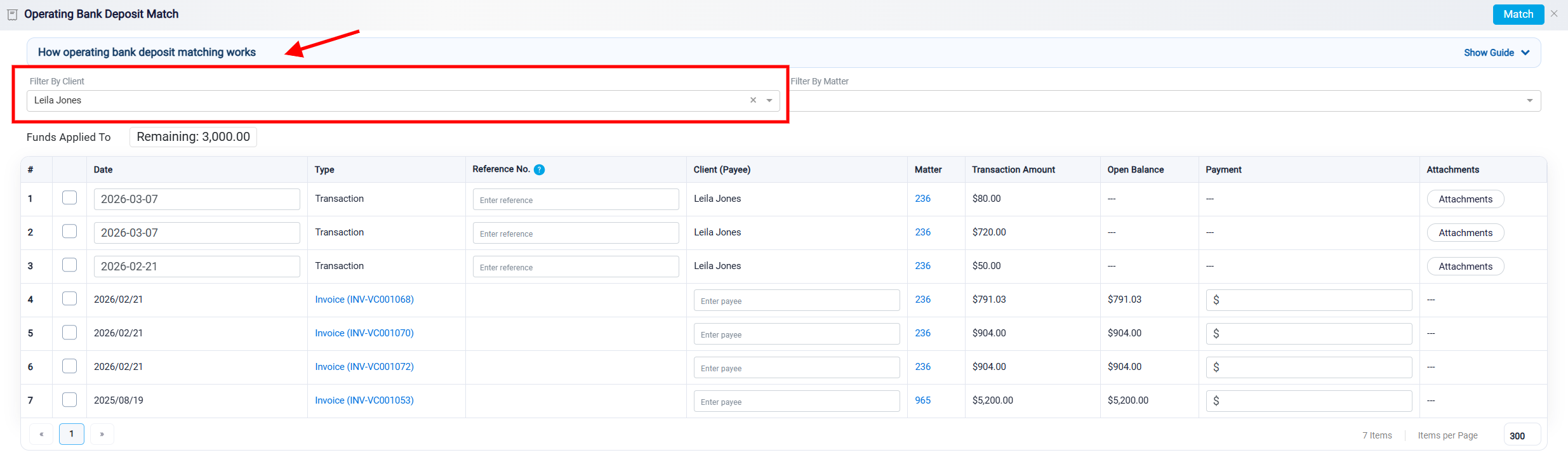
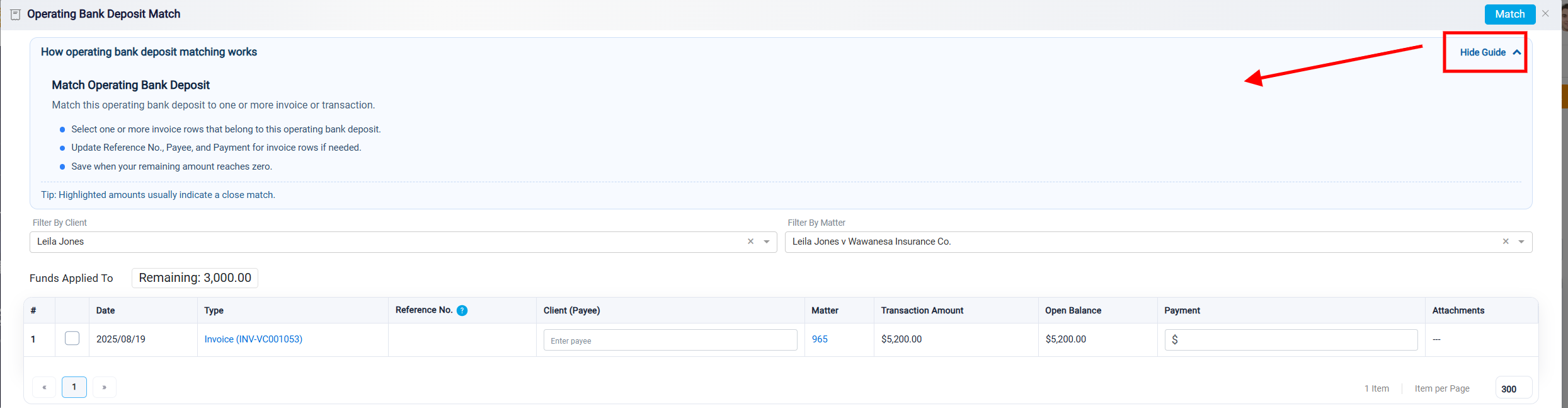
After selecting a client, the Filter By Matter dropdown can be used to show only matters related to that client. Once a matter is selected, the panel displays only records connected to that matter.

Each panel also includes a blue guidance section at the top, which provides basic instructions for using that specific matching view.
After selecting the correct record or records and confirming that the Remaining amount is zero, click the Match button at the top right of the panel to finalize the matching process.