App Transactions Tab
The App Transactions tab provides a centralized view of all internal transactions created within RunSensible. To access this section, go to the top of the Transactions screen and click App Transactions.
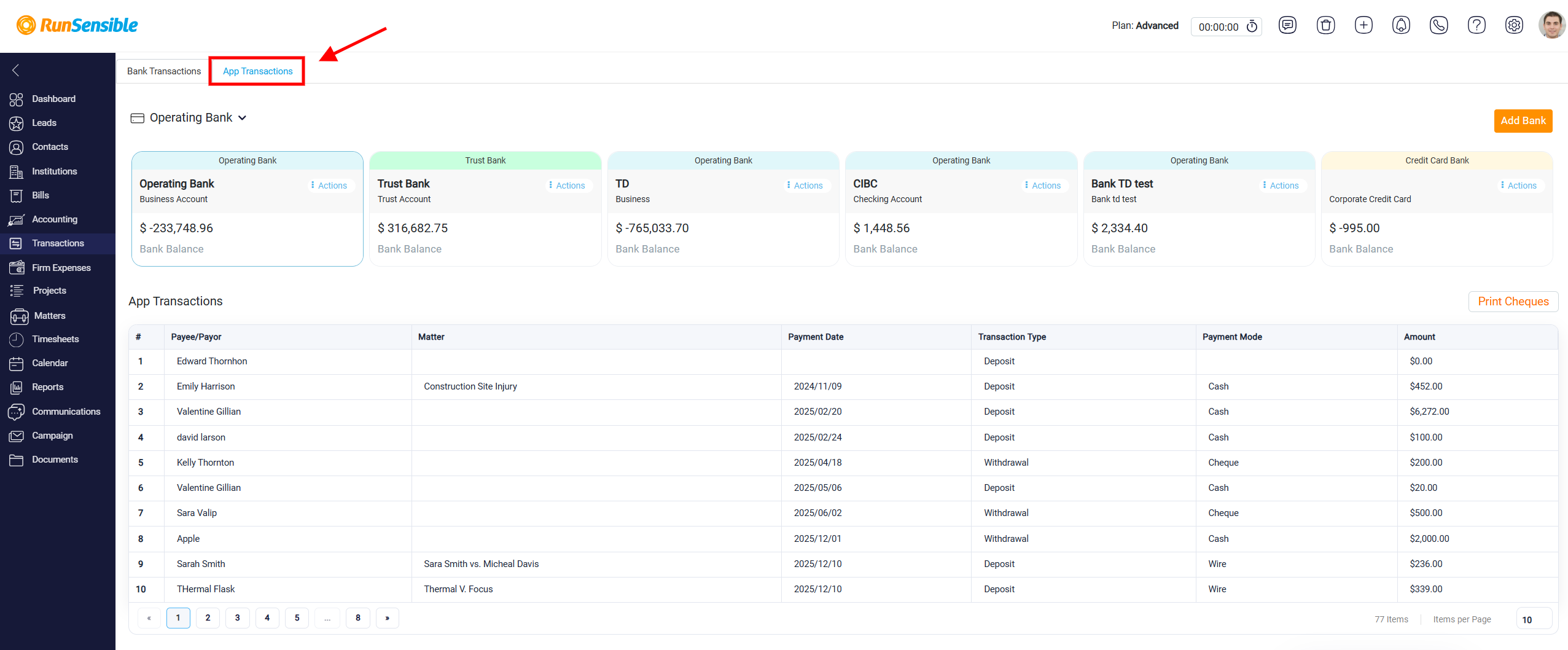
This view is different from the Bank Transactions tab. Bank Transactions show activity imported or synchronized from real bank accounts, while App Transactions show transactions that were created directly inside RunSensible. These internal transactions may include deposits, withdrawals, trust transactions, expense payments, bill payments, cheque payments, and other entries created through billing, trust activity, expenses, or manual accounting actions. This section allows users to review system-recorded activity in one place, regardless of how the transaction was originally created.
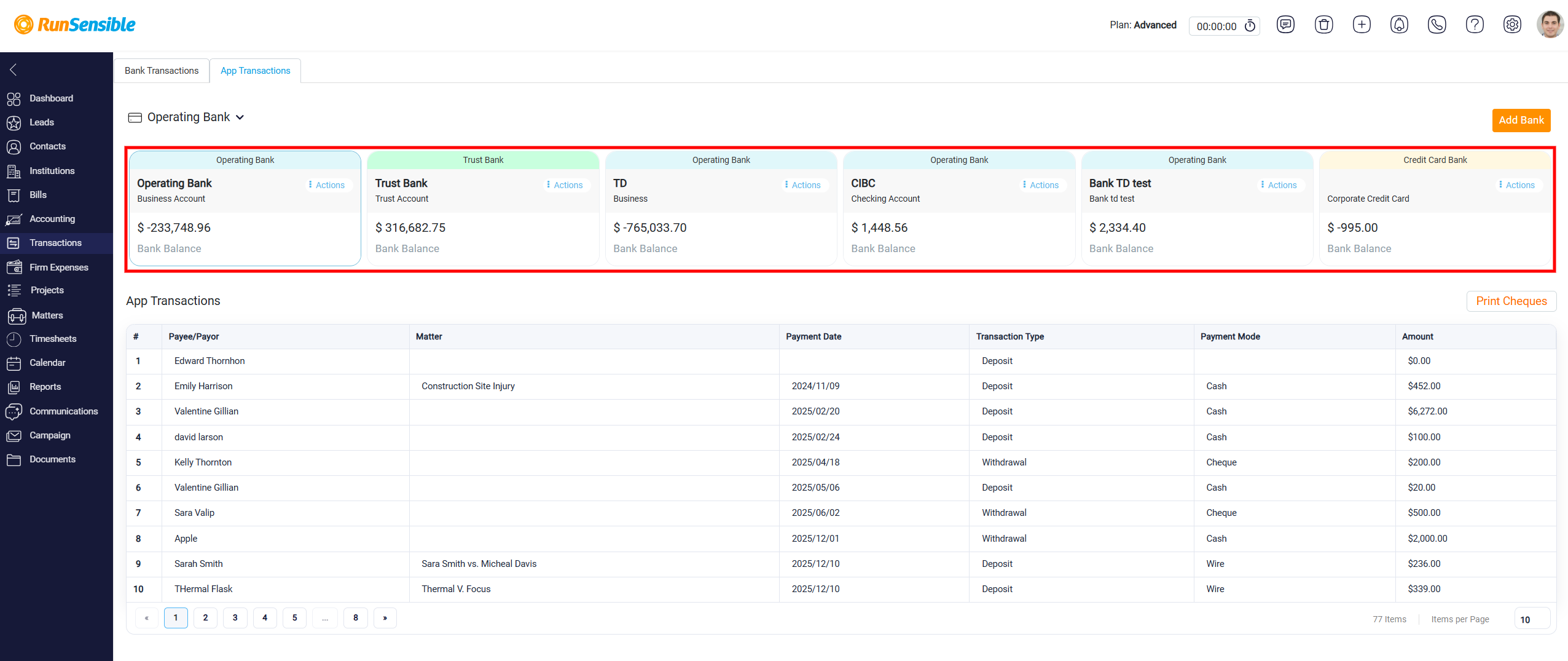
At the top of the page, internal bank accounts are displayed as account cards. Users can select a specific account, such as an operating bank, trust bank, or credit card account.
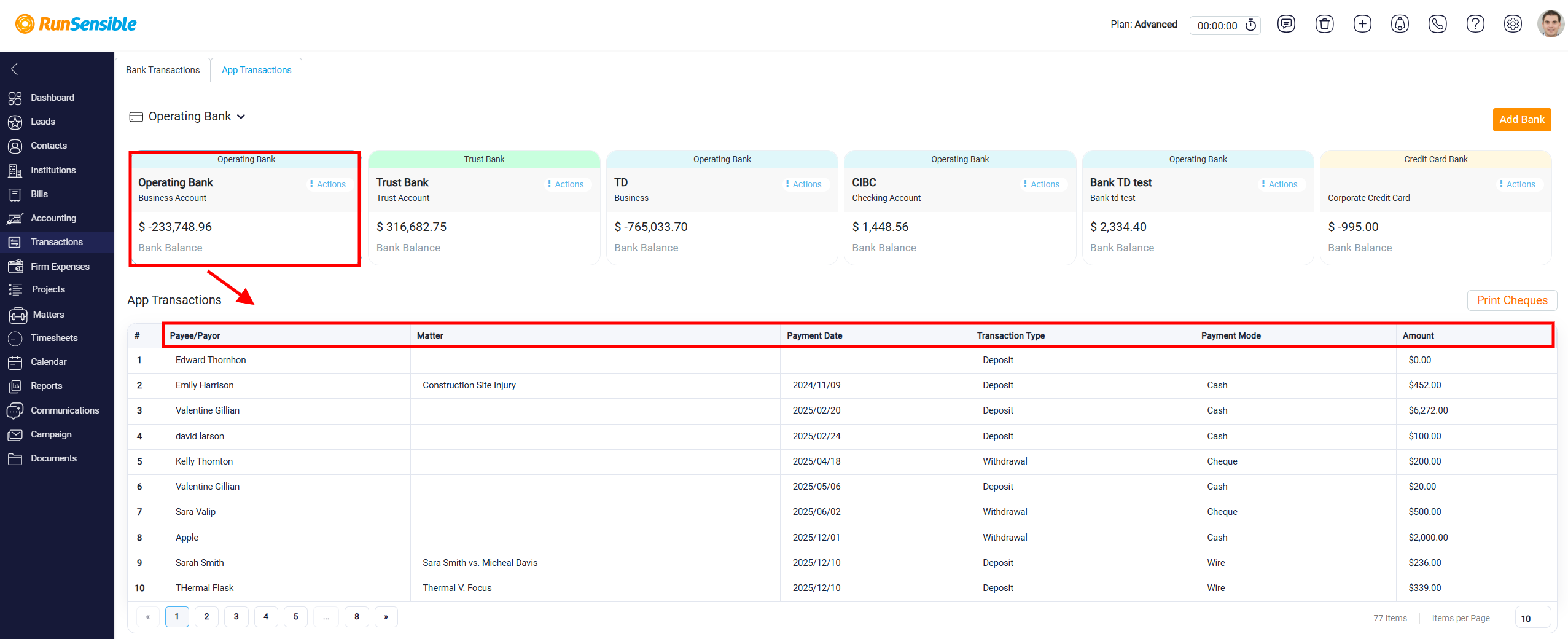
Once an account is selected, the table below updates to show only the app transactions connected to that account. Each row in the table represents one internal transaction. The Payee/Payer column shows who the transaction is related to. The Matter column shows whether the transaction is connected to a specific client matter. The Payment Date column shows when the transaction was recorded. The Transaction Type column identifies whether the transaction is a deposit or withdrawal. The Payment Mode column shows how the payment was made, such as cash or cheque, and the Amount column shows the transaction value.