
Matching Views
To match a bank transaction, click the Match button on the right side of the transaction row. The system then opens a matching panel. The panel that appears depends on two factors: the bank account type and the transaction direction. The account may be an Operating Bank or a Trust Bank, and the transaction may be a Deposit or a Withdrawal.
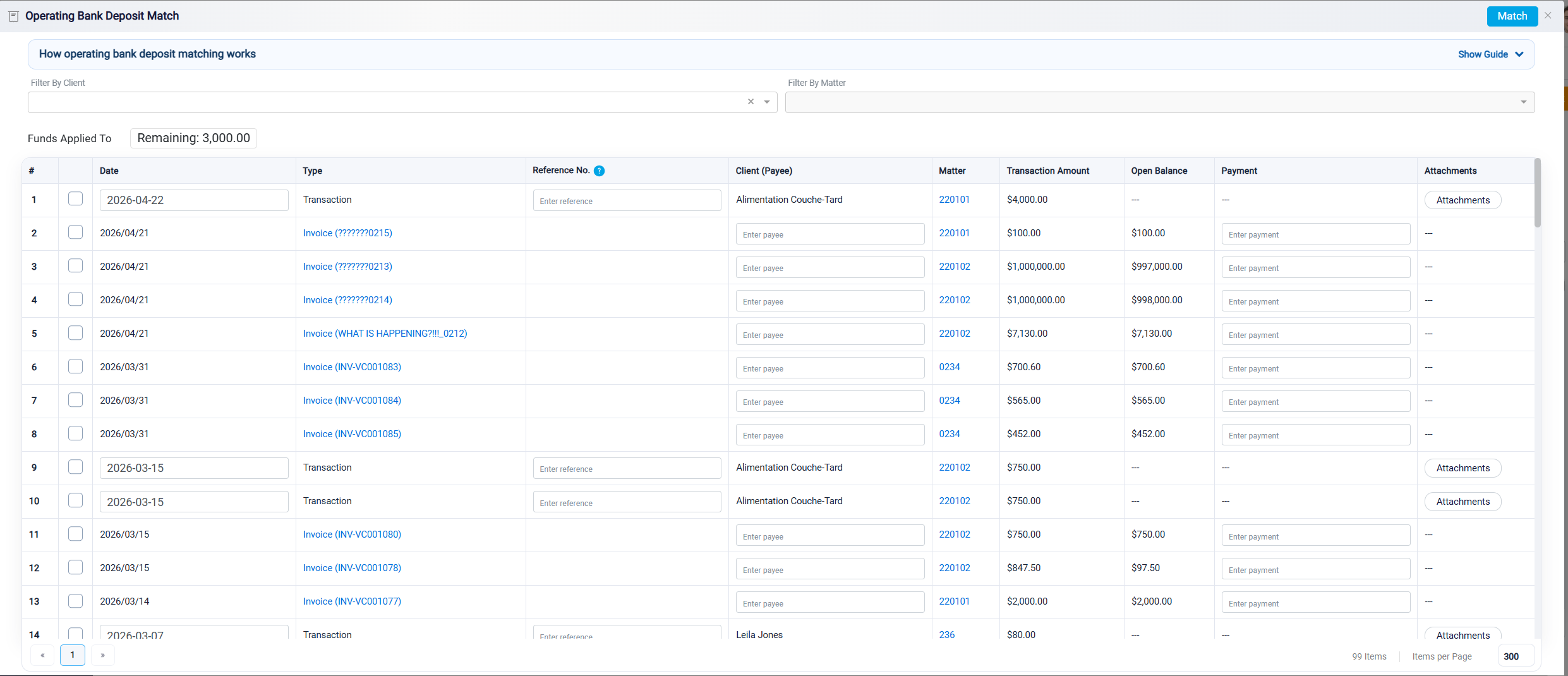
Because of this, RunSensible provides four matching views: Operating Bank Deposit, Operating Bank Withdrawal, Trust Bank Deposit, and Trust Bank Withdrawal. Each view displays only the internal records that could logically relate to the selected bank transaction. For example, an operating deposit usually relates to money received by the business, while an operating withdrawal usually relates to money paid out by the business. Trust deposits and withdrawals are handled separately because trust funds belong to clients and must be tracked by matter.