
Processing Bank Transactions
In RunSensible, bank transactions in the For Review tab can be processed using two main actions: Match and Categorize. These options appear on the right side of each transaction row. Both actions are used to handle imported bank activity, but they are used in different situations depending on whether the bank transaction already relates to an existing record in the system.
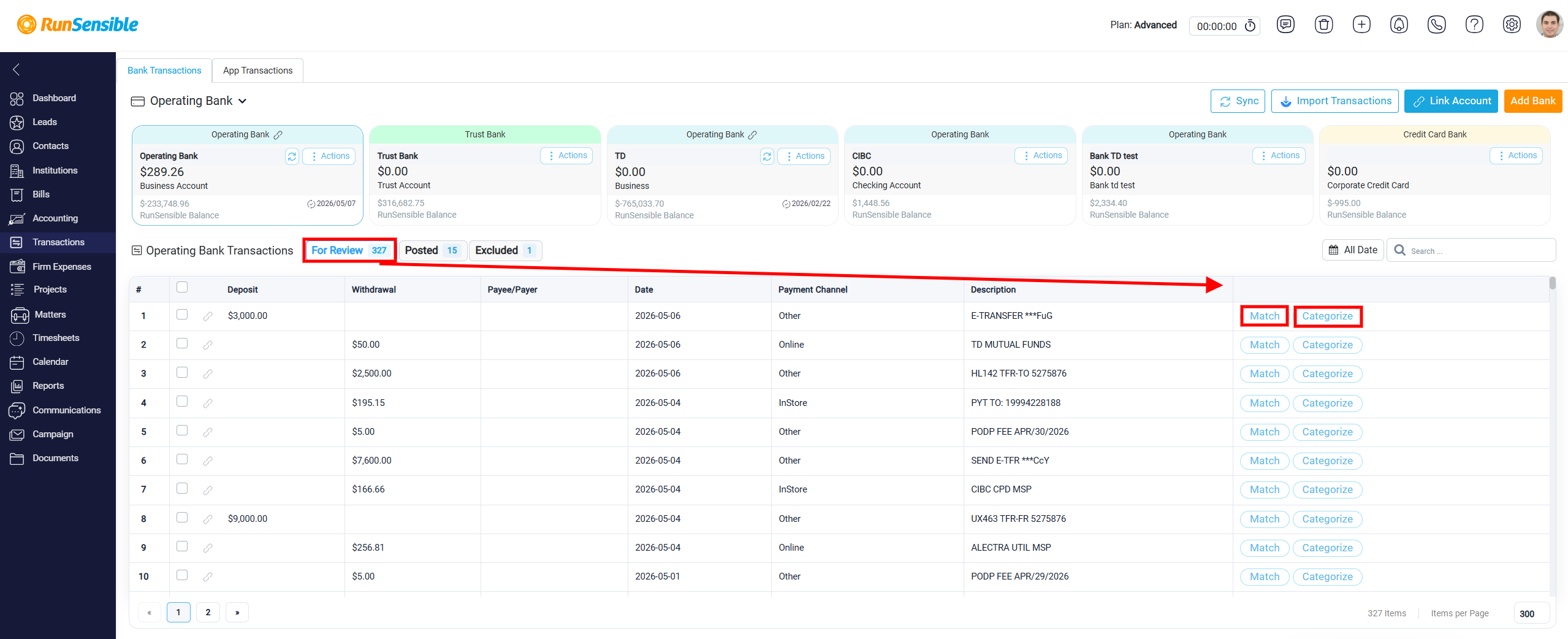
The Categorize option is used when there is no existing internal record to match with the bank transaction. This usually applies when the transaction still needs to be recorded for accounting purposes, but it is not connected to a bill, expense, trust entry, or any other financial record already created in RunSensible. For example, bank fees or similar transactions may appear in the bank feed even though no related business record was created in advance. In this situation, categorizing allows the user to create the appropriate accounting entry directly from the imported bank transaction.