Deleting and Recovering Leads
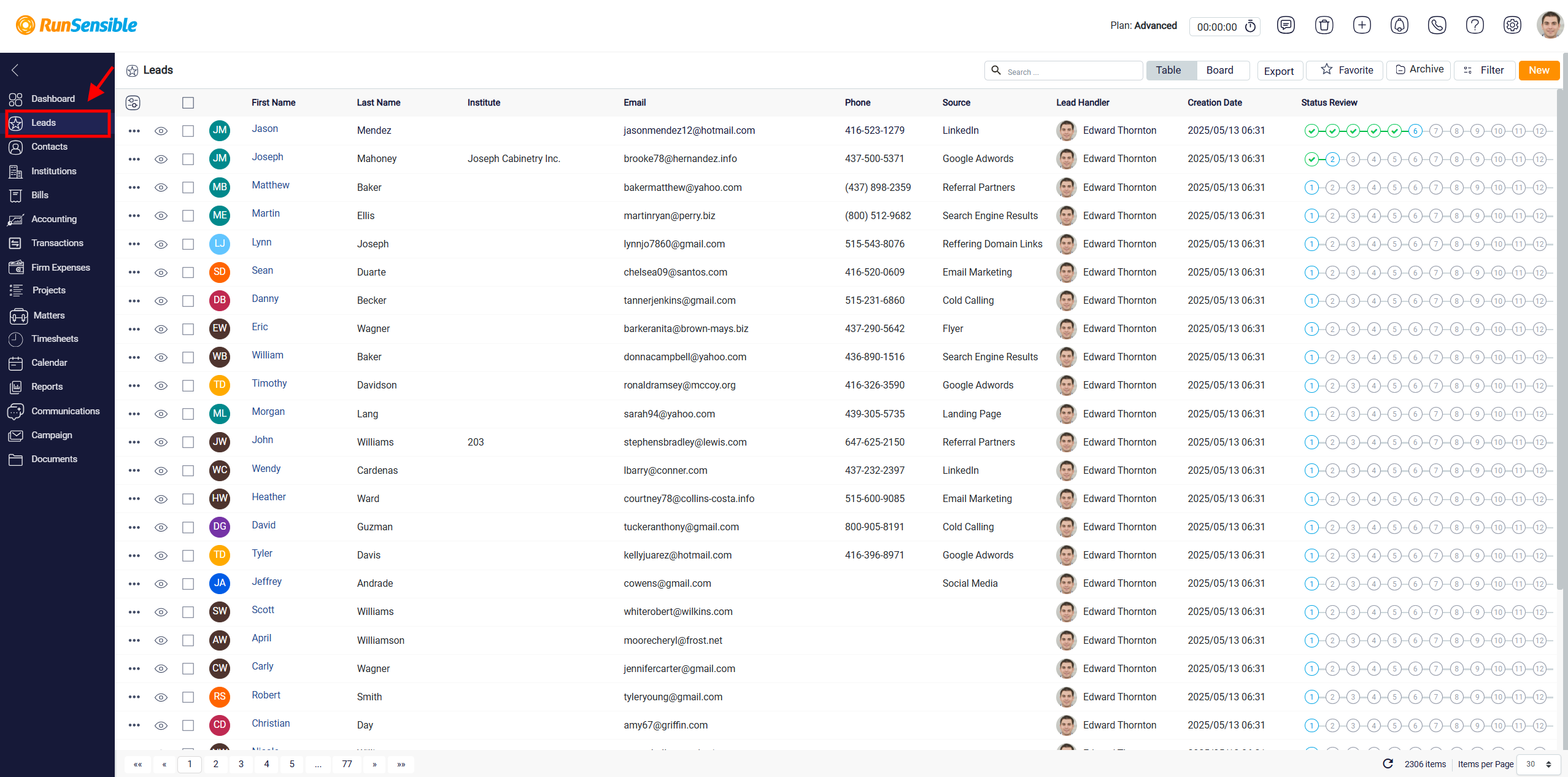
To delete your leads, simply navigate to the Leads on your dashboard.
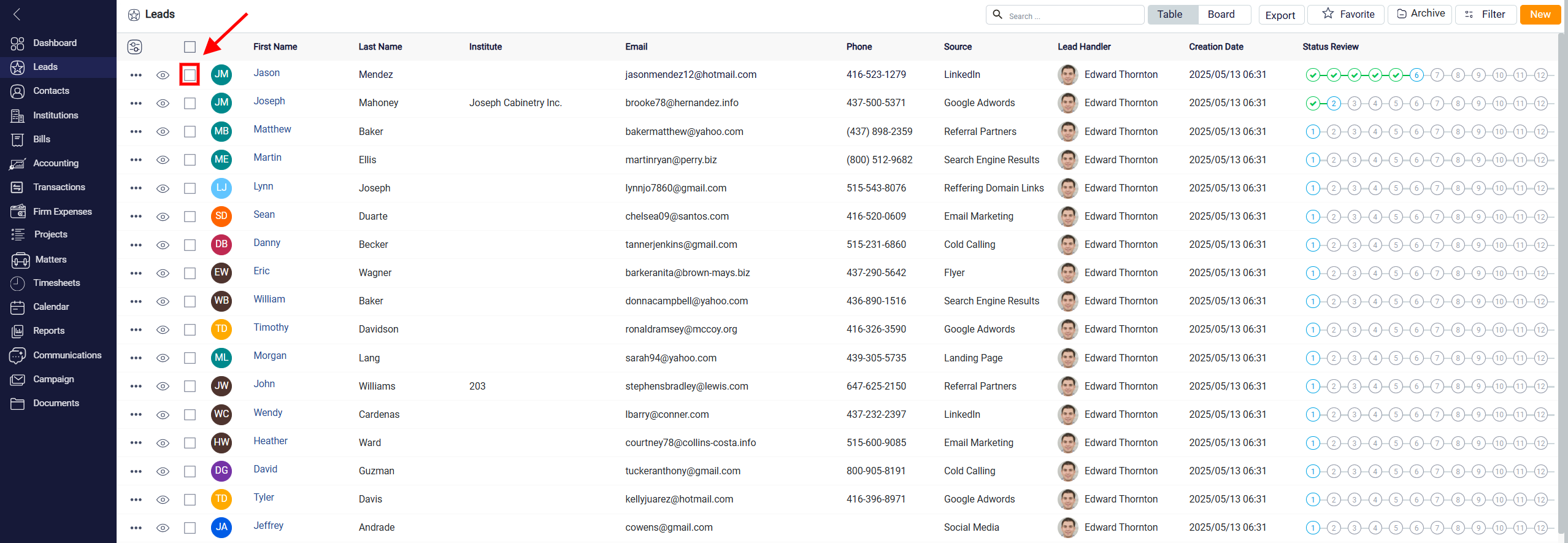
There are two methods to delete leads. The first method is to select the lead you want to delete by clicking on its left-side Square.
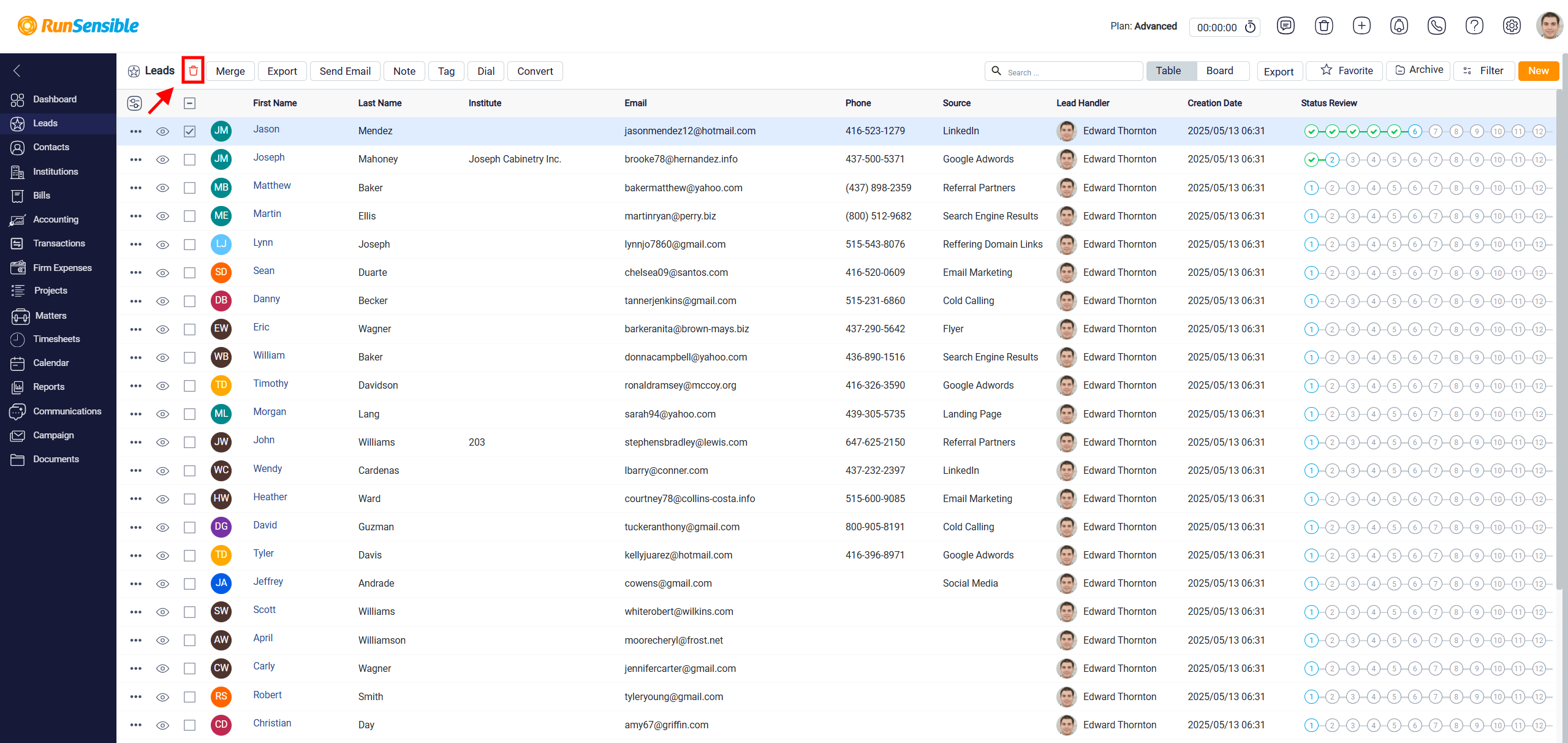
Once selected, you can click on the red Trash button located in the top left corner to delete them.
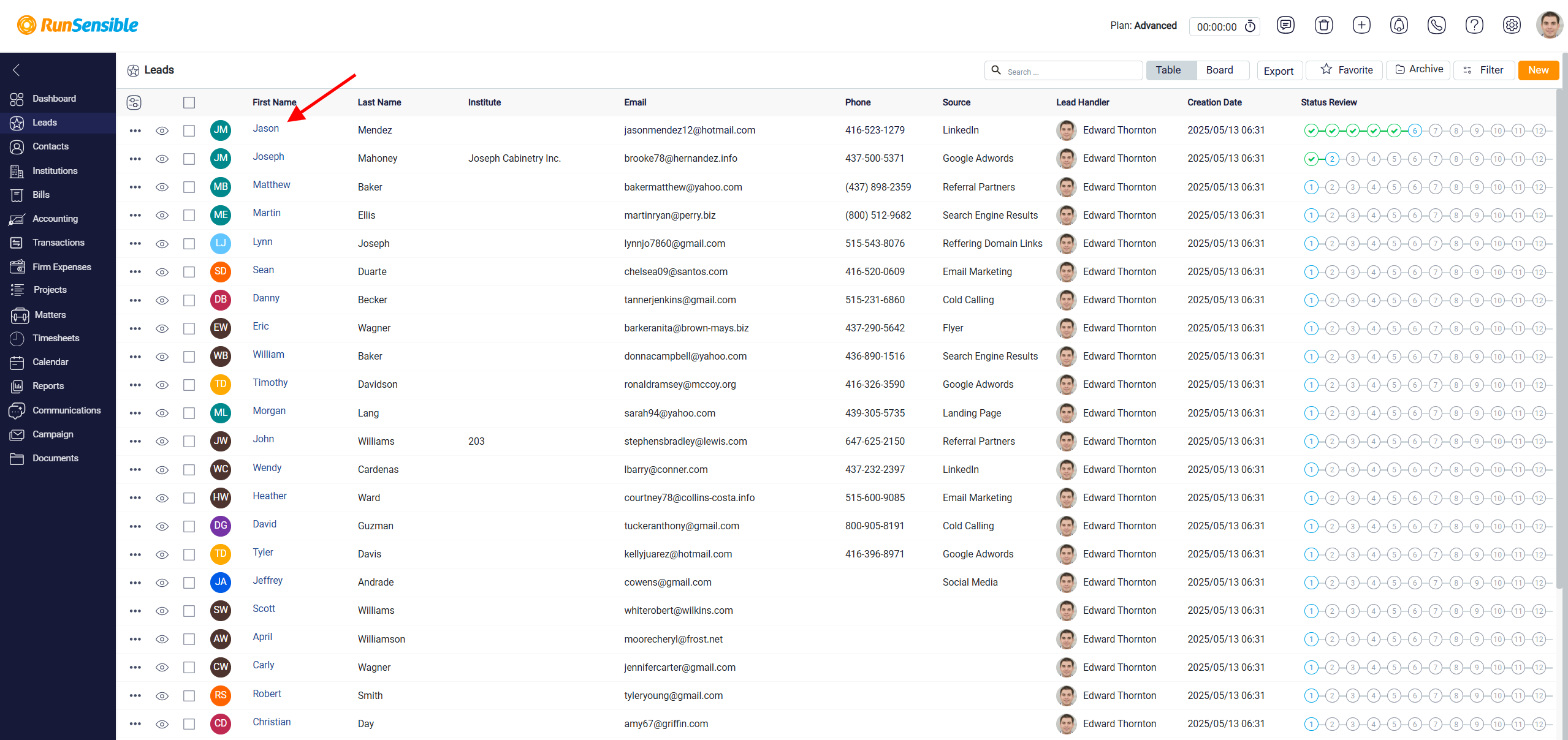
Alternatively, you can directly click on the Lead Name (First Name) you wish to delete.
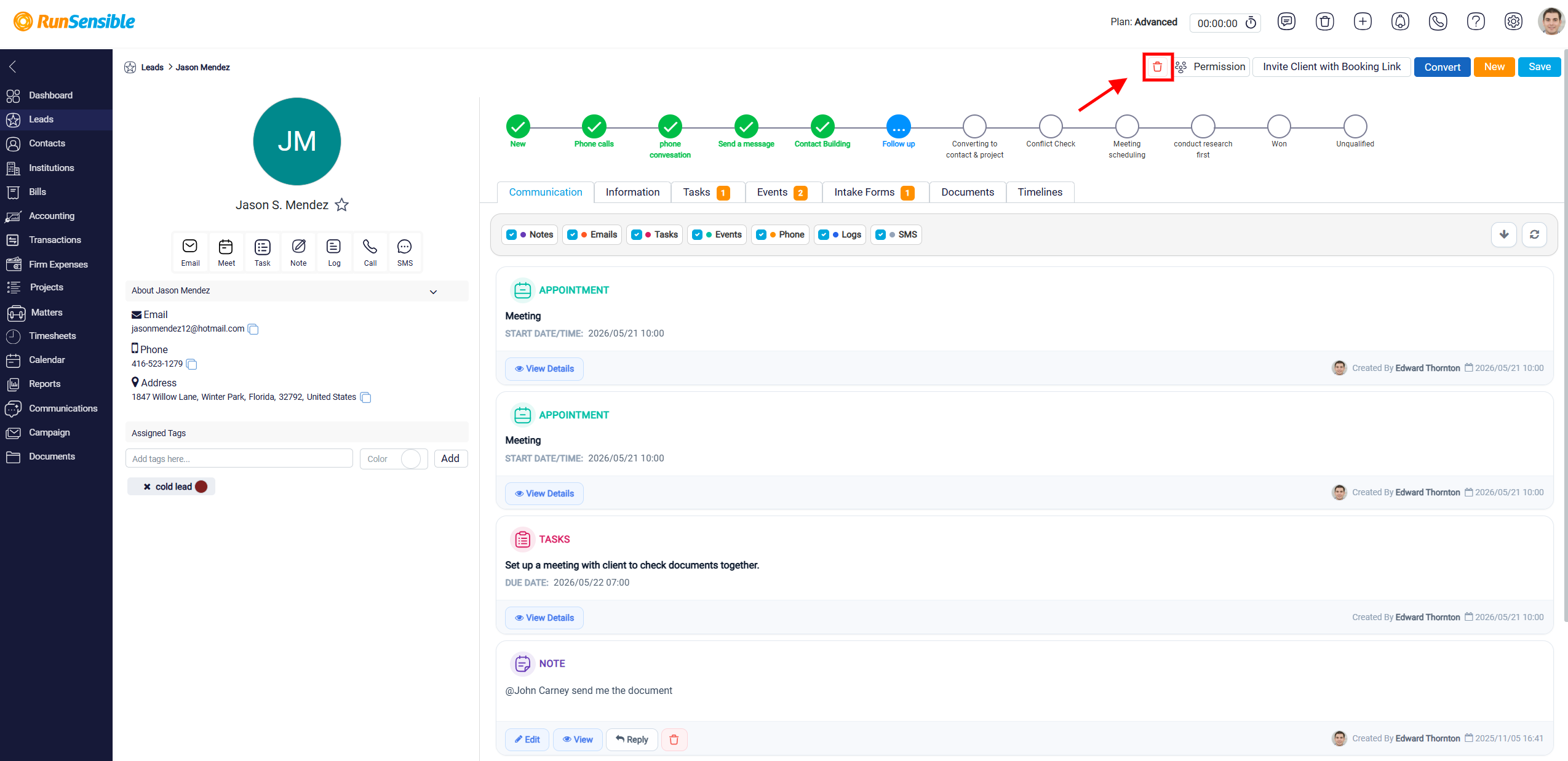
 You will be redirected to the lead’s main page. Click the red Trash button in the top-right corner to delete the lead.
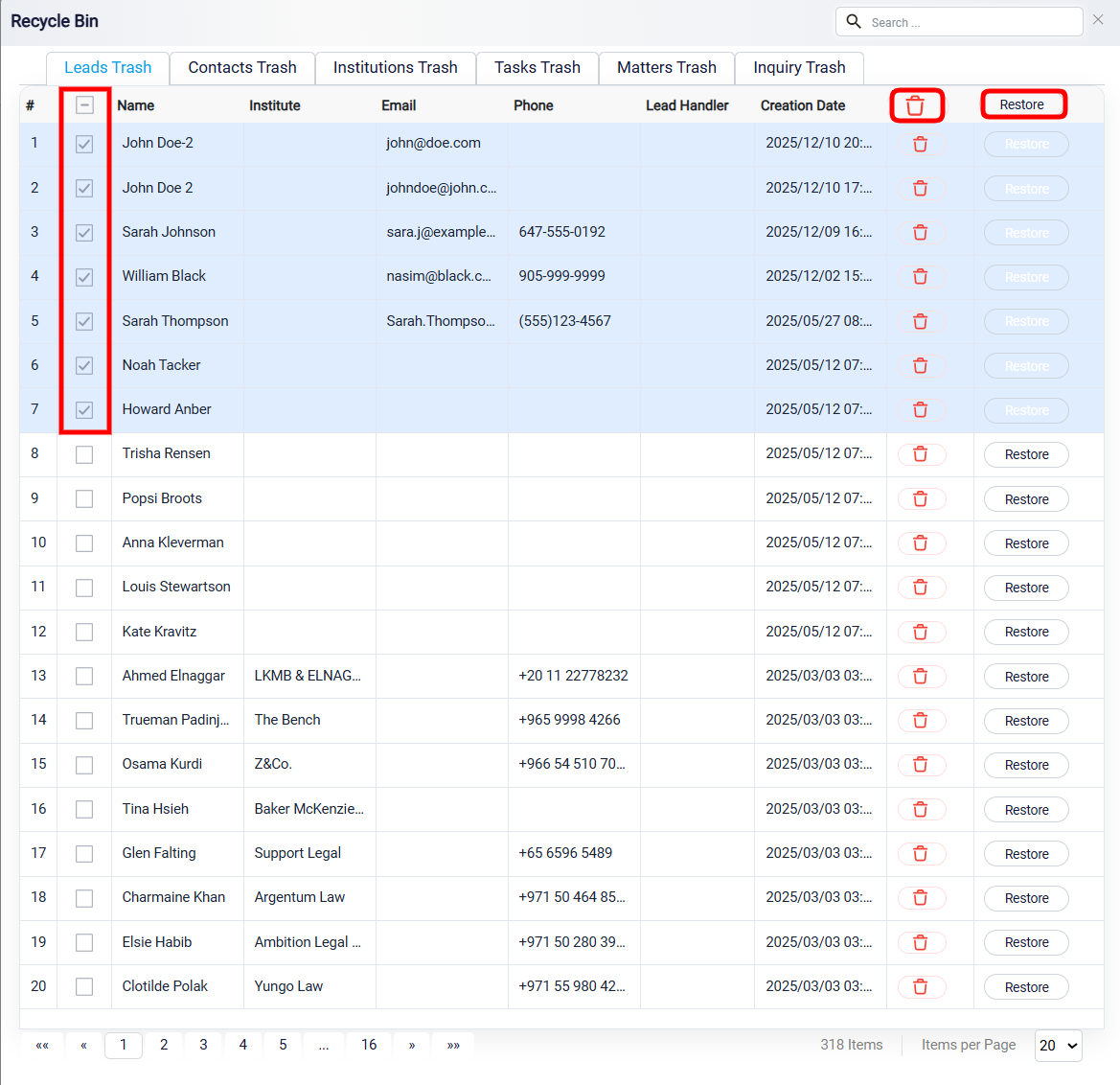
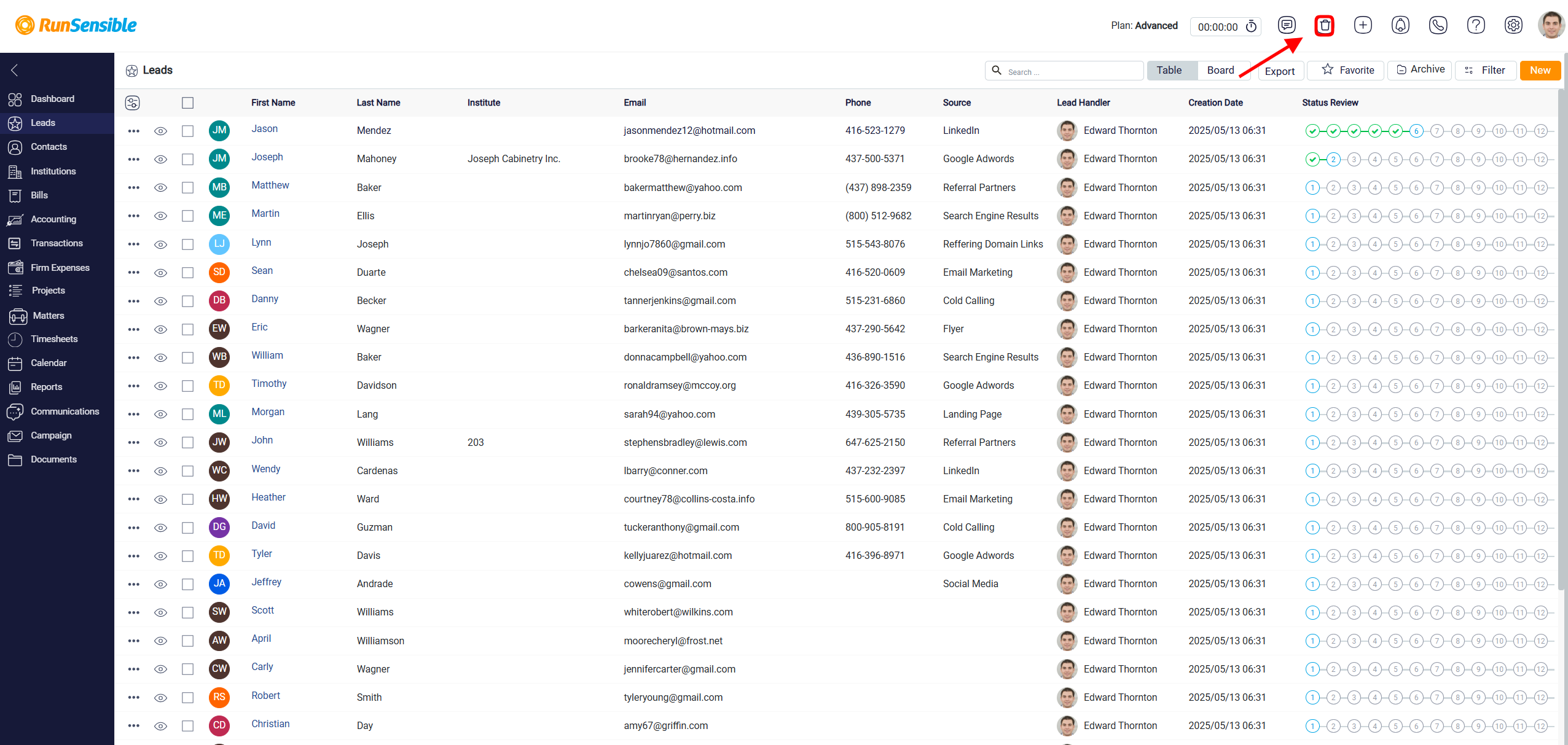
In some cases, you may encounter a situation where you unintentionally delete the wrong lead. If this happens, you can use the recycle bin to recover your leads. To accomplish this, simply click on the black trash button positioned at the top of your screen.
Next, navigate to the Leads Trash tab, where you can conveniently access and view all the leads you have deleted.
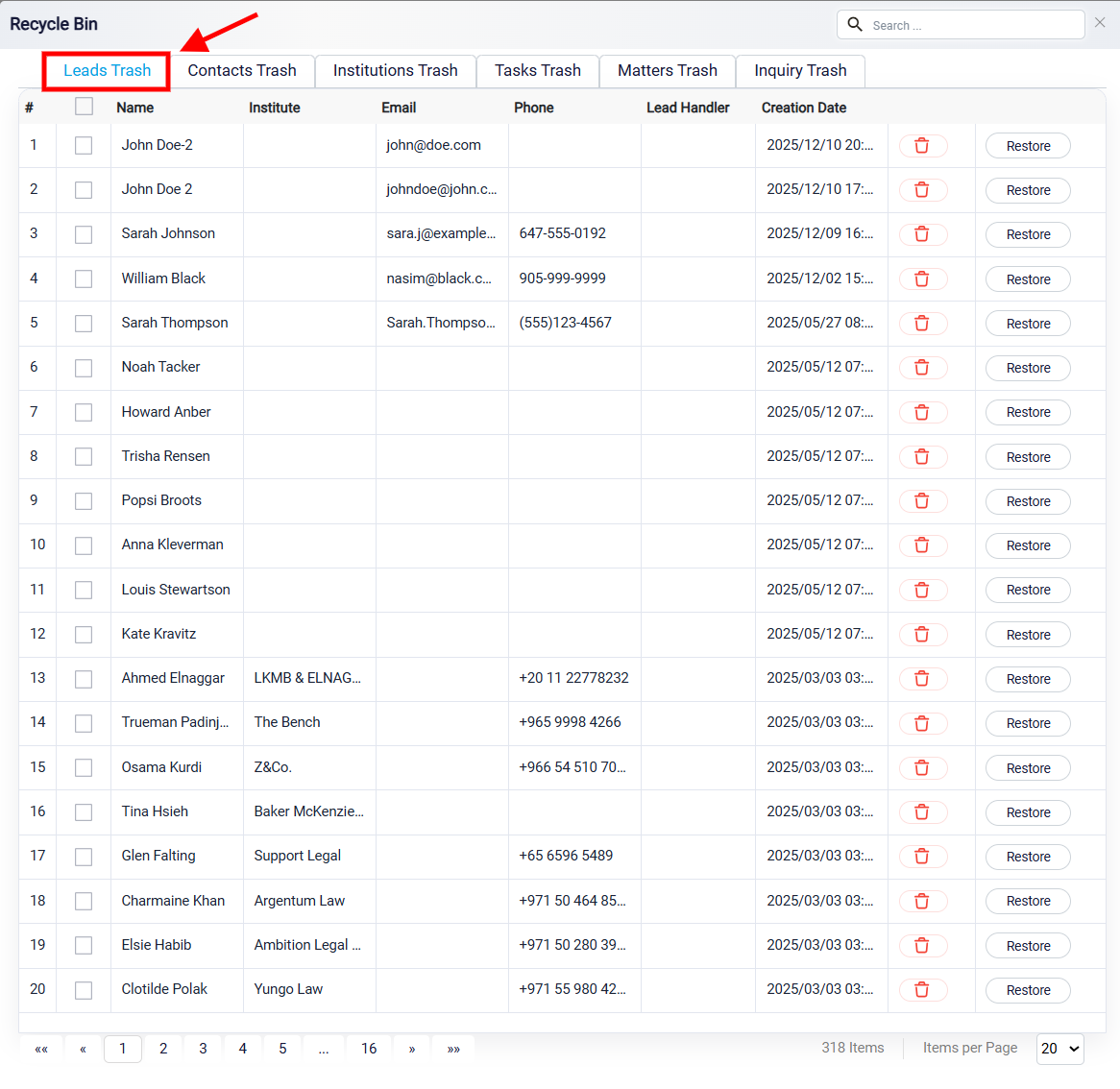
In this section, you can easily restore the lead to your list by simply clicking on the Restore button.
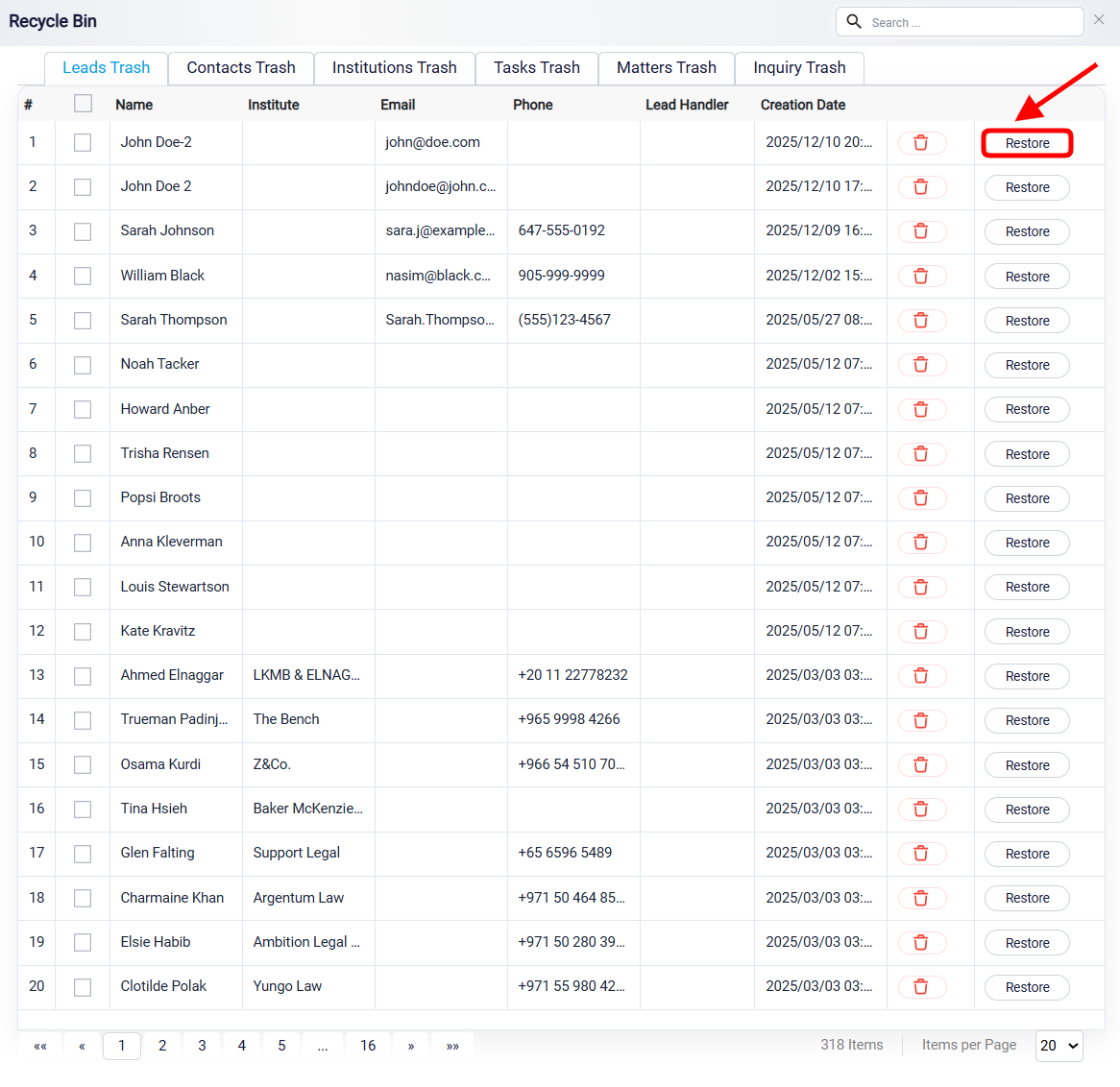
Additionally, you can select multiple leads by checking the box to the left of each lead. Once your selections are made, use the Restore button at the top of the page to restore all selected leads at once. You can also use the Delete button to permanently remove multiple leads, or choose the option to delete all leads at once.