Filtering, Archiving, and Favoriting Leads
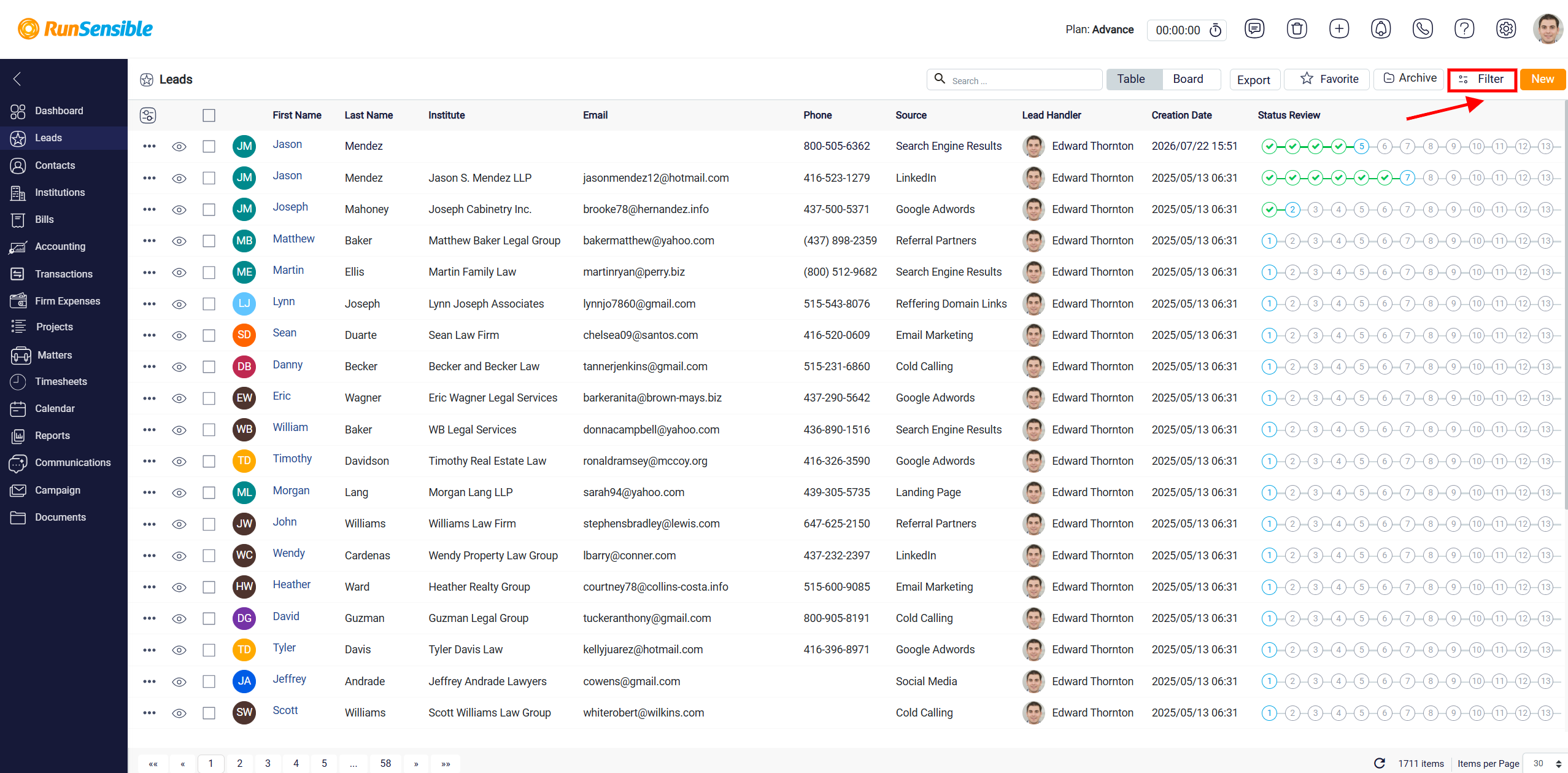
At the top right, you will find several buttons that provide various functions. Starting from the right, just after the New button, you will see the Filter button. This button is used to narrow down the lead list based on specific information saved in lead records. Filtering is useful when the user wants to see only leads that match certain details, instead of reviewing the full list.
For more detailed instructions on using filters, refer to the How to Use Filters Across the Platform.
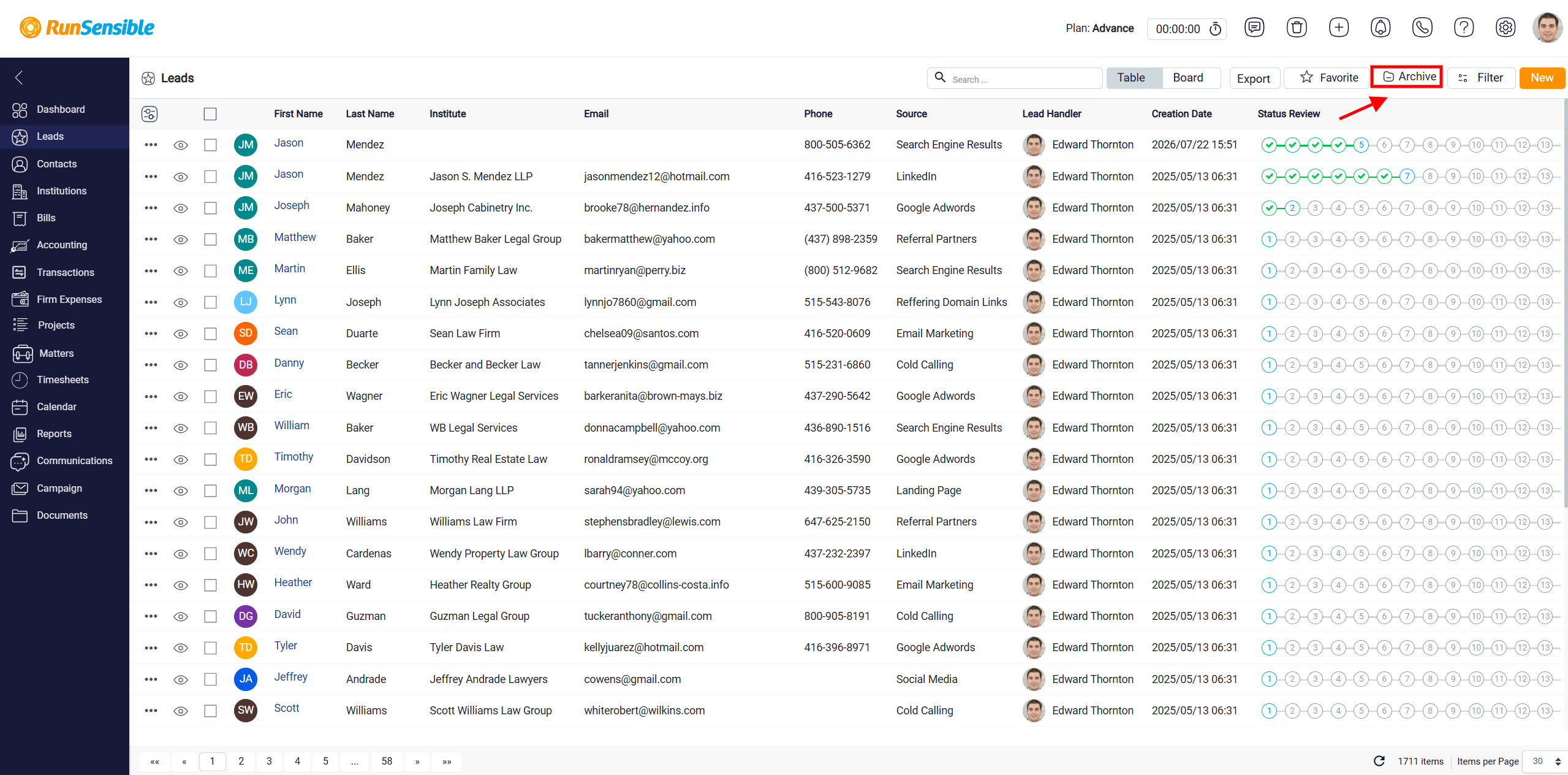
Next to the Filter button is the Archive button. Clicking it changes the view to show archived leads instead of active leads.
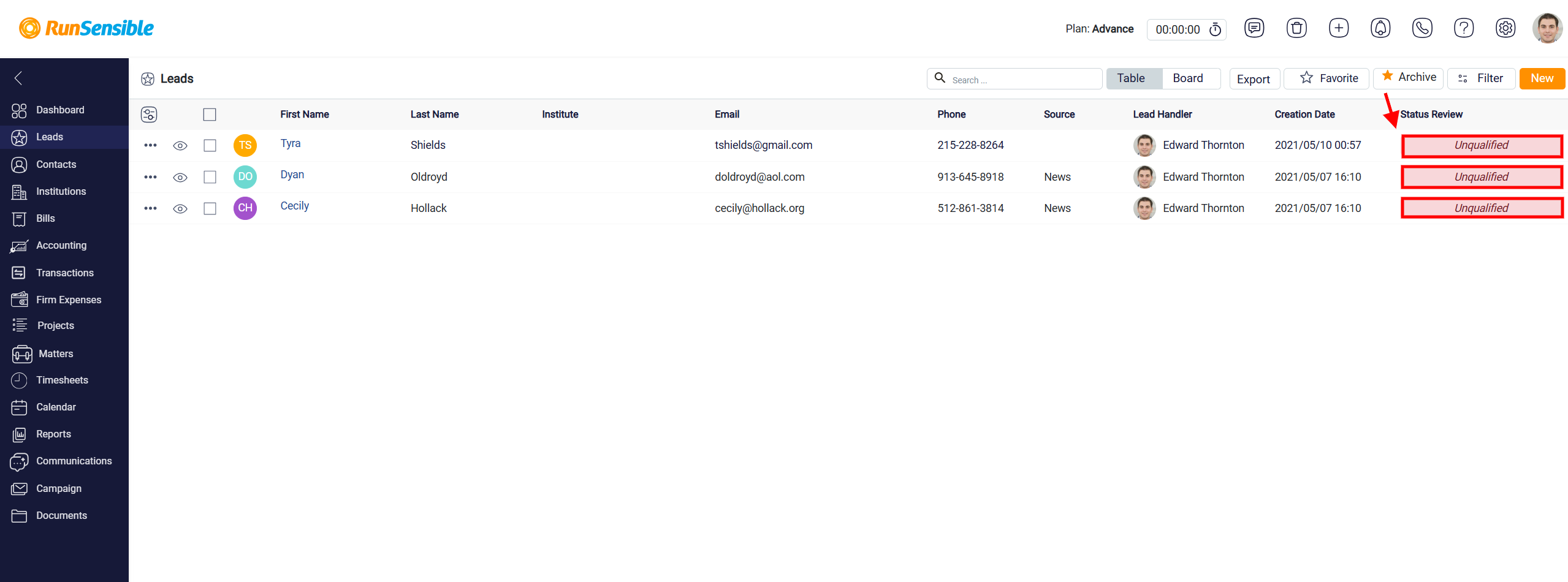
Archived leads are leads that have been marked as Unqualified in the lead pipeline. Since Unqualified is the final step of the lead pipeline, these leads are no longer shown in the regular active lead list. However, they are still saved in the system and can be reviewed from the archive list when needed.
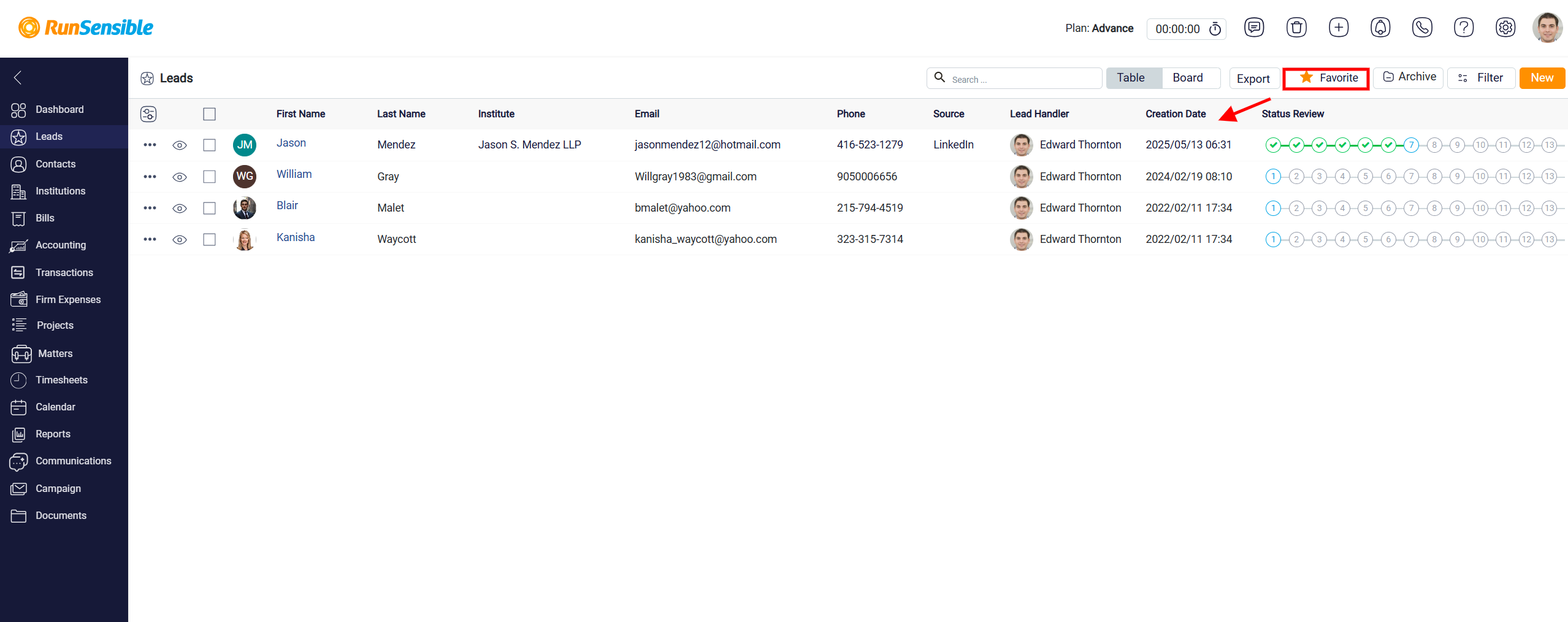
Following the Archive button is the Favorite button. Each lead has a star icon in its details section, which you can activate to mark the lead as a favorite. By clicking the Favorite button, you can view all the leads you have marked with a star, allowing quick access to those that are most important to you.