Sorting Leads
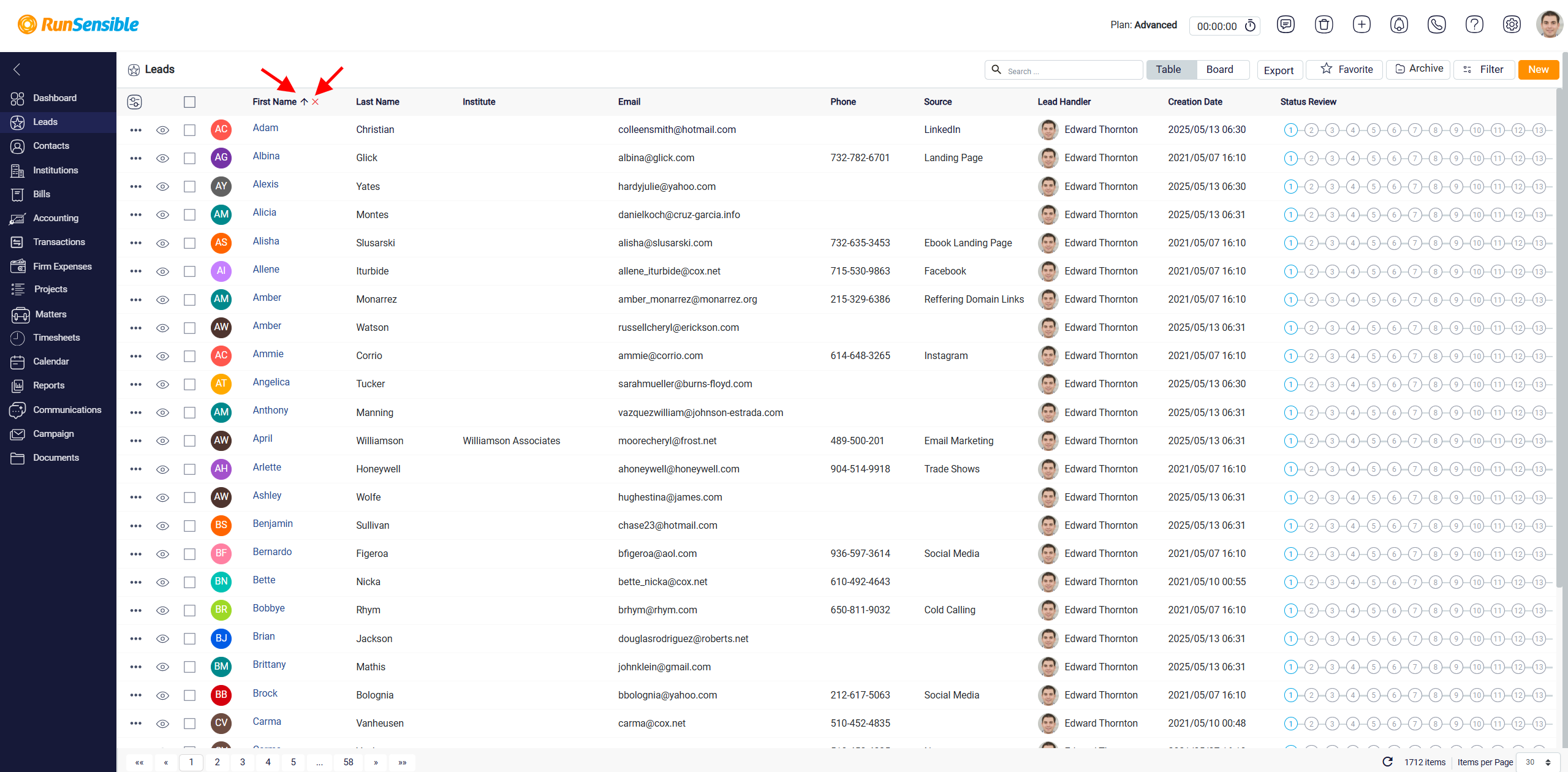
When a column name is clicked for the first time, the table sorts the information in ascending order. Depending on the column, this may mean alphabetical order, oldest to newest, or lowest to highest. After sorting is applied, a small arrow appears beside the column name. Clicking the arrow reverses the order, allowing the user to sort the column in descending order.
If the user wants to remove sorting from a column, they can click the X button that appears beside the sorted column name. Users can also apply sorting to more than one column. This allows the table to organize records using multiple criteria, such as sorting first by handler and then by creation date.