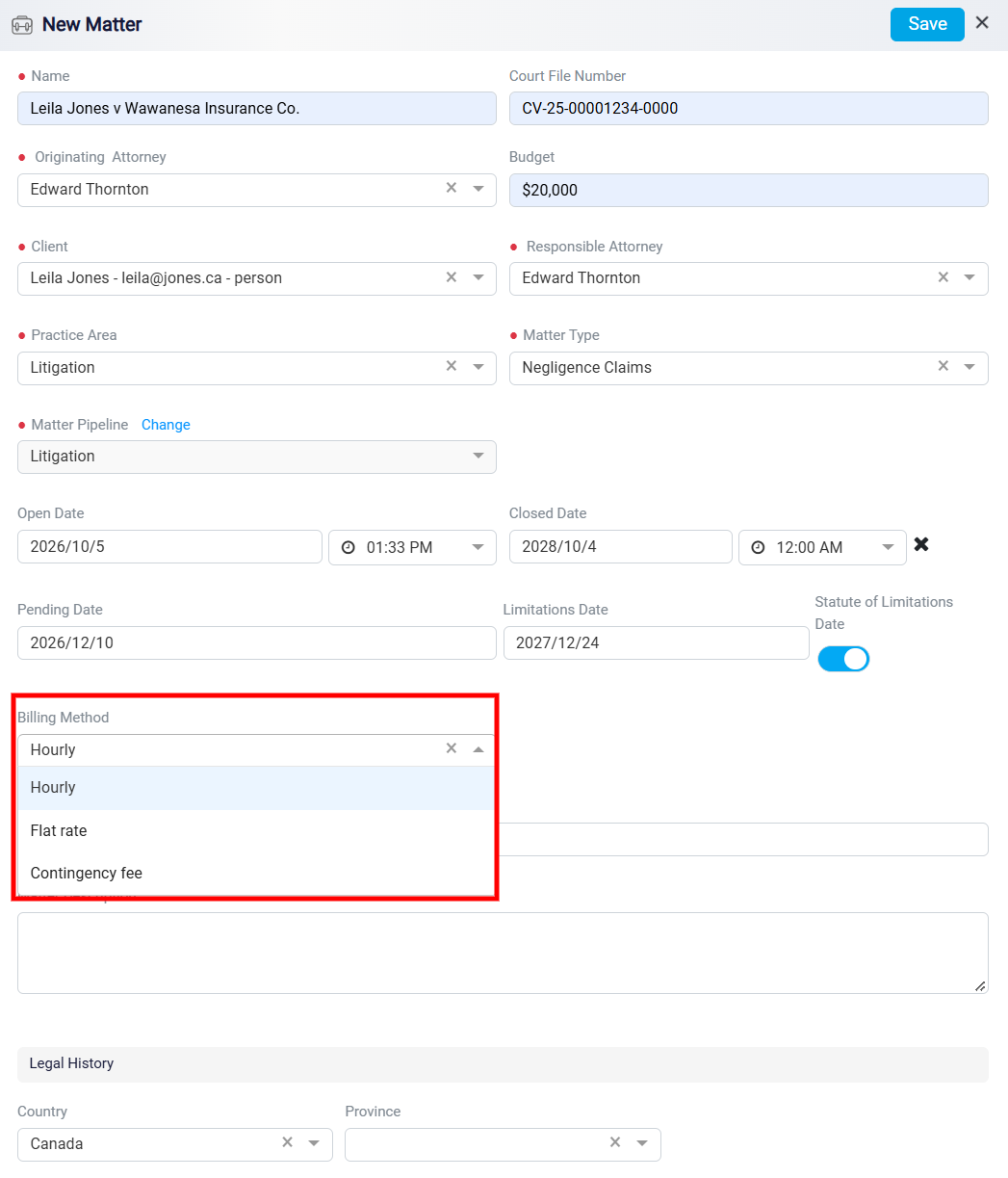
Adding Billing Method
After entering the matter dates, select the Billing Method for the matter. This field shows how the client will be charged for the legal work. Click the Billing Method dropdown to view the available options, such as Hourly, Flat rate, or Contingency fee.
Choose the billing method that matches the agreement with the client. For example, select Hourly if the client will be billed based on time spent on the matter. Select Flat rate if the client will be charged a fixed amount. Select Contingency fee if payment depends on the outcome of the matter.