Customizing Intake Forms for a Matter
The Intake Forms section allows you to manage client intake forms associated with a specific matter. Intake forms help you collect important information from clients, such as personal details, case-related information, and other necessary responses. This section provides a centralized location to track forms that have been sent to clients and monitor their completion status.
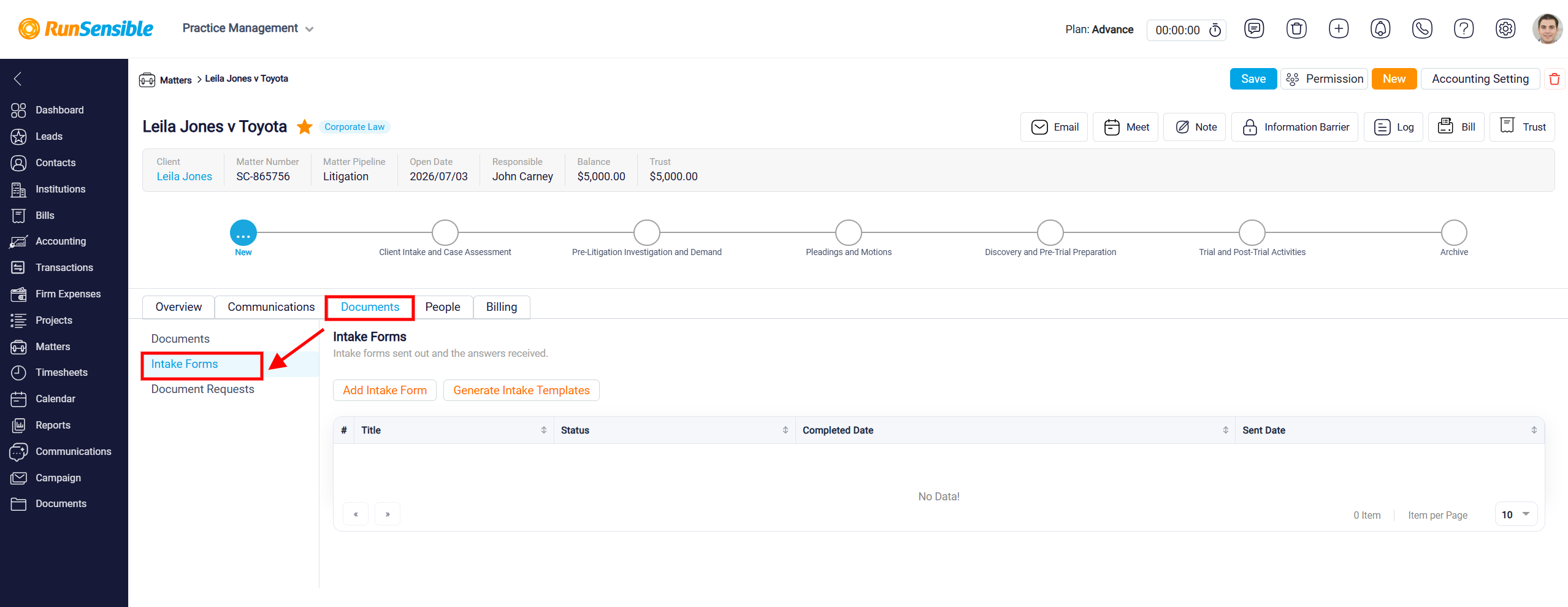
To access this section, navigate to Matters from the left-hand sidebar and open the desired matter. On the Matter Details page, select the Documents tab, then click Intake Forms from the left-hand menu. This opens the Intake Forms page, where you can view and manage the intake forms associated with the selected matter.
Adding an Intake Form
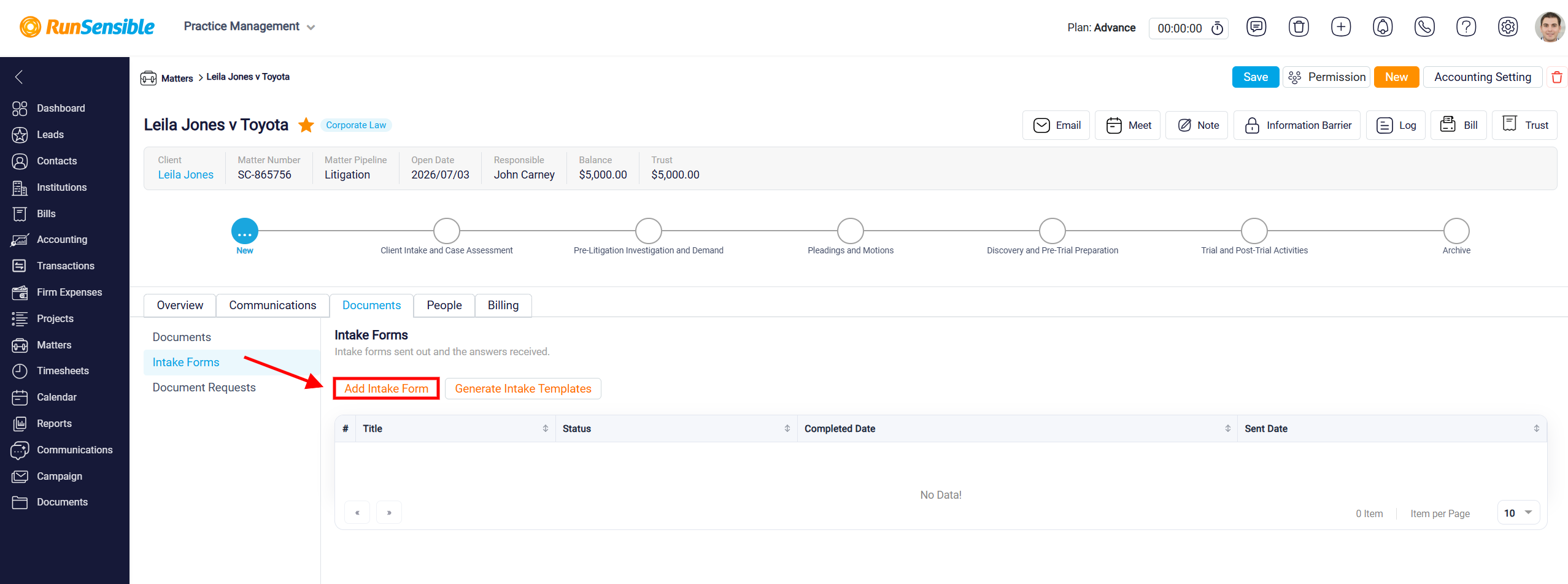
To add an intake form to the matter, click the Add Intake Form button located at the top of the Intake Forms section. This option allows you to add an intake form to the selected matter so you can collect the required information from the client and keep their responses organized within the matter.
A dropdown menu will open and show the intake form templates already available in the system.
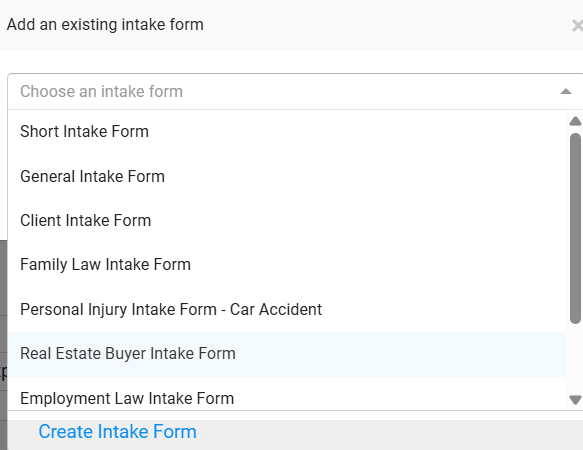
Select the template that matches the information you want to collect from the client, then click Save.
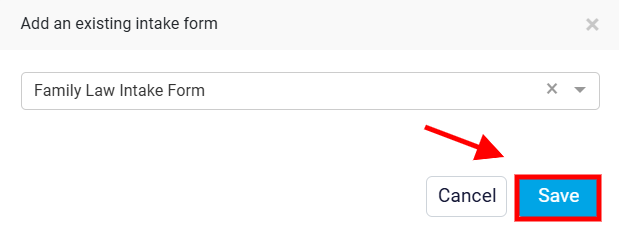
After the form is saved to the matter, the system connects that form to the specific matter. The client can complete the form through the generated link, and once the form is submitted, the submitted information will be available inside the matter’s Intake Form tab.
To learn how to create a new intake template, please visit Create Intake Form.
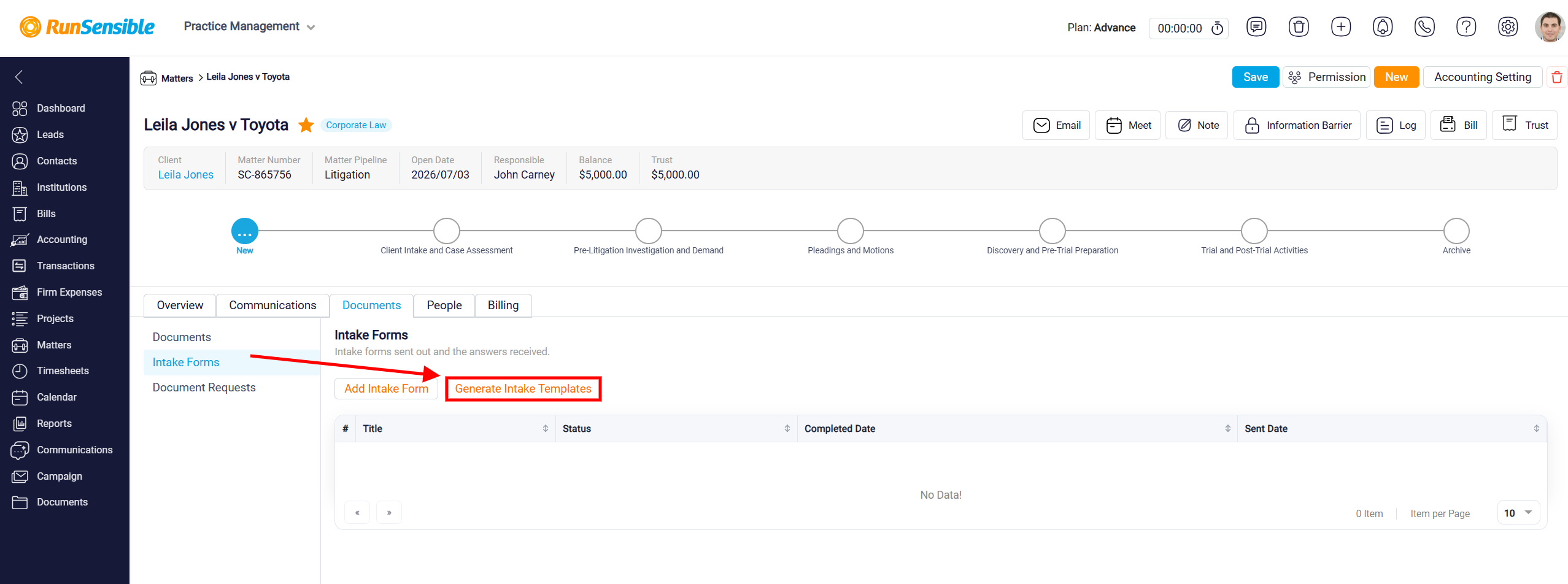
Generating Intake Templates
You can also click the Generate Intake Templates button to generate intake form templates for the selected matter. This option helps you prepare forms for collecting relevant client information and reduces the need to create intake forms from scratch.