Information Tab Overview
The first tab is the Information tab. This tab contains the main information fields related to the matter. Most of this information comes from the details entered when the matter was first created in the New Matter form. This may include the matter name, client, responsible attorney, practice area, matter pipeline, important dates, location, description, and other matter details.
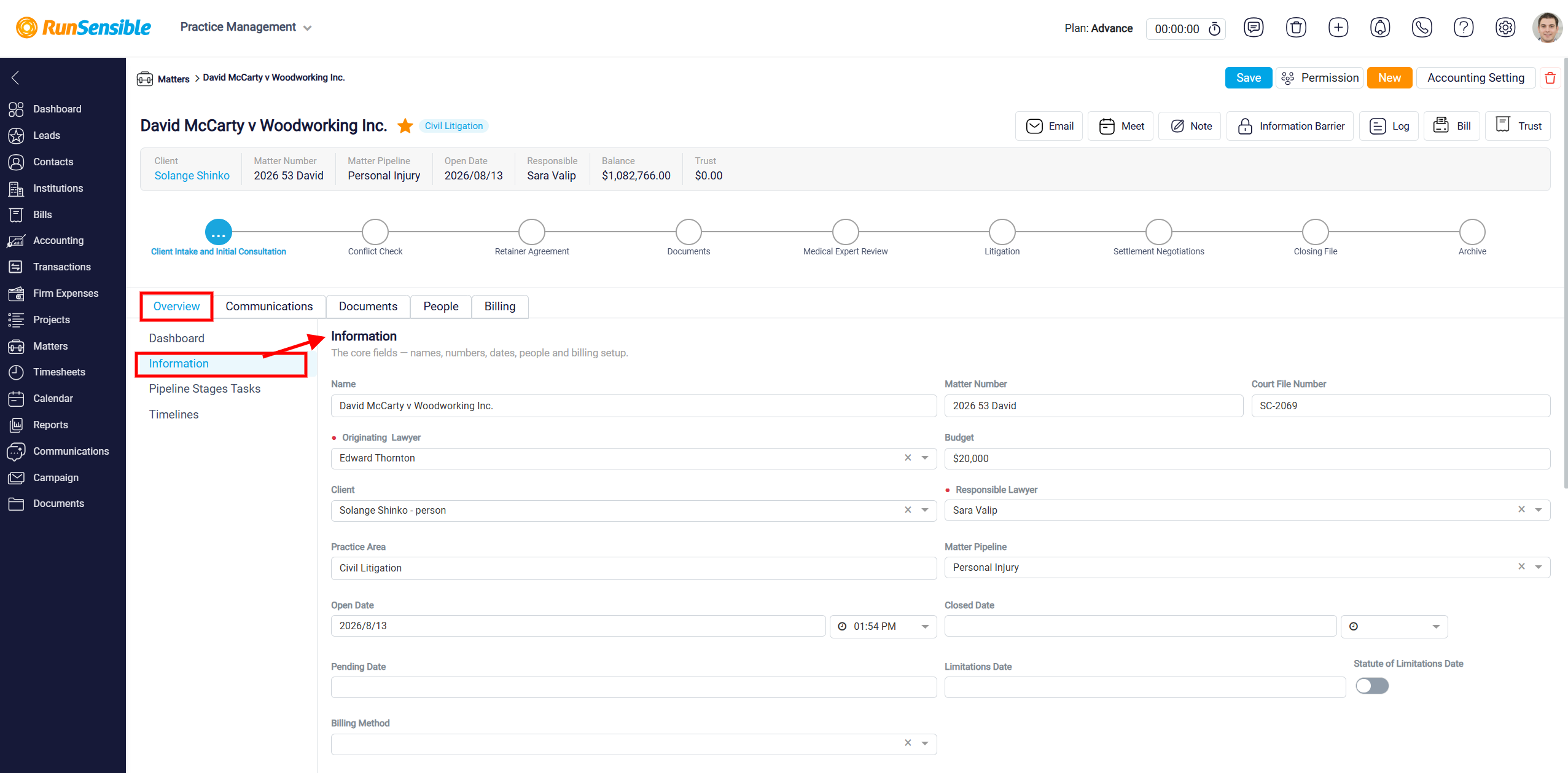
The Information tab is also where users can update the matter’s existing details or add information that was not completed earlier. If any information changes after the matter is created, users can return to this tab and update the relevant fields.
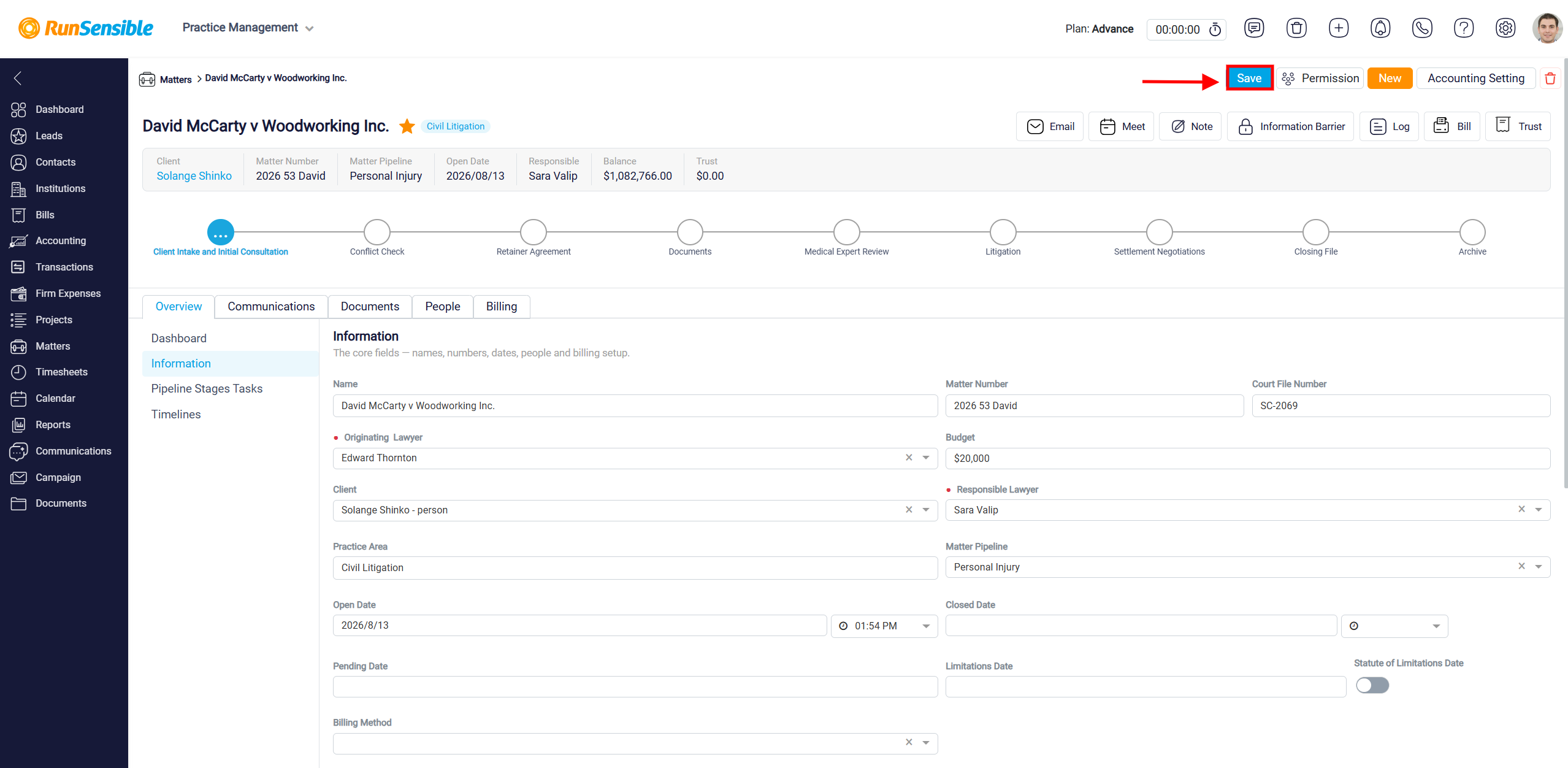
After making changes in the Information tab, you must click Save in the top-right corner of the Matter Details panel. If you leave the panel or switch away without saving, the changes will not be applied.