Tagging and Categorizing Notes
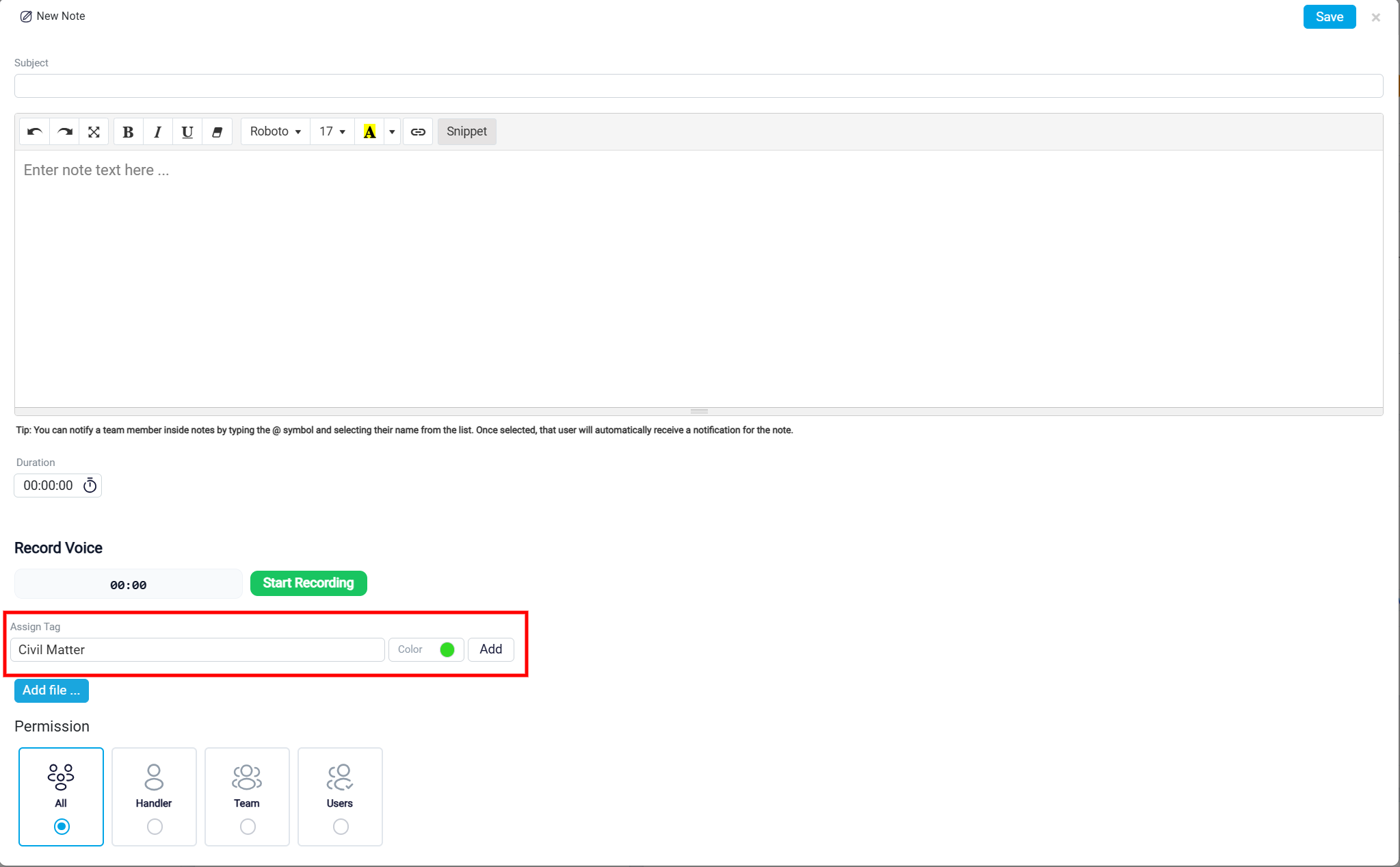
The Assign Tag section helps organize notes by category. To add a tag, type the tag name in the tag field, choose a color using the color selector, and click Add. Tags make it easier to classify notes and find related information later, especially when a matter contains many notes.
Using tags can help separate different types of notes, such as client updates, internal reminders, billing-related notes, evidence notes, or follow-up items. This makes the note history easier to review and manage.