Marking a Matter as a Favorite
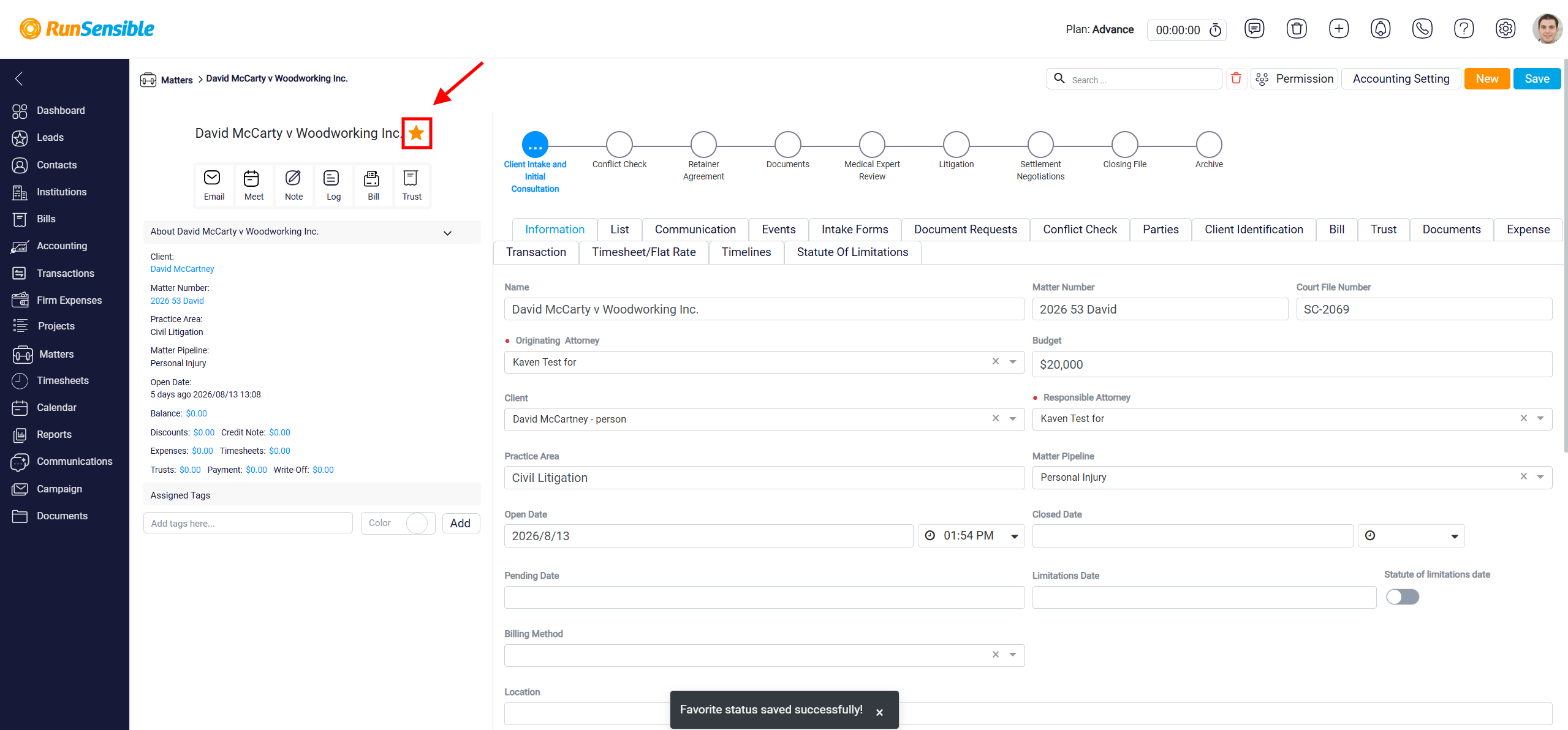
The Favorite button is used to show only the matters you have marked as favorites. This helps you quickly access matters that are important, frequently reviewed, or currently being monitored.
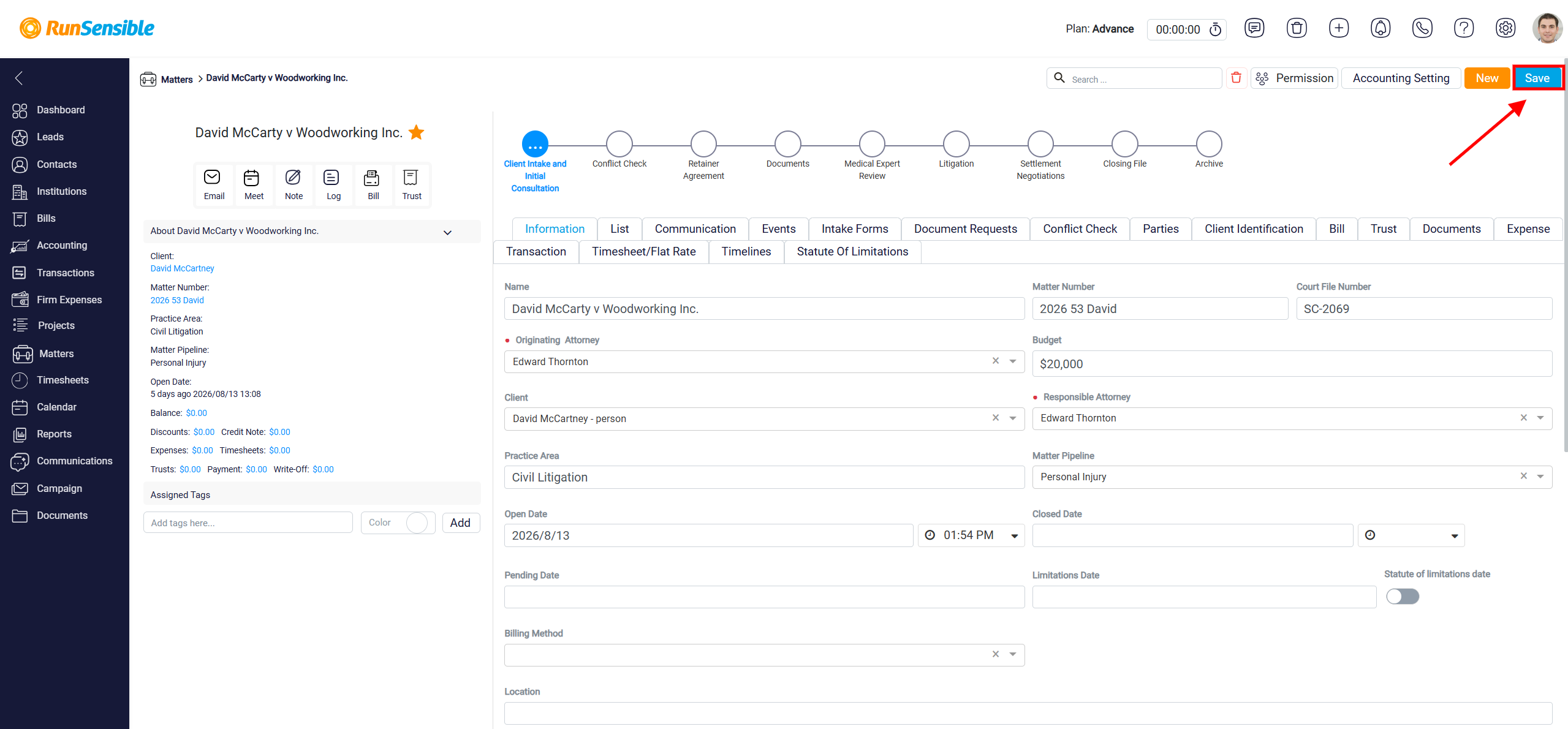
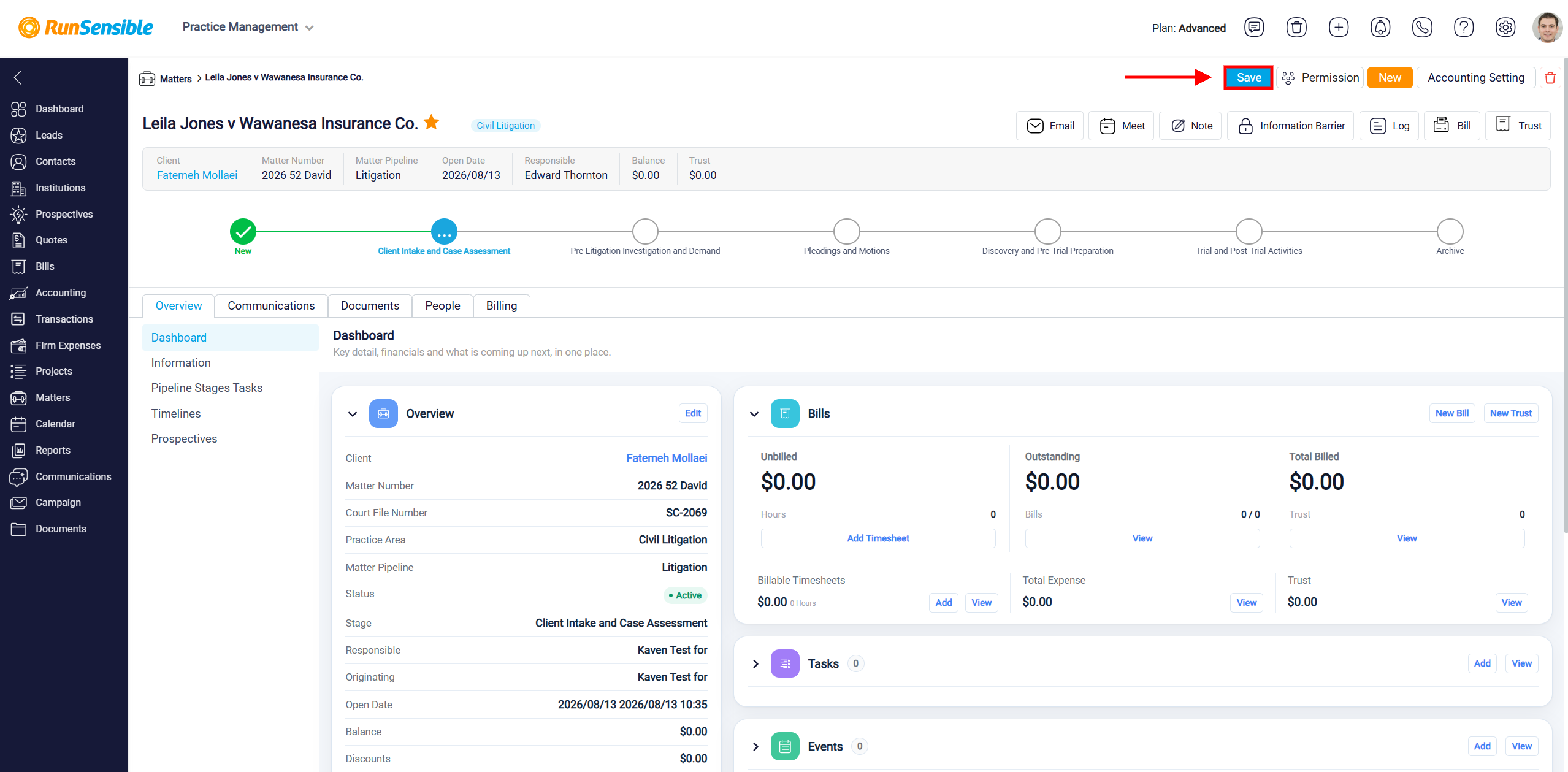
A matter can be marked as a favorite from its detail panel. To do this, click the Star button located to the right of the matter name.
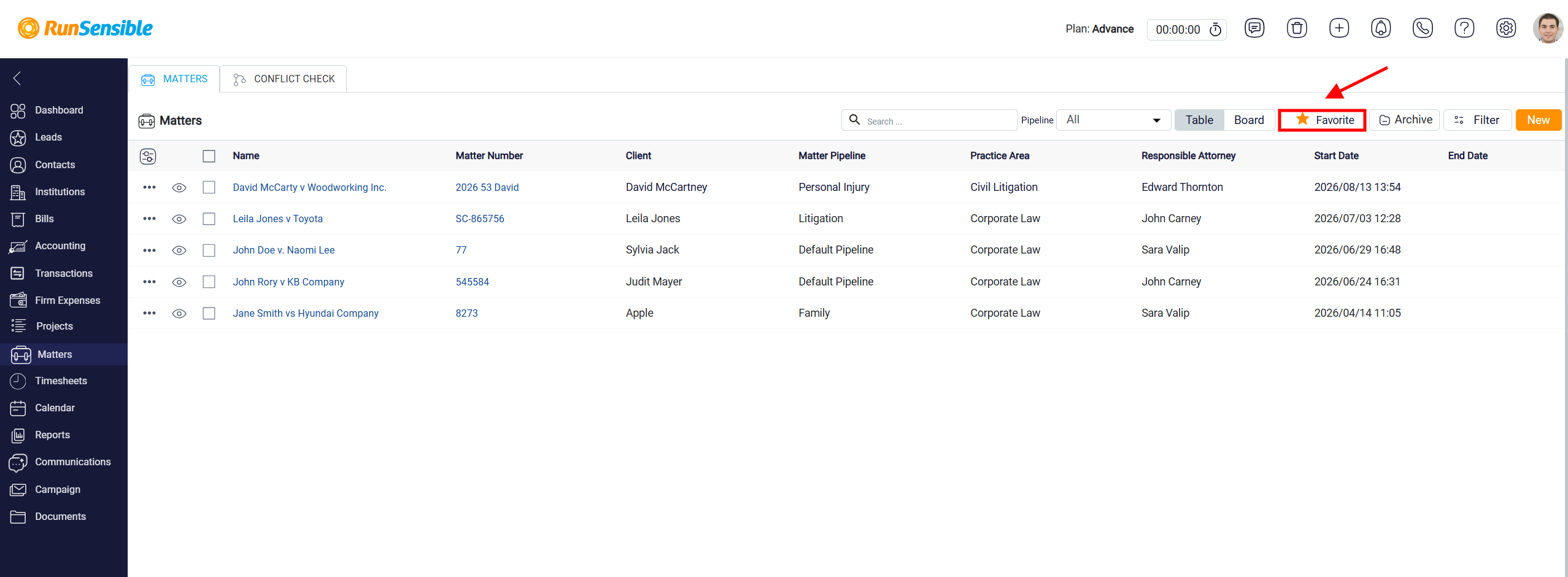
Once selected, click Save in the top-right corner of the screen to apply the change.
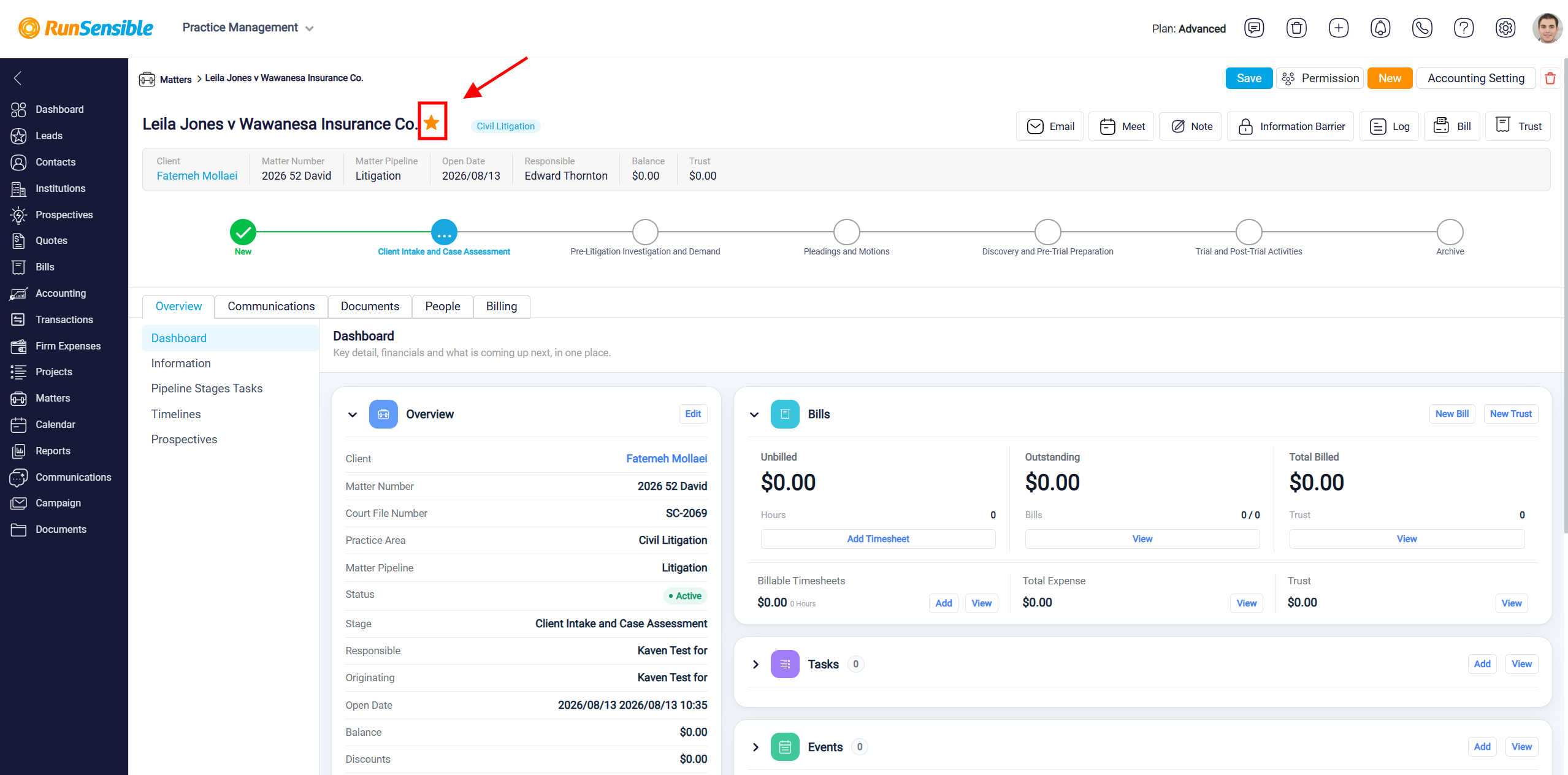
Marking a matter as a favorite allows you to identify and access it later, as it will be highlighted or filtered into your list of prioritized matters. Once it has been marked as a favorite, it will appear when you use the Favorite filter.
The Favorite button is used to show only the matters you have marked as favorites. This helps you quickly access matters that are important, frequently reviewed, or currently being monitored.
A matter can be marked as a favorite from its detail panel. To do this, click the Star button located to the right of the matter name. Once selected, click Save in the top-right corner of the screen to apply the change.
Marking a matter as a favorite allows you to identify and access it later, as it will be highlighted or filtered into your list of prioritized matters. Once it has been marked as a favorite, it will appear when you use the Favorite filter.