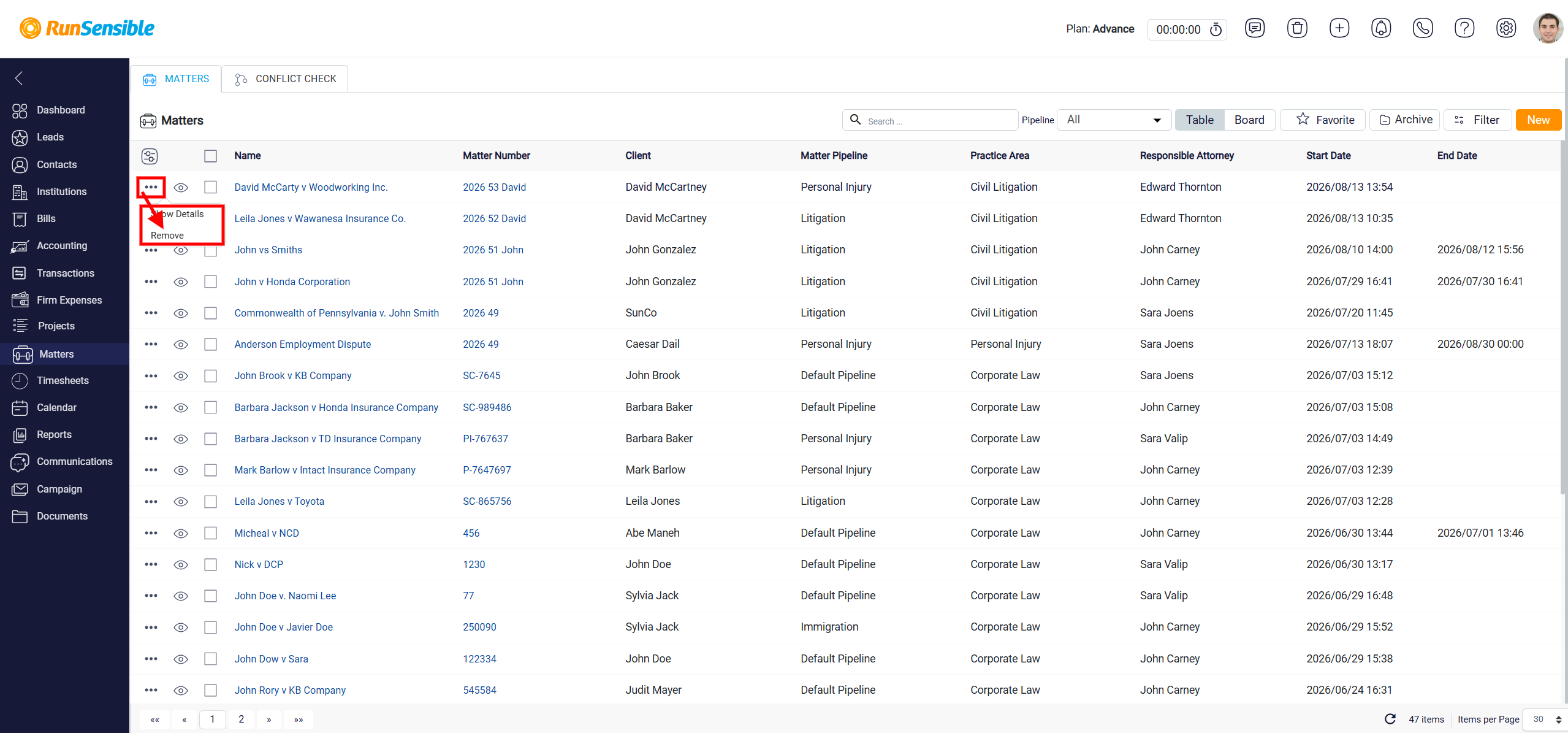
Quick Actions in Table View
In this mode, two buttons on the left side of each matter provide quick actions. The first button is the Quick View button.
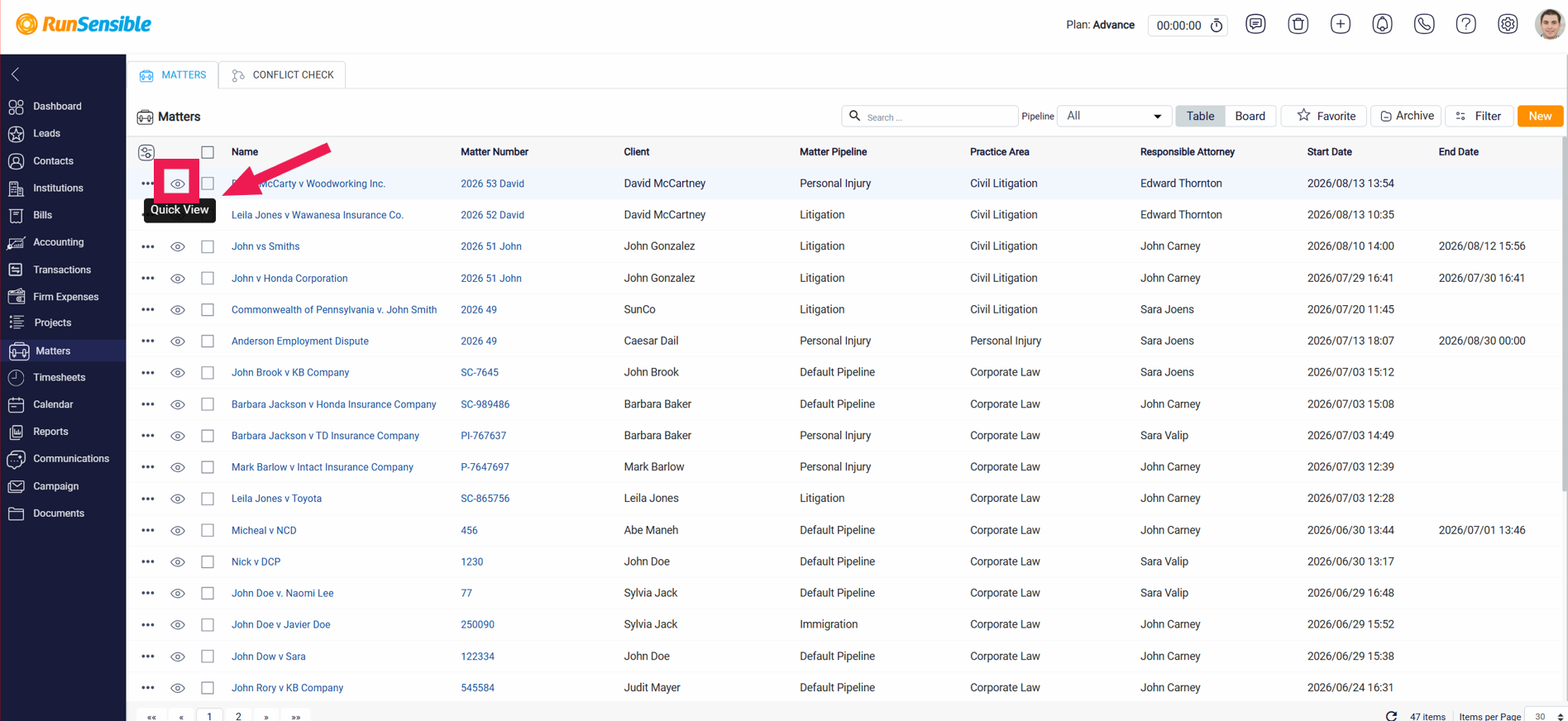
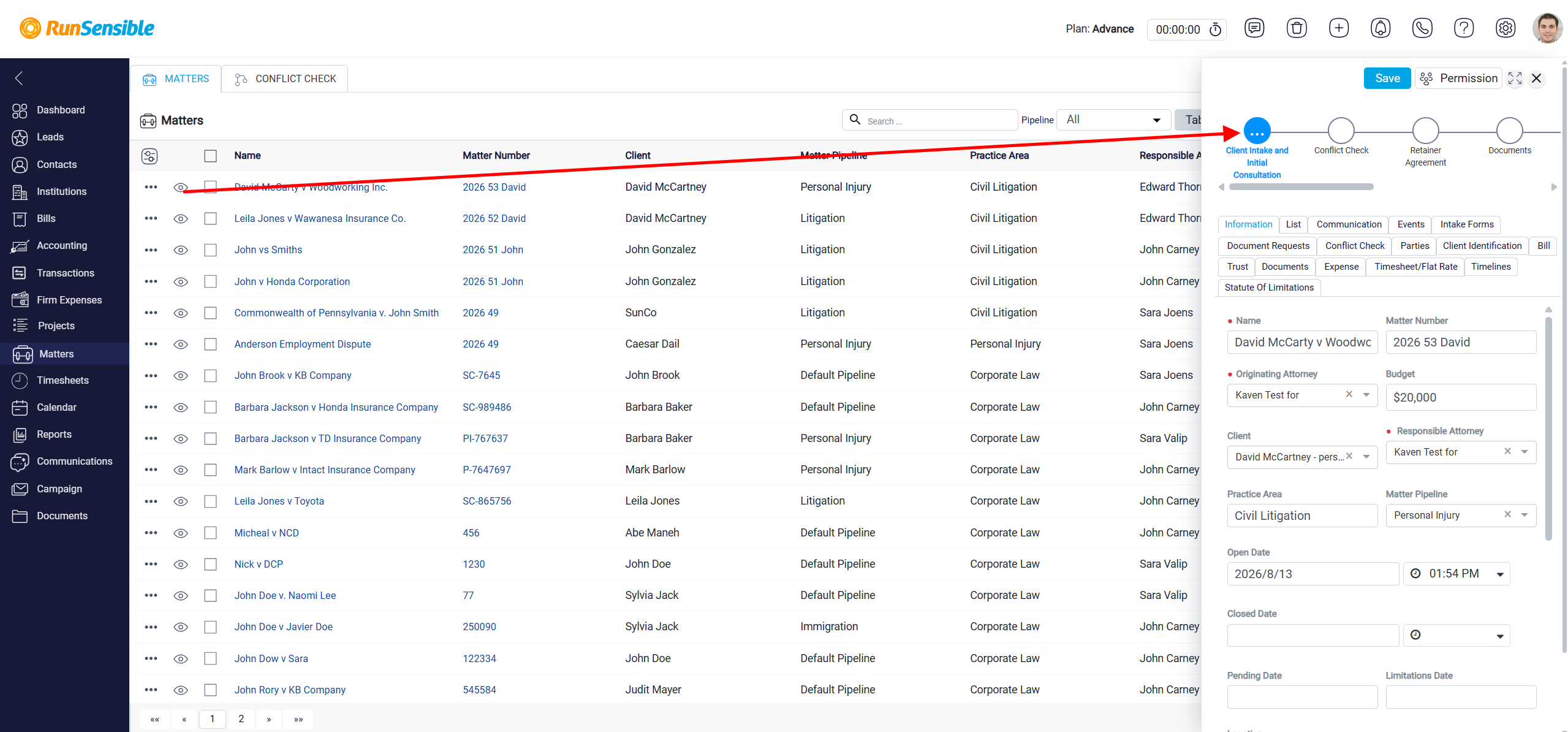
When you click on this button, a small panel will appear on the right side of your screen, displaying the details of the selected matter without requiring you to exit the matters list.
The second button is a Three Dots menu that provides additional actions for managing your matter. When you click on this button, a menu will appear with two options. The first option is Show Details, which opens a full-screen view of the matter, allowing you to explore all aspects of the case in-depth.
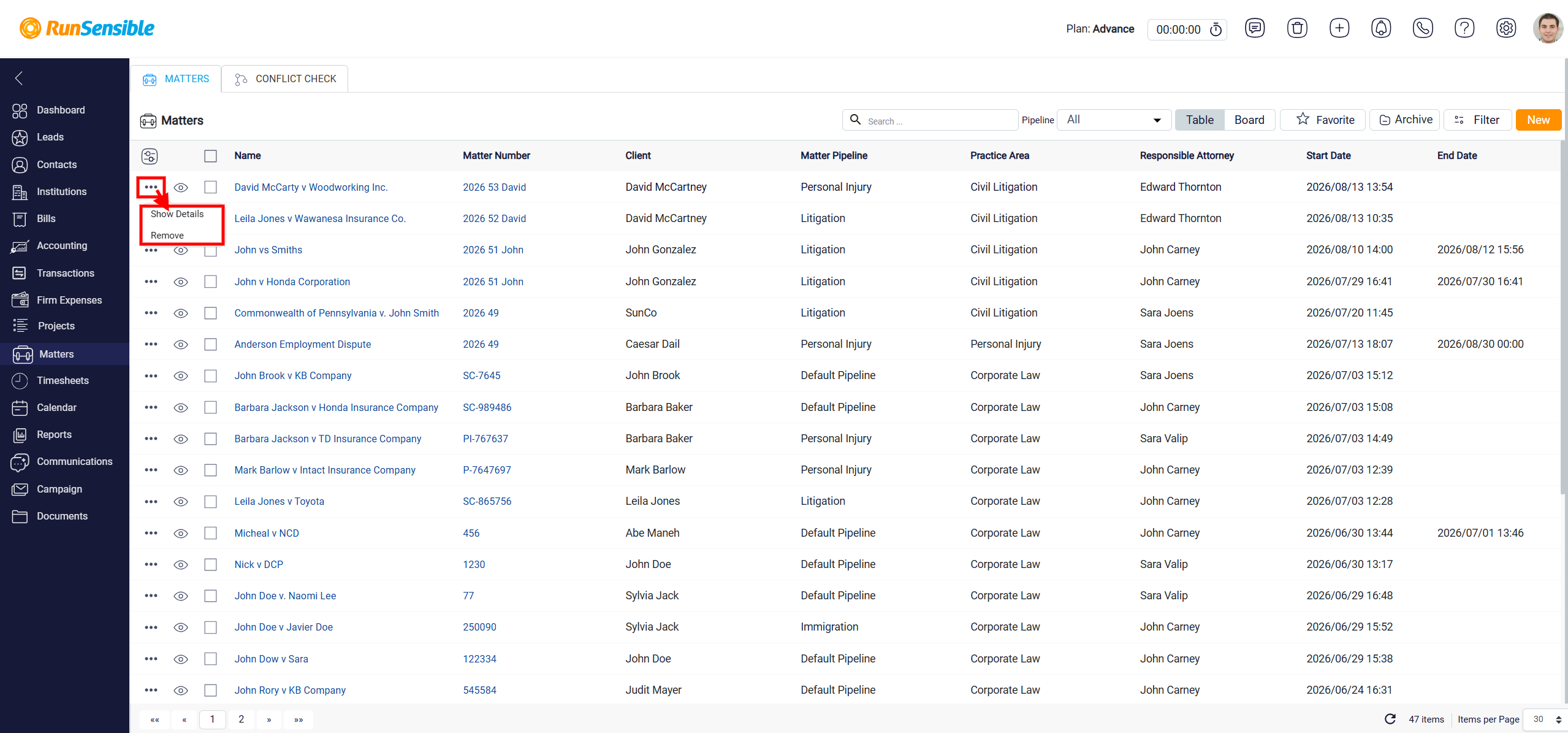
The second option is Remove, which allows you to permanently delete the matter from your list, making it no longer accessible or visible in the system.