
Assigning an Originating Attorney
After entering the basic matter details, select the Originating Attorney. This field identifies the user who created or opened the matter in the system. To select or change this user, click the Originating Attorney dropdown menu. The dropdown displays the users registered in the system. By default, this field is usually filled with the name of the user who is creating the matter, but it can be changed if another user should be listed as the originating attorney.
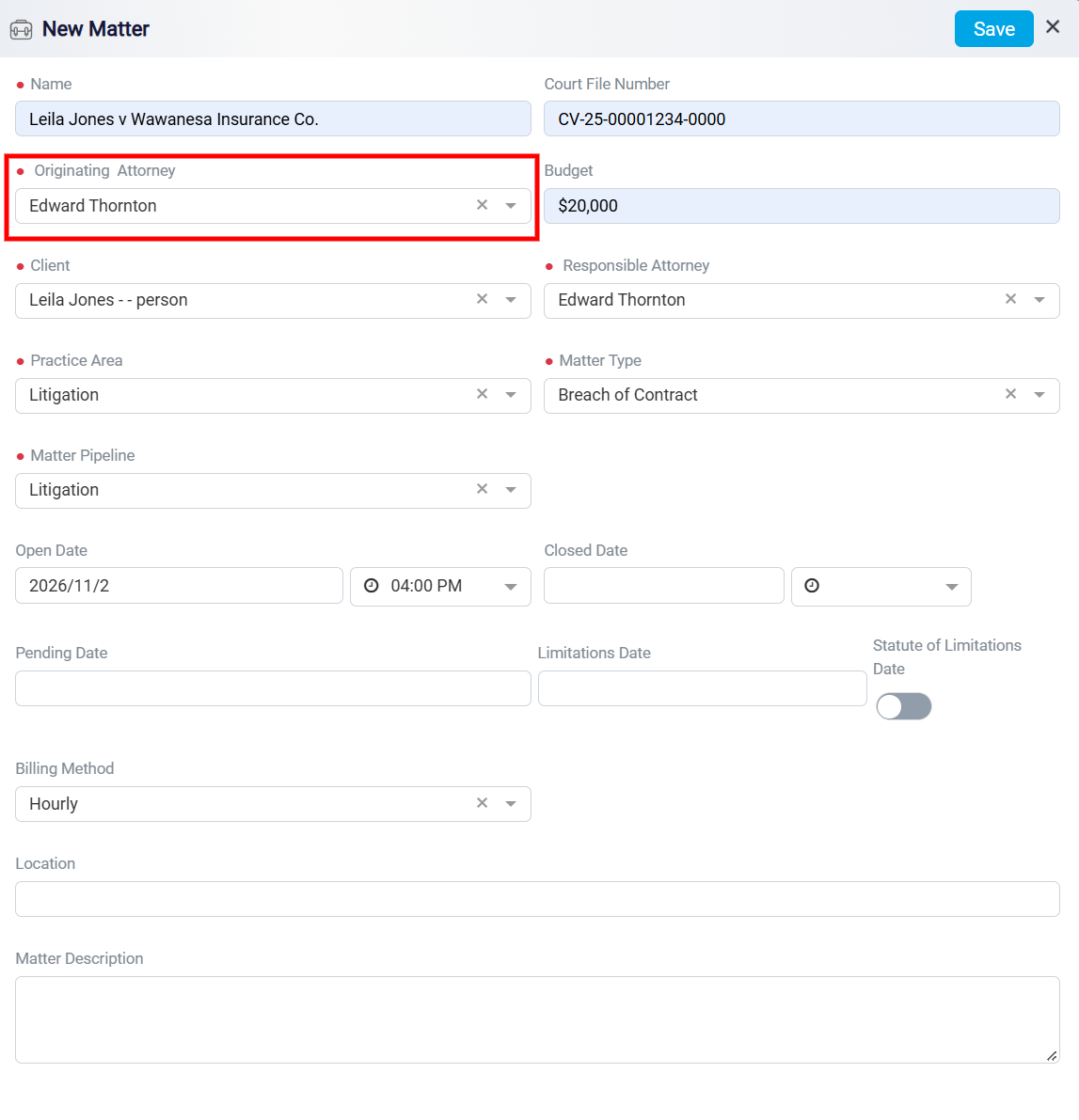
To edit a name in this list, locate the person in the Contacts section and update their information there.