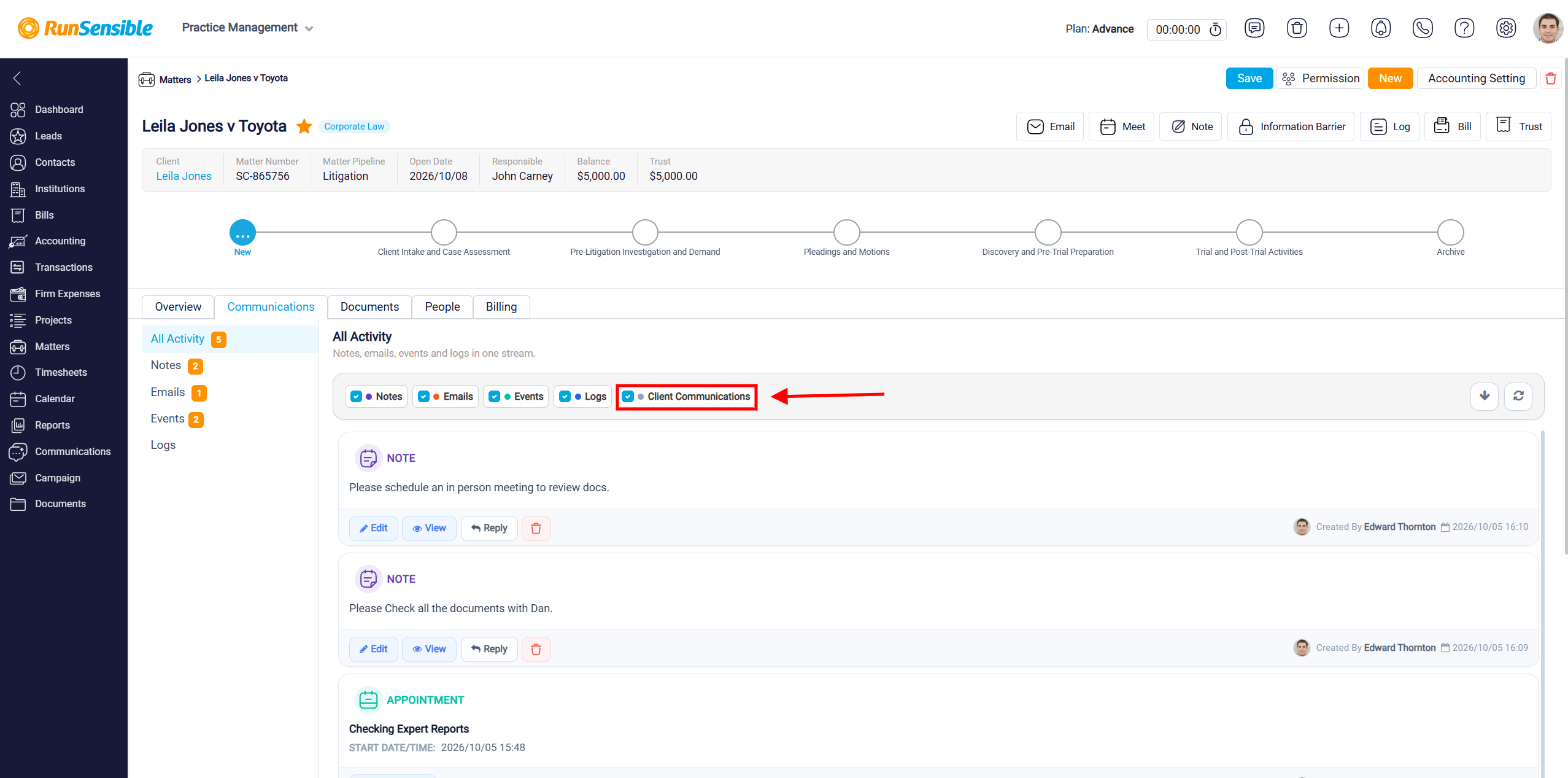
Tracking Communication in the Communication Tab
In Communication tab you can view every interaction related to the matter, including notes, emails, events, and logs. This tab serves as a comprehensive record of all communications associated with the matter, providing a centralized location where you can easily track and review each interaction. Whether it is a note documenting a conversation, an email exchange, a scheduled event, or a log of actions taken, all relevant communication details are meticulously recorded here. This ensures that you maintain a complete and organized history of all interactions related to the matter.
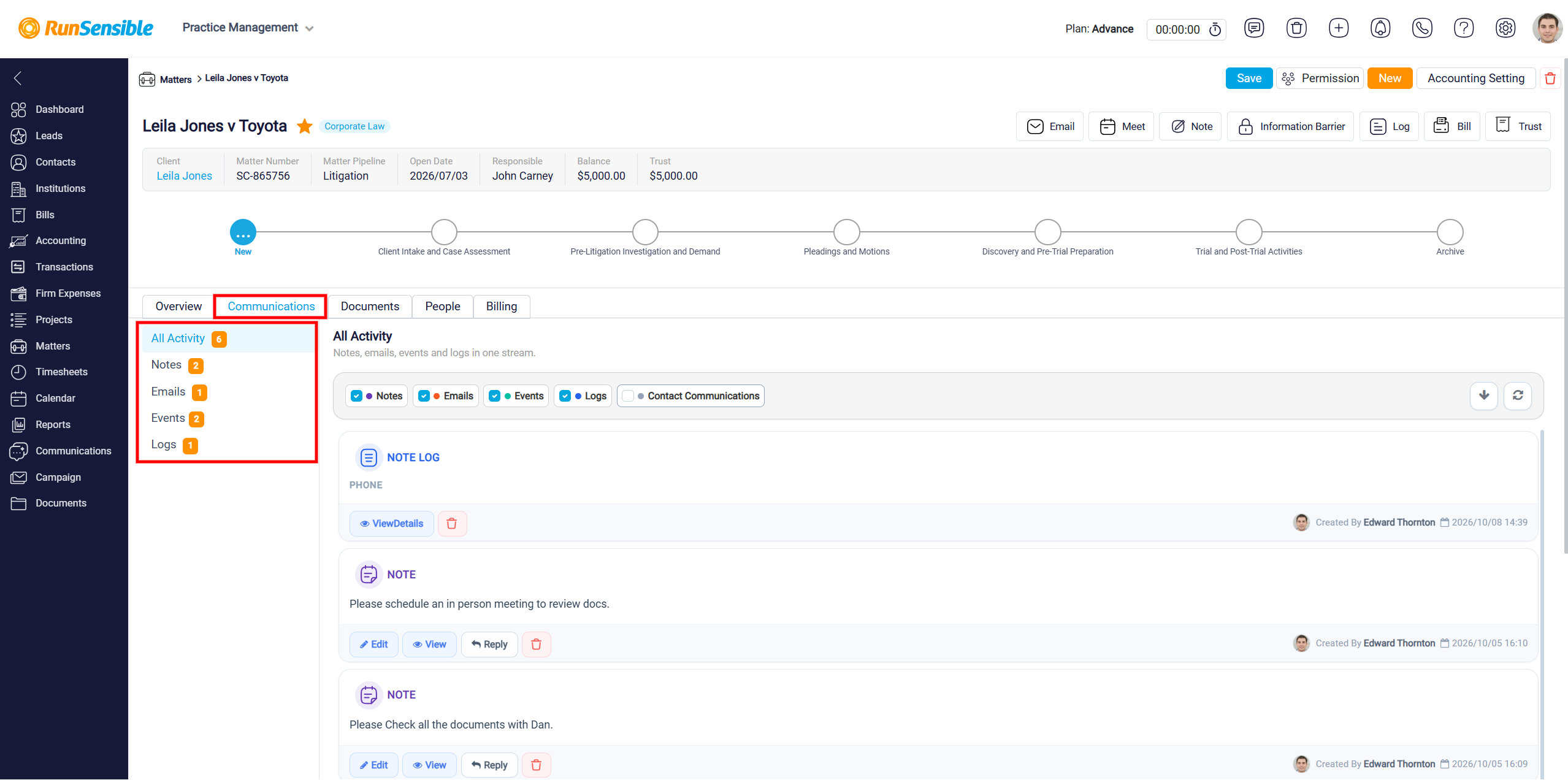
At the top of the Communication tab, you will find four checkboxes labeled Notes, Emails, Events, Logs and Contact Communications. By default, all of these checkboxes are selected, meaning that all types of interactions are displayed in this tab. However, if you prefer to focus on specific types of interactions, you can uncheck any of these boxes to filter the view accordingly. This allows you to customize the information you see, making it easier to manage and review the interactions that are most relevant to your current needs.