Managing Trust Requests
The Trust button is used to request trust money from the client for a specific matter.
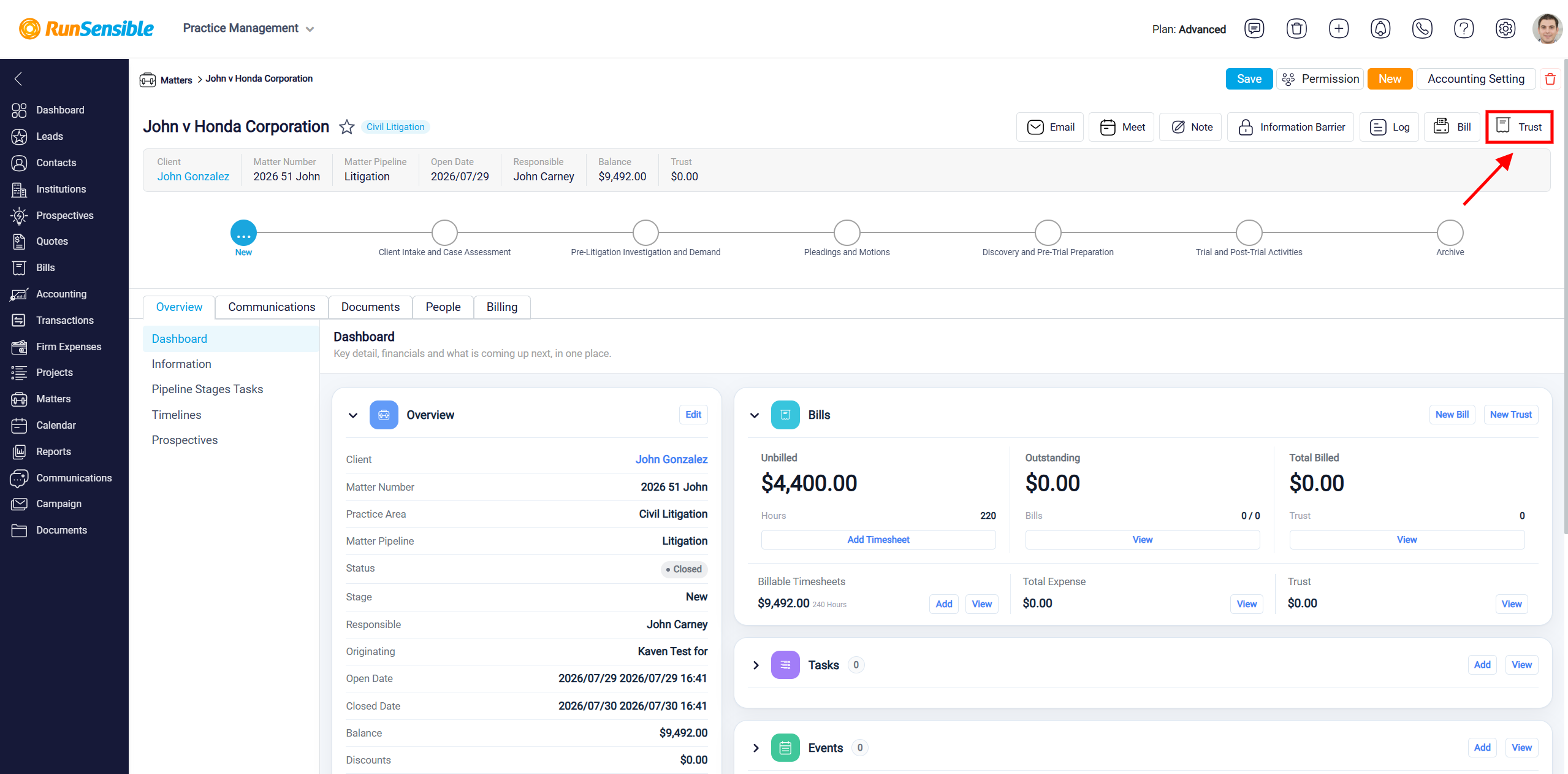
When you click the Trust button, the New Trust Requests panel opens. This panel allows you to enter the details of the trust request, including the request date, due date, client, amount, matter, description, and available online payment options.
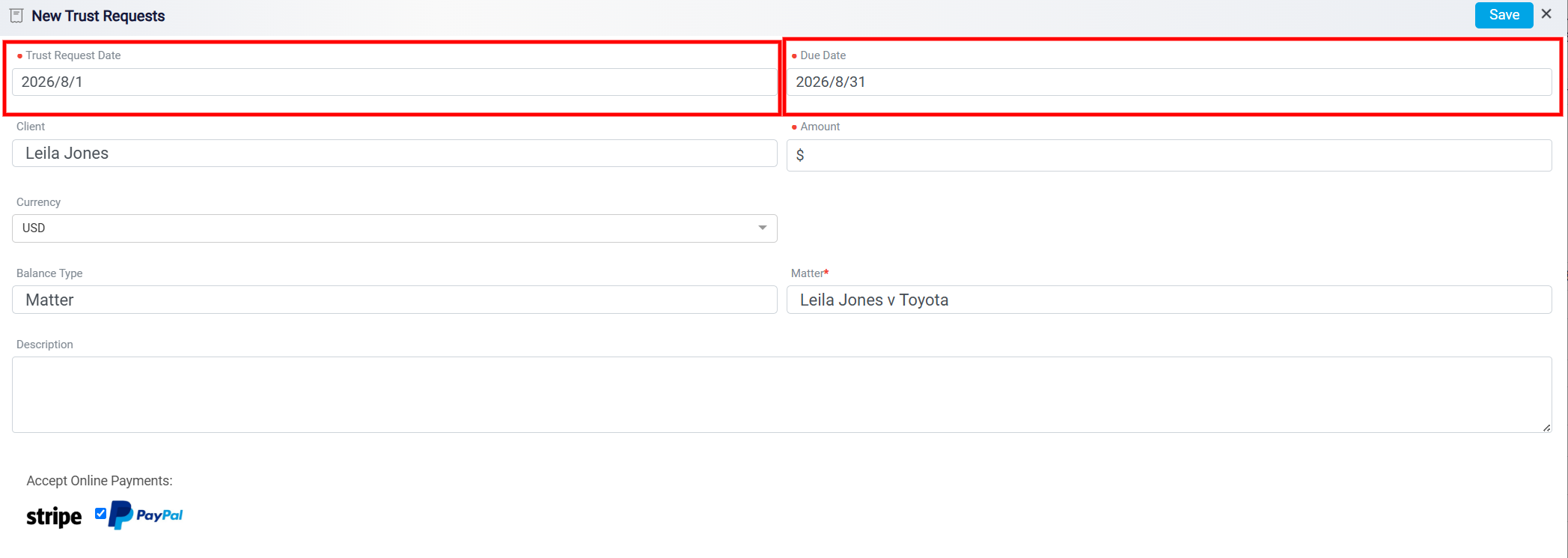
Start by inputting the Date of the trust request and the Due Date by which you expect the trust money to be received. These dates help establish the timeline for the request and ensure clarity in communication with your client.
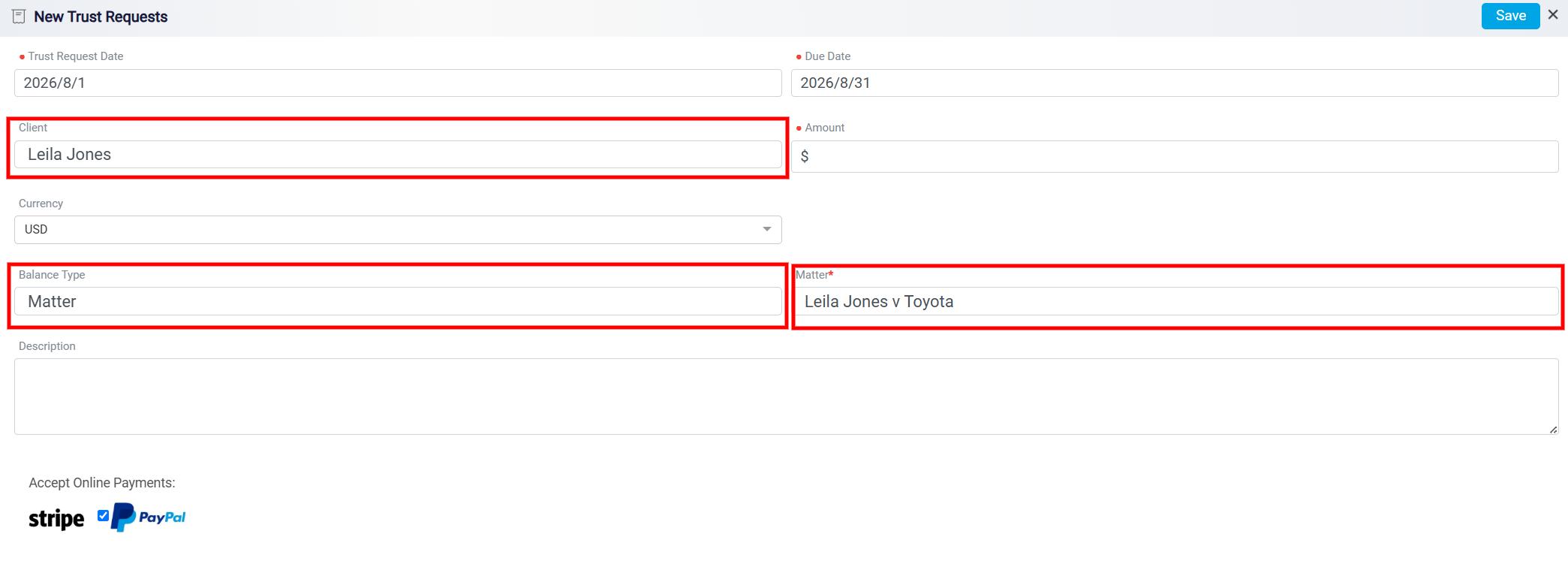
The Client field shows the client connected to the matter. The Balance Type field shows that the trust request is related to a matter balance. The Matter field shows the matter connected to this trust request. These fields help make sure the requested trust amount is linked to the correct client and matter.
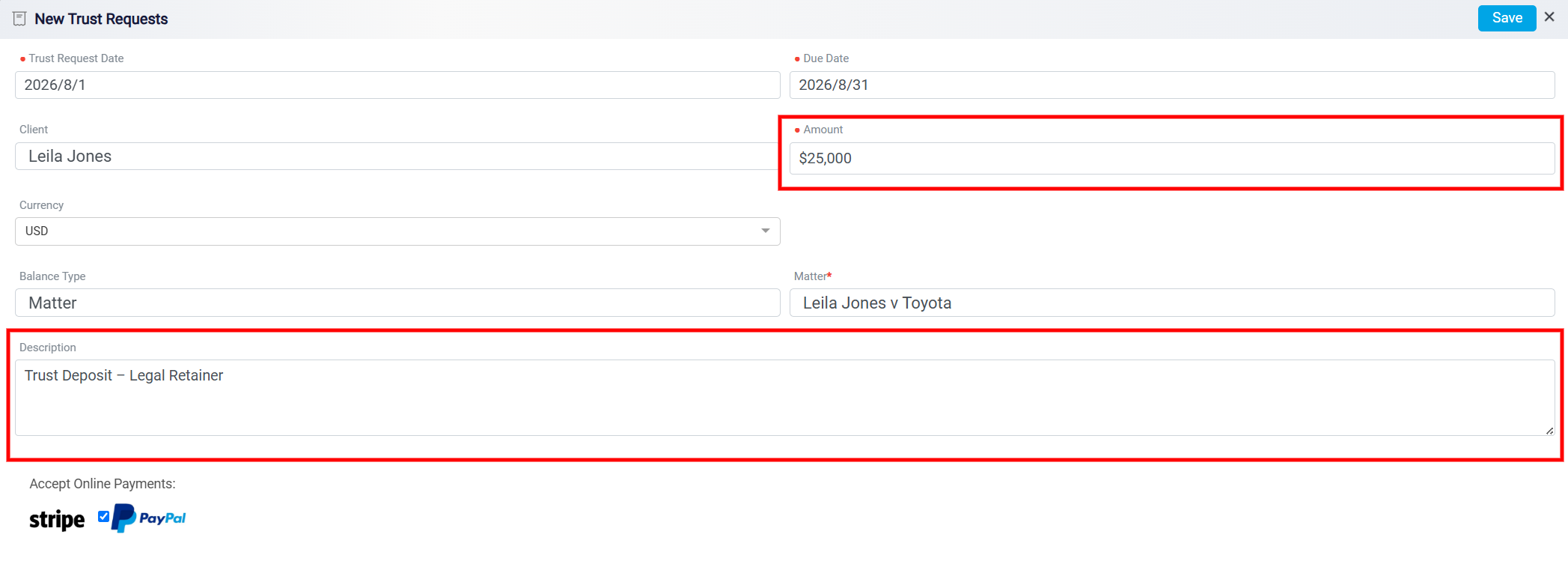
The Amount field is where you enter the specific amount of trust money you are requesting from the client. This is a required field, so it must be completed before the trust request can be saved. If you need to explain why the trust money is being requested, use the Description box. This area can include the purpose of the request, payment instructions, conditions, or any other important details the client should know.
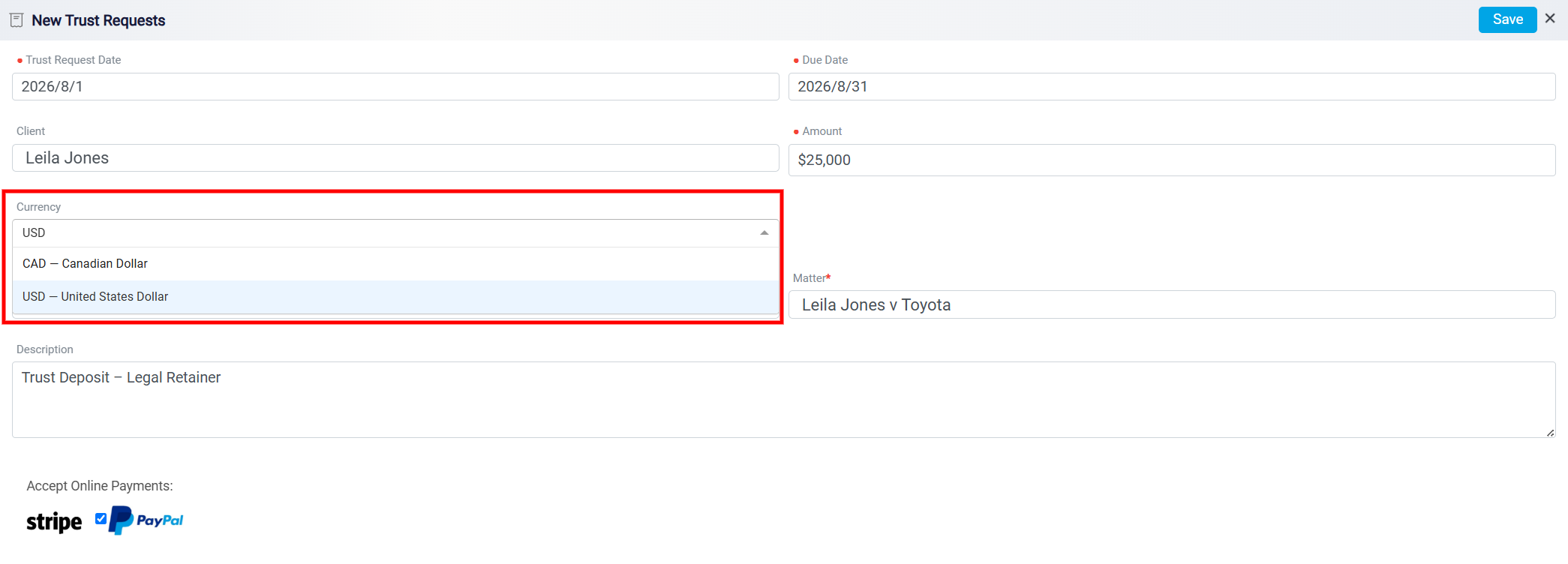
The Currency dropdown allows users to select the currency in which the trust request amount will be issued and recorded. The selected currency determines how the trust request amount is displayed and processed.
To learn how to configure the currency, please visit Configure and Manage Currency.
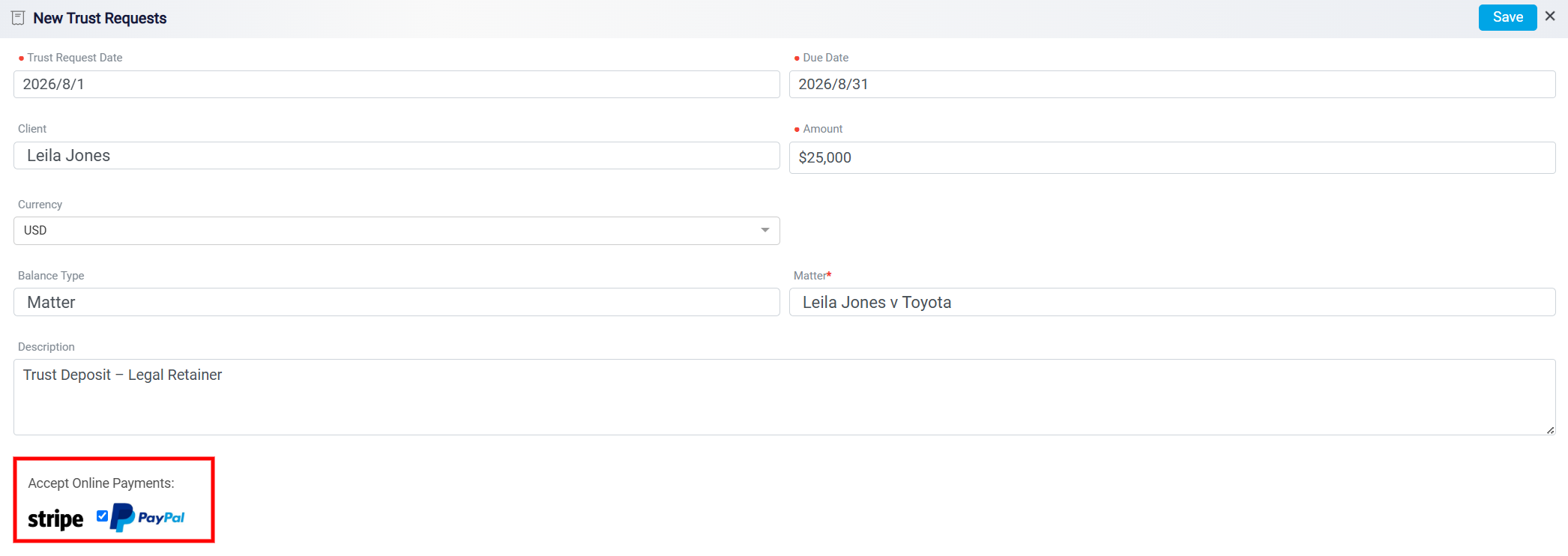
At the bottom of the panel, the Accept Online Payments section shows the payment methods available for the trust request, such as Stripe, or PayPal. These options allow the client to pay the requested trust amount through the selected payment gateways, depending on which payment methods are enabled in the system.
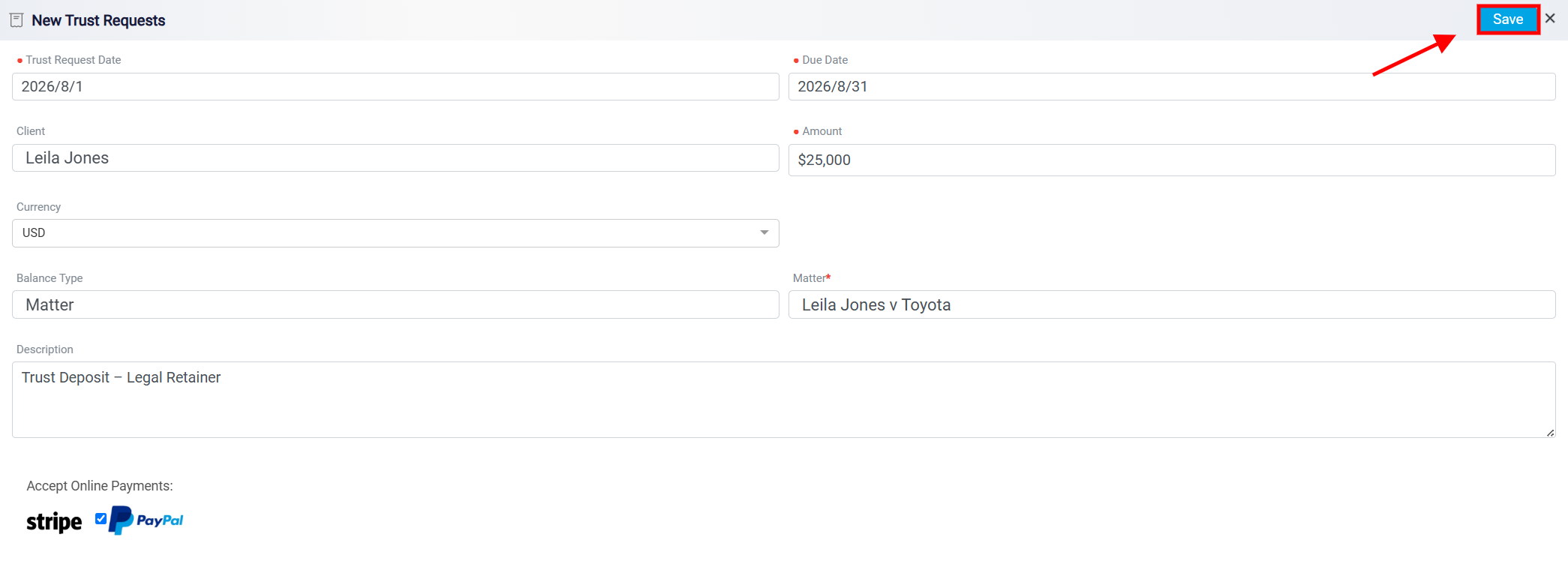
After completing the required fields, click Save in the top-right corner of the panel. This saves the trust request and finalizes it for the related matter. If trust funds are later available in the trust account, they can be applied toward a bill created for the same matter.