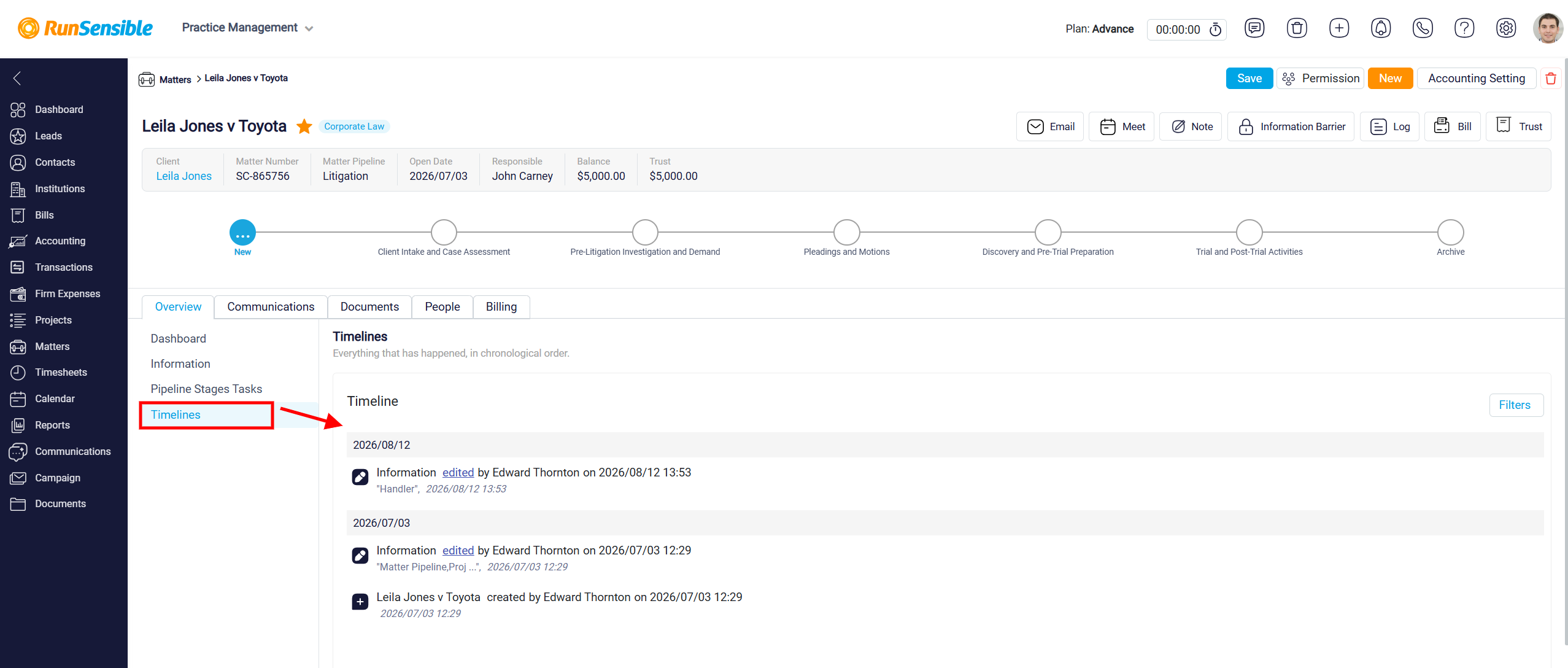
Viewing and Sorting Activities in the Timeline Tab
The next section you will encounter is the Timeline tab, which provides a comprehensive and detailed record of all changes and actions related to a specific matter. This tab offers a chronological log of every activity that has taken place, ensuring transparency and a clear history of modifications within the matter’s detail panel.
In the Timeline tab, you will find detailed information for each recorded action. This includes the specific type of action performed—whether it is an update, an edit, or the addition of new information—the exact date and time the action occurred, and the user responsible for performing it. This breakdown ensures you can easily track who made which changes and when they happened.