
Adding Notes to a Matter
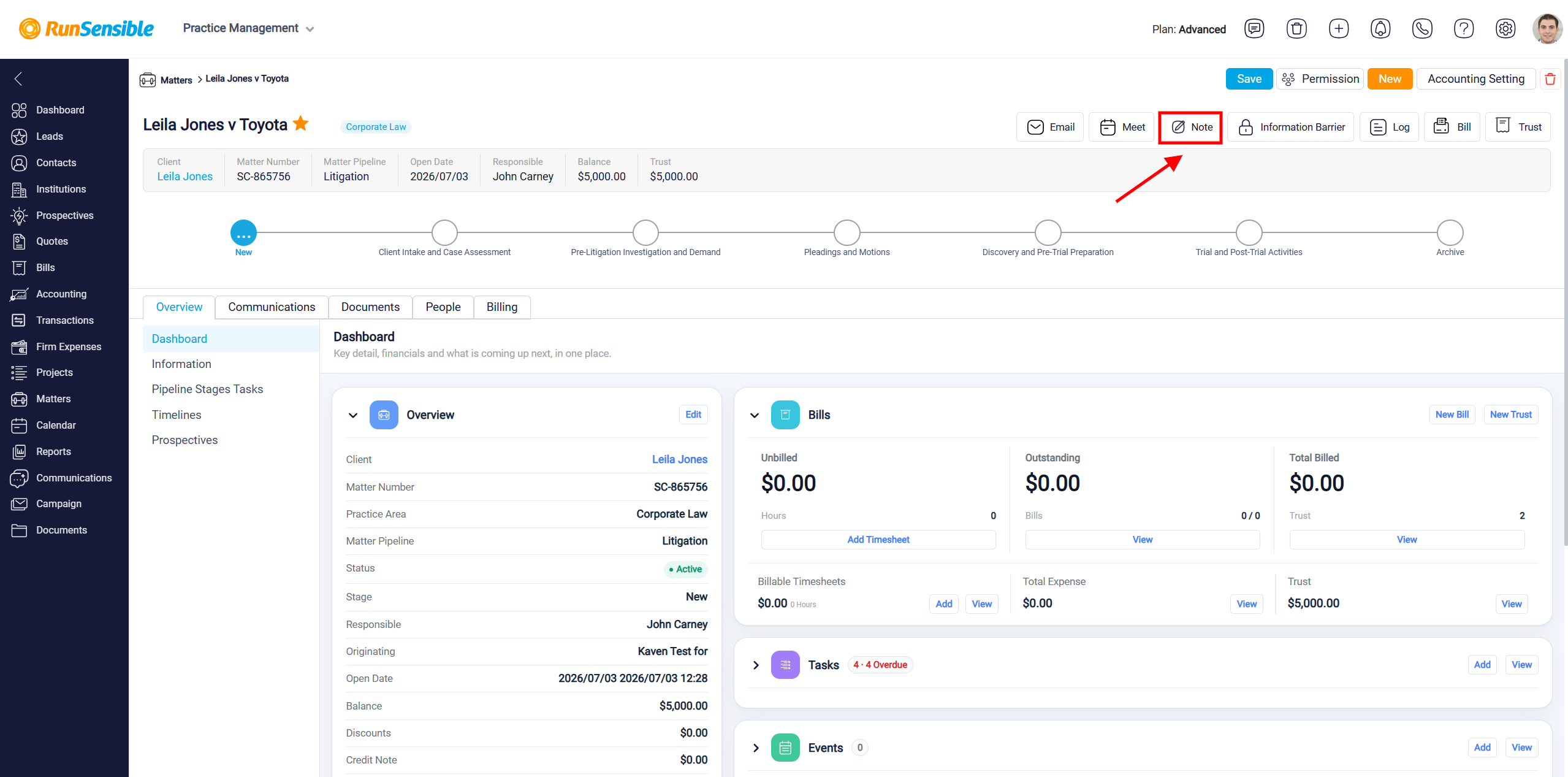
The Note button is used to add a note directly to a matter. When you click this button, the New Note panel opens. This panel allows you to save important information related to the case, such as reminders, updates, observations, client instructions, internal comments, or any other details that should be kept with the matter record. Notes can be used for your own reference or shared with other users who are working on the same matter, depending on the permission settings you choose.
To learn how to create a note, please visit Creating a Note in RunSensible.
To view notes associated with the matter, select the Communications tab and then click Notes from the menu on the left. The number displayed next to Notes indicates how many notes are currently associated with the matter. Notes are displayed with the newest notes first, making it easy to review the most recent information.
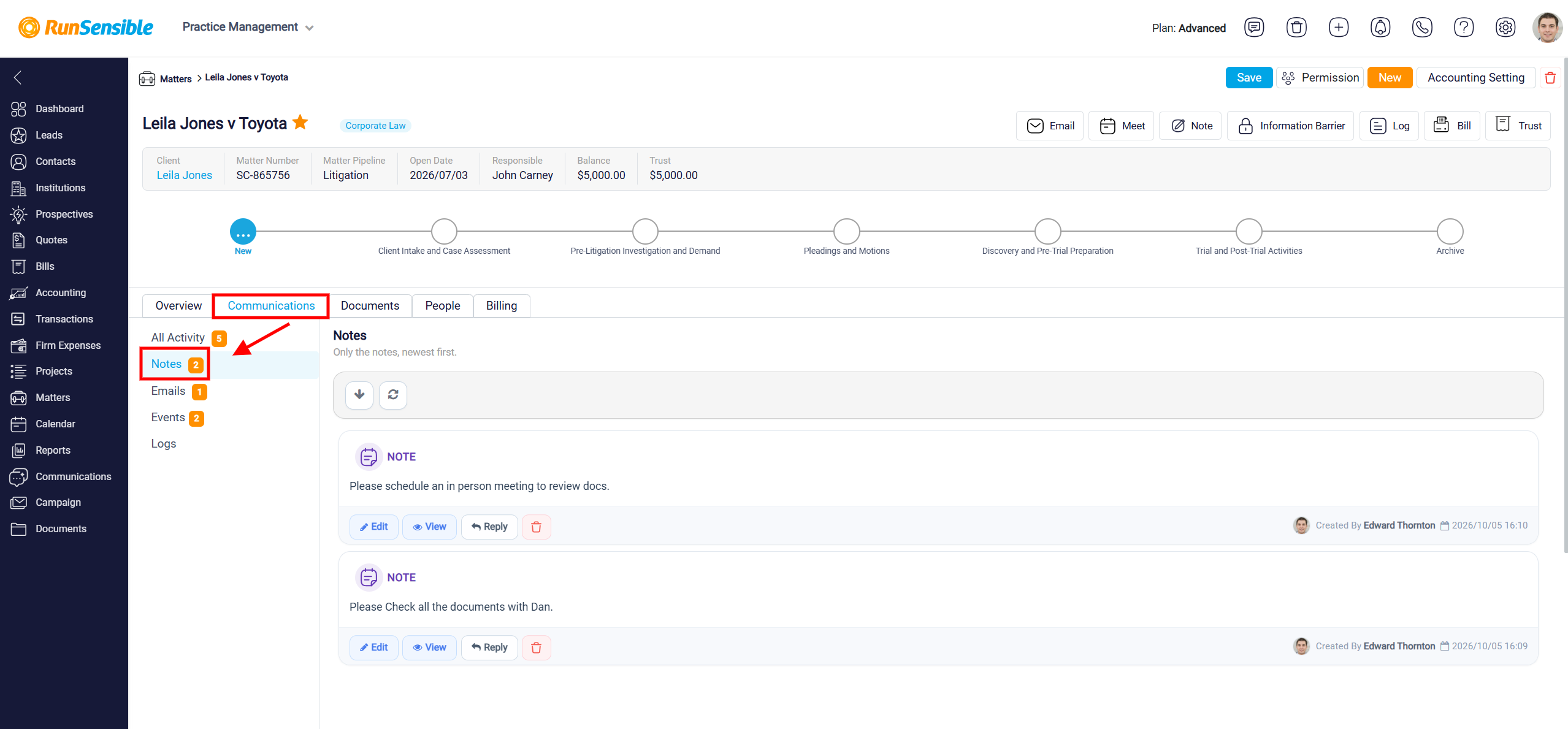
Each note displays its content along with information about who created it and the date and time it was created. This helps you identify the source of the note and track when information was added to the matter.
Use Edit to update the content of an existing note, View to review the note in more detail, or Reply to add a response to the note. To remove a note that is no longer needed, click the Delete icon next to the appropriate note.