Managing User Permissions for a Matter
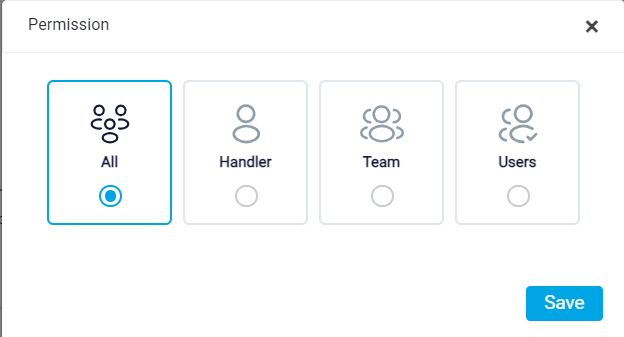
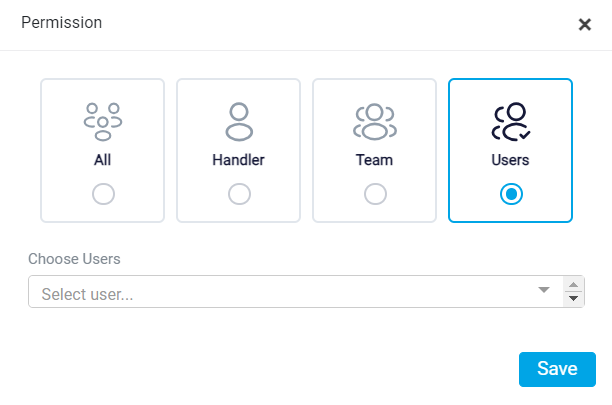
At the bottom of the matter form, there is a Permission section. This section controls which users can access the matter after it is created. Setting the correct permission is important because it determines who can view or manage the matter in the system.
By default, the permission may be set to All. This means all users in the system can access the matter. Use this option when the matter does not need restricted access and can be viewed by everyone in the firm.
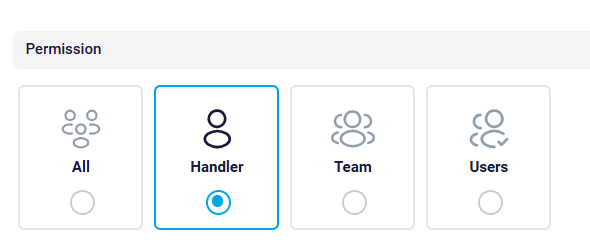
If access should be limited to the responsible attorney only, select Handler. This option allows only the user assigned as the responsible attorney to access the matter. It is useful when the matter should be handled privately by the attorney responsible for the case.
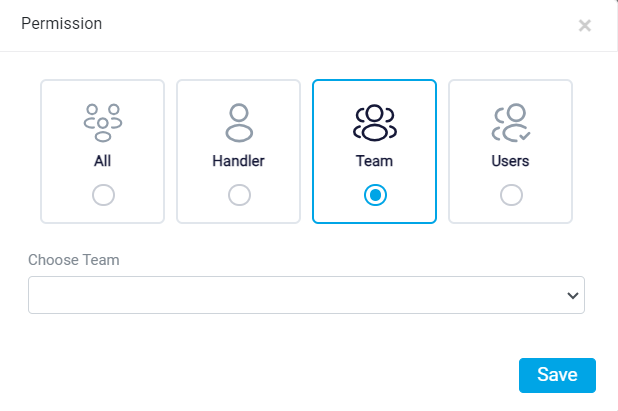
If access should be given to a specific team, select Team. When this option is selected, a dropdown menu appears, allowing you to choose the team that should have access to the matter. A team is a group of users created within the system. Only the selected team will be able to access the matter.
For more information about the teams, refer to the Team Management help file.
If access should be limited to a specific user, select Users. After choosing this option, a dropdown menu appears where you can select the individual user who should have access. This option is useful when only one specific person, other than or in addition to the responsible attorney, should be able to view or manage the matter.
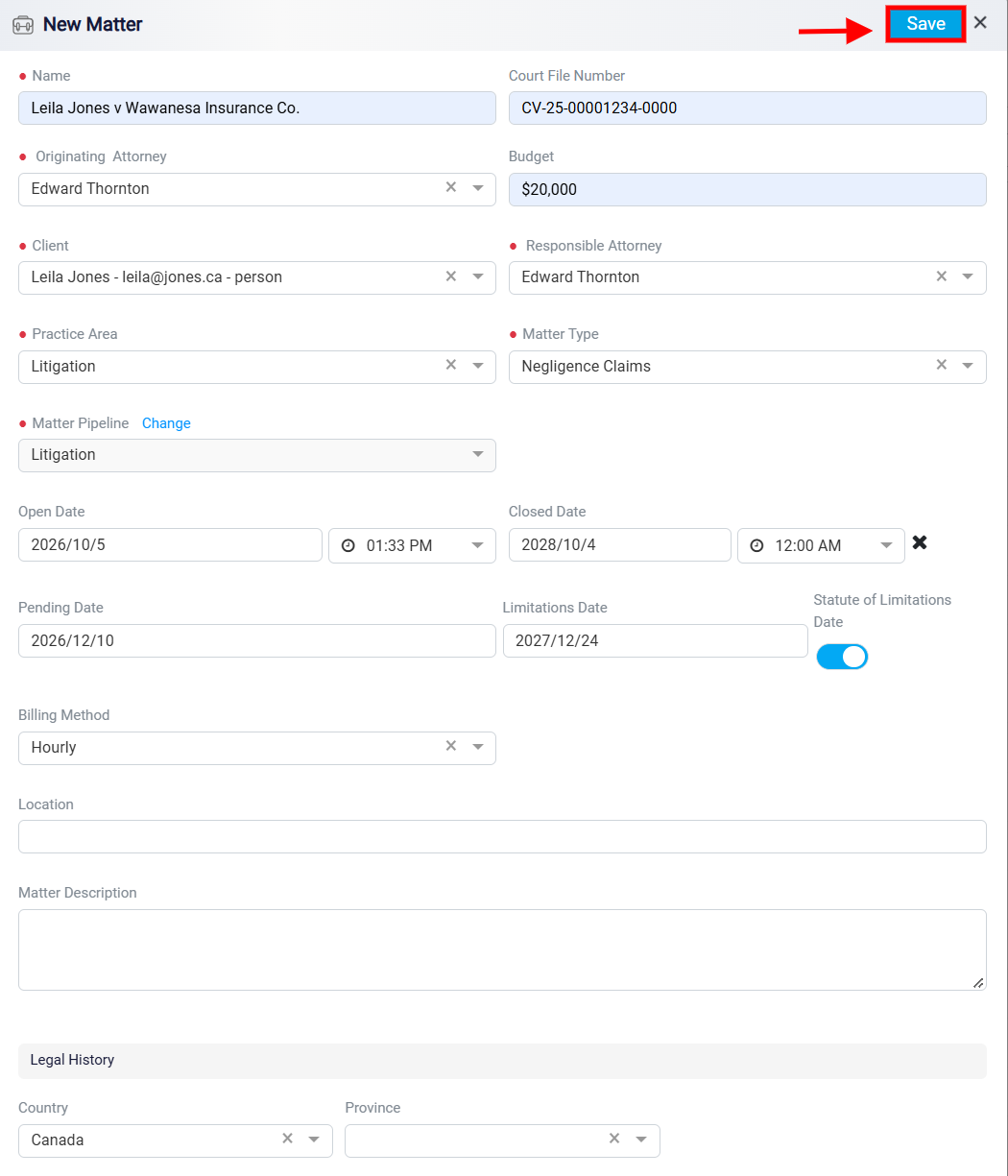
Once all the necessary fields are filled out accurately, click the Save button, also located in the top right corner, to add the new case to your matters list.