
Navigating Through Matter Pages
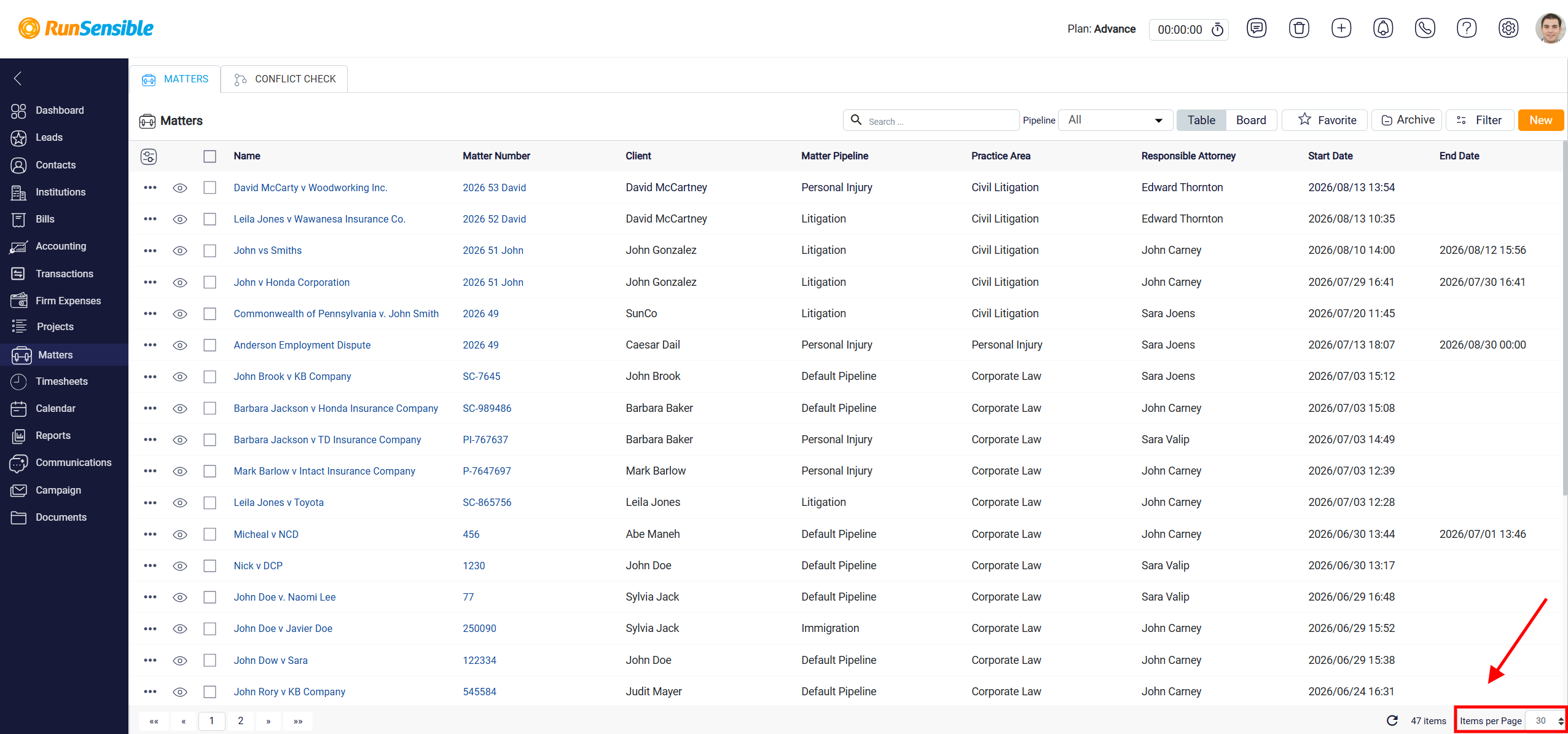
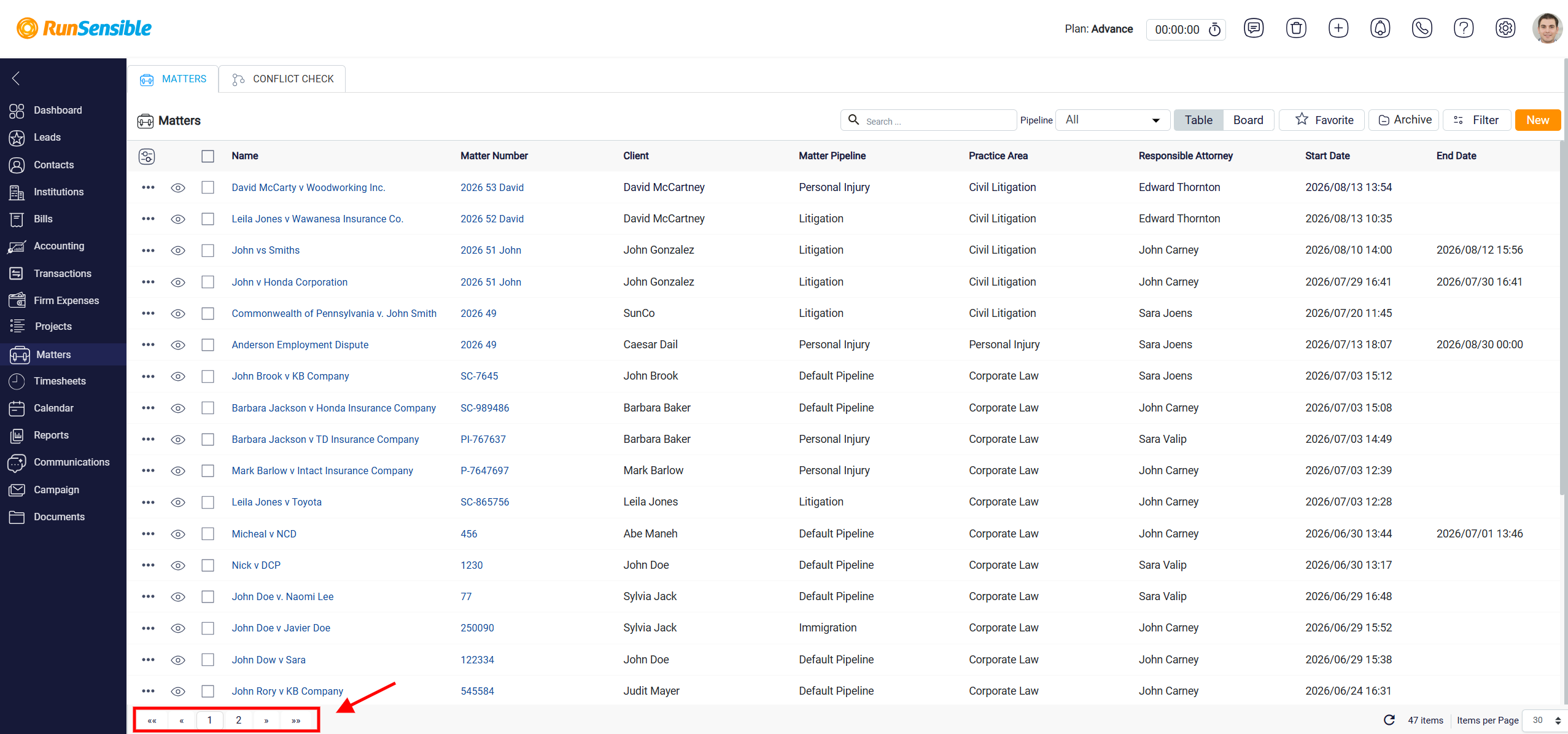
In Table View, the matter list is set to show 30 matters per page by default. If the total number of matters is more than 30, the system automatically separates them into multiple pages.
To move between pages, use the page numbers shown at the bottom-left corner of the matter list. Each number represents a different page of matters. Click the page number you want to open, and the system will display the matters listed on that page.
You can also change how many matters are displayed on each page. To do this, use the Items Per Page box at the bottom-right corner of the list. This setting controls the number of matters shown on one page.
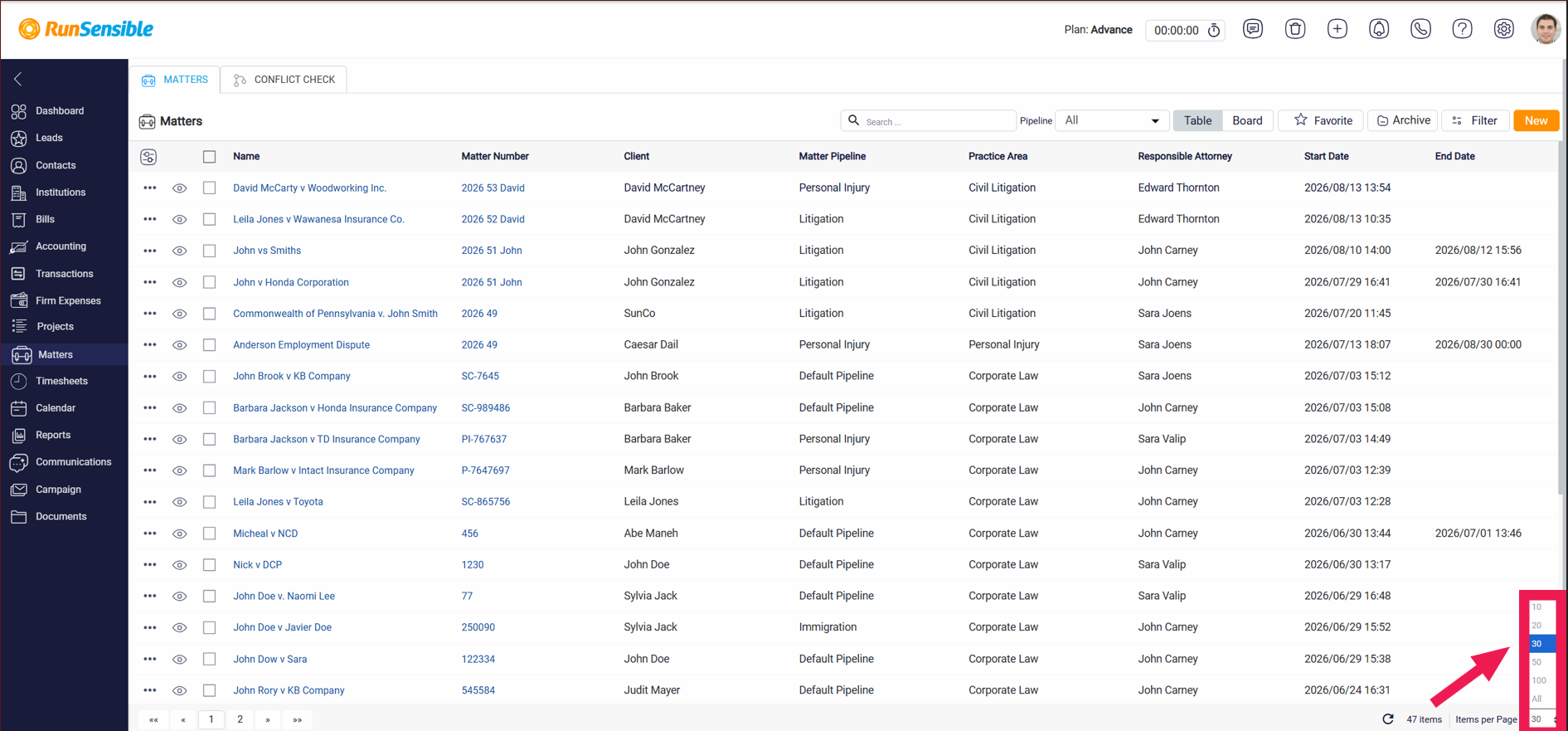
If you enter a higher number, more matters will appear on the same page, which reduces the number of pages you need to move through. If you enter a lower number, fewer matters will appear on each page, and the matters will be spread across more pages. This allows you to adjust the list based on how much information you want to view at once.